
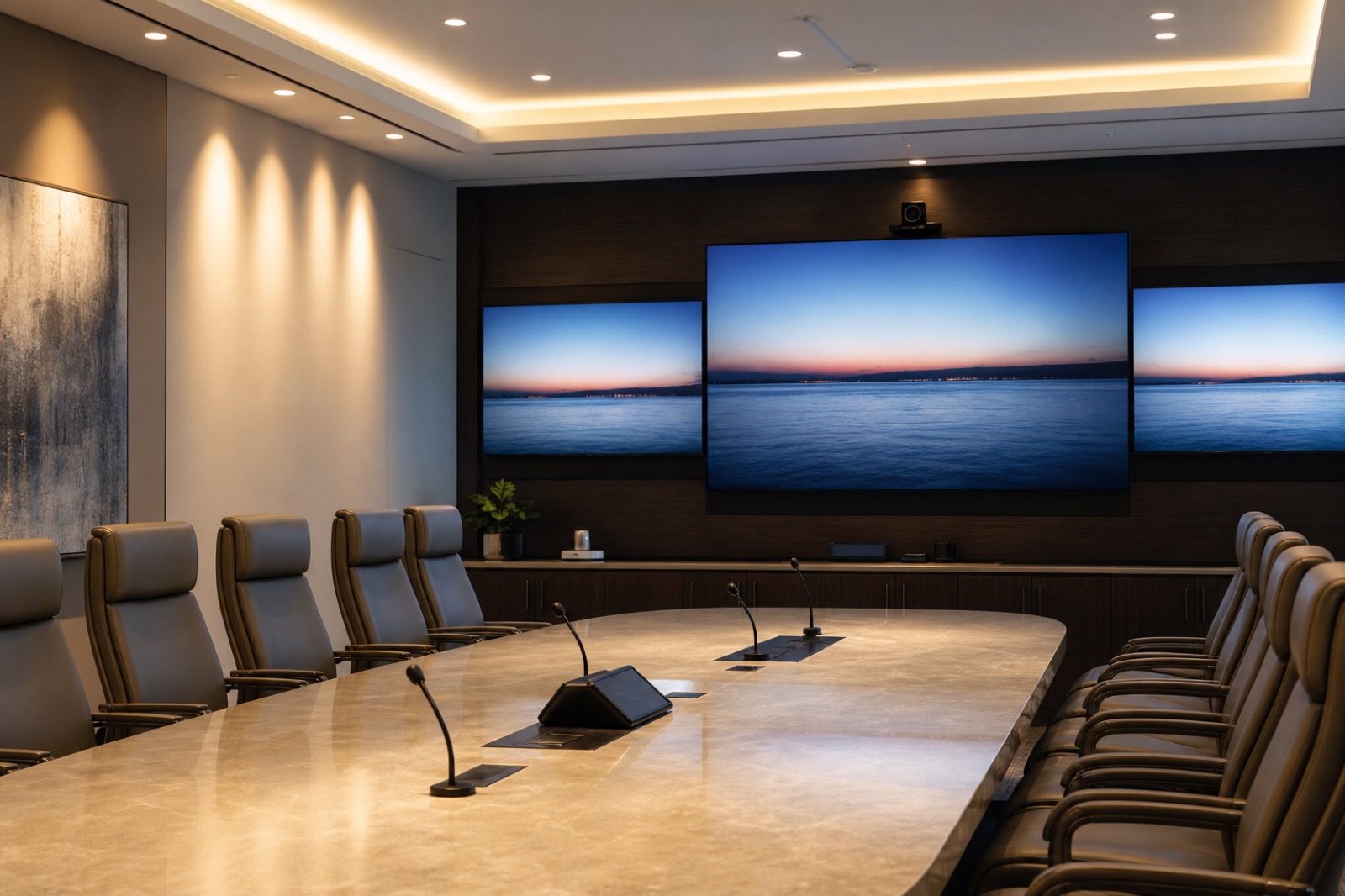
An executive briefing center can look expensive and still be hard to use. The table is beautiful, the display is large, and the room photographs well, but the remote subject matter expert cannot be heard clearly. The customer presentation requires three handoffs and a cable hunt. The camera frames the ceiling. The executive sponsor loses confidence before the meeting reaches the important decision.
That is the gap between a premium conference room and a true executive briefing environment. In the AI workplace, high-value rooms need to support storytelling, hybrid collaboration, live data, secure content, remote experts, and fast decisions. They also need to do it repeatedly, with enough reliability that leaders can focus on the conversation instead of the technology.
Executive briefing center AV is not luxury design. It is decision infrastructure.
Define the Room by the Decisions It Supports
Executive spaces often carry a wide range of use cases: board meetings, leadership sessions, client briefings, investor presentations, sales demos, training, crisis updates, partner workshops, and hybrid strategy meetings. Each use case has a different rhythm. A board meeting may prioritize confidentiality and clear voting discussion. A client briefing may prioritize storytelling, remote experts, and polished content transitions. A crisis update may prioritize speed, situational awareness, and secure communications.
The design process should begin with those moments. Who is in the room? Who joins remotely? What content moves through the space? What decisions are made there? What must never fail? What should guests feel when they arrive? What should the executive sponsor be able to control without thinking?
When the use cases are clear, technology decisions become purposeful. Displays are selected for content flow, not spectacle. Cameras are positioned for human presence, not merely coverage. Microphones are chosen for clear participation, not because they are hidden. Controls are designed around meeting modes, not device lists.
Experience Design Starts Before the First Slide
A strong briefing experience includes arrival, room readiness, seating, lighting, acoustics, content flow, camera views, and support presence. Guests should understand where to sit, where to look, and how the session will work. Presenters should know how content will move from laptop, cloud platform, demo environment, or remote expert to the main display. Remote participants should feel like part of the room, not an afterthought.
Camera strategy is central. Executive rooms often need more than one view: room overview, speaker framing, presenter position, audience reaction, and content-adjacent views. The goal is not to create a television studio. The goal is to make remote participants, executives, and guests feel present and oriented.
Lighting and acoustics matter just as much. A room with dramatic lighting may be poor for video. A glass-heavy boardroom may look premium but sound harsh. Ceiling conditions may affect microphone choices. Display brightness, sightlines, and reflections can change how content is perceived. These details affect whether the room feels effortless.
AI and Analytics Should Support the Experience, Not Distract From It
AI can add value in executive spaces through summaries, action items, camera intelligence, transcription, room readiness alerts, and usage insights. Analytics can show how rooms are used, which devices are unhealthy, and where support should intervene before an important meeting.
But AI does not replace the basics. If audio is poor, summaries are less trustworthy. If camera coverage is weak, remote participants are less included. If governance is unclear, recordings and transcripts can create risk. AI-enabled features should be introduced as part of a room strategy that includes clean signals, policy, user training, and support.
For executive environments, confidence is everything. Leaders should know whether AI capture is on, whether a meeting is being recorded, who can access the recap, and how sensitive sessions are handled. Guests should receive appropriate notice and access boundaries. Support teams should know how to disable or adjust features when the meeting context requires it.
Security and Confidentiality Are Design Requirements
Executive briefing centers often host sensitive conversations: financial results, customer data, product roadmaps, legal matters, personnel decisions, investor updates, and strategic negotiations. Security cannot be bolted on after the room is designed.
Network segmentation, guest access, content routing, recording controls, device management, firmware policy, and remote support permissions should be defined early. The room should make it hard to show confidential content in the wrong place or leave a session connected after guests depart. Clear indicators for recording, streaming, and conferencing help users trust the room.
Physical design also matters. Sightlines, display placement, privacy glass, cable access, control panels, and equipment locations can affect confidentiality. A premium room should protect the conversation as carefully as it presents it.
Plan With Every Stakeholder Who Owns the Outcome
Executive rooms cross organizational boundaries. The executive sponsor defines business importance. IT owns platforms, network, security, and support. Facilities owns space, furniture, lighting, power, and construction coordination. Marketing or sales may own client experience and storytelling. Security may own access and confidentiality. Support teams own the meeting-day reality.
A practical planning checklist should include use cases, audience types, content sources, remote participant needs, camera views, microphone strategy, lighting, acoustic treatment, display strategy, control presets, guest access, recording policy, network requirements, monitoring, escalation paths, and refresh planning.
White-glove support is part of the design. Premium rooms need pre-meeting checks, room presets, fast escalation, spare equipment, documented workflows, and post-meeting review for major events. Without that operating layer, even a well-designed room can feel fragile.
VIcom helps organizations design executive briefing centers and boardrooms where experience and reliability both matter. The work combines AV, UC, network, security, lighting, acoustics, control, and support into a repeatable environment. The room should not merely impress people when they enter. It should help them leave with a clearer decision.