
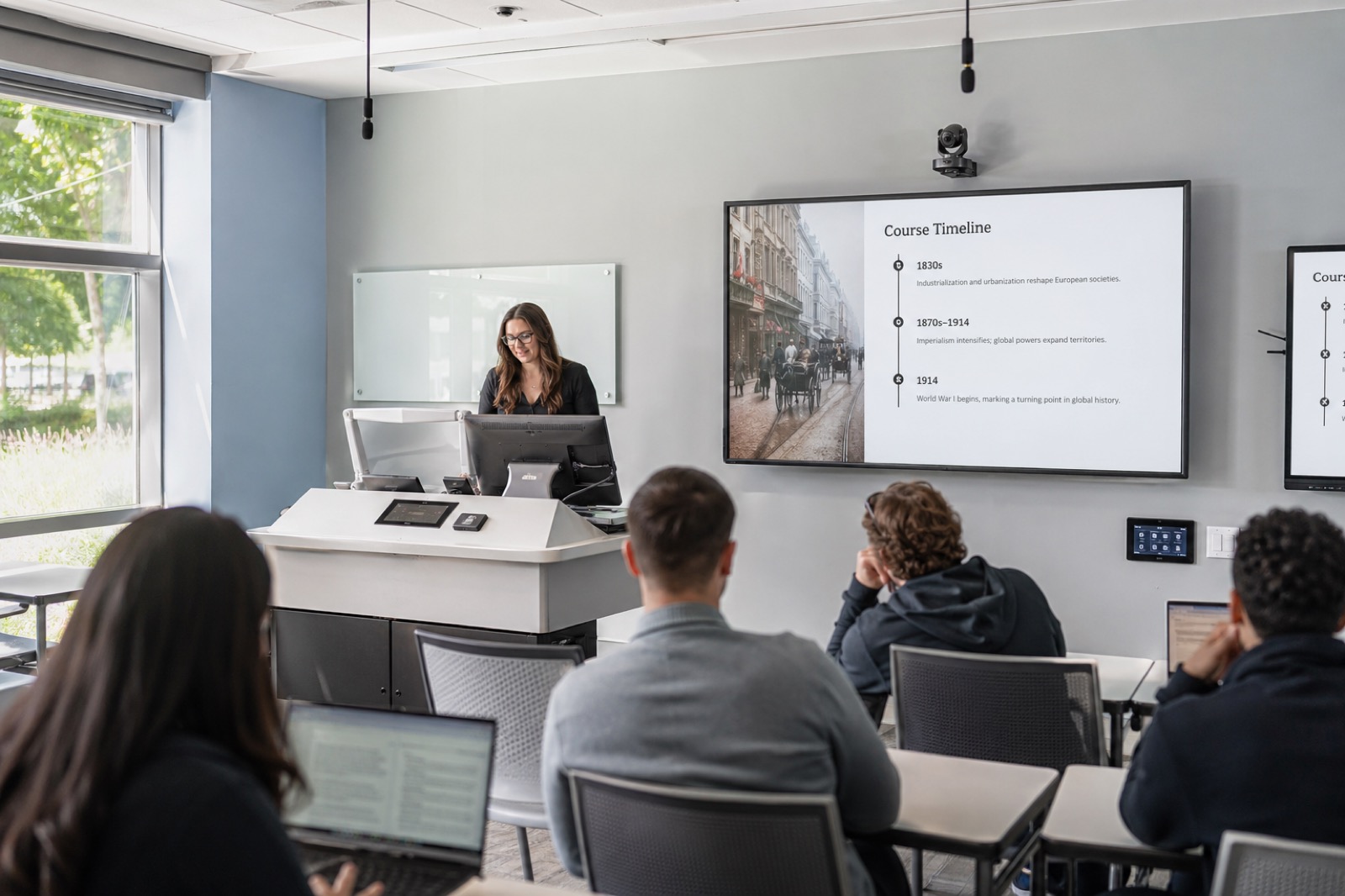
Summer Is the Operations Window
For K-12 districts and higher education campuses, summer is the tightest technology window of the year. Rooms are available, facilities teams are moving, budgets are being reconciled, and the fall calendar is already approaching. A classroom AV refresh has to be realistic enough to finish and disciplined enough to reduce support pressure after the first week of classes.
The best refreshes start with teaching consistency rather than one display, camera, or control panel. Teachers and faculty need to walk into a room, start quickly, share content, be heard, support remote or recorded learning when needed, and know how to get help. That is the standard that matters in August and September.
Inventory Before You Buy
Start with a room-by-room inventory. Document displays, projectors, speakers, microphones, cameras, lecterns, control panels, cabling, network ports, power, assistive listening, capture devices, furniture constraints, and support history. Add simple condition notes: works well, usable but aging, recurring trouble, unsupported, or end of life.
Do not rely only on equipment age. A newer room with bad audio may create more instructional pain than an older room with stable controls. Review support tickets, faculty complaints, rooms tied to high-enrollment courses, special education or accessibility requirements, and spaces where hybrid or lecture capture workflows are now expected.
Score Rooms by Instructional Risk
A useful summer model is replace now, repair, standardize, or monitor. Replace rooms where core teaching functions are failing or support is no longer practical. Repair rooms where a targeted fix will carry the space through the year. Standardize rooms where inconsistent controls or layouts create avoidable confusion. Monitor rooms that are stable but approaching refresh.
This keeps the project from becoming an all-or-nothing equipment swap. Not every classroom needs the same design, but every classroom should have a defined teaching purpose and support expectation. A seminar room, science lab, lecture hall, active learning space, and K-12 classroom may need different standards.
Do Not Leave Accessibility for the End
Accessibility should be part of the refresh checklist from day one. Can students hear clearly? Are displays readable? Are captions supported where capture or streaming is used? Is assistive listening available where required? Can remote students follow shared content? Are camera views helpful without making students feel unnecessarily exposed?
Audio intelligibility is especially important. Captions, transcripts, recordings, remote participation, and student comprehension all depend on clean speech. A classroom refresh that upgrades displays but ignores microphones may look modern while still failing the learning experience.
Finish With Training, Documentation, and Support
A room is not refreshed until people know how to use and support it. Create quick-start guides, consistent labels, escalation paths, spare plans, and remote monitoring where appropriate. Train faculty and teachers before the first week of class, not after a failure. Give help desk staff the room diagrams and device information they need.
VIcom can help education teams move from summer scramble to supportable standards. The goal is a fall-ready classroom environment where technology feels predictable, accessible, and ready for the way teaching actually happens.
Summer Refresh Checklist
- [ ] Rank rooms by instructional risk: high-use, high-complaint, unsupported, accessibility-sensitive, or tied to enrollment priorities.
- [ ] Test audio first. Stand where students sit, record a sample, and confirm the instructor and student questions are intelligible.
- [ ] Confirm display readability from the back row and from the camera/recording view.
- [ ] Verify lecture capture workflows: camera view, content source, captions, LMS handoff, and faculty preview.
- [ ] Check control consistency: power, source select, volume, camera preset, recording, and help button behavior.
- [ ] Document network needs for cameras, room PCs, wireless sharing, control processors, and monitoring tools.
- [ ] Confirm assistive listening, captioning, and accessible content paths before the room is closed out.
- [ ] Build a spare plan for the devices most likely to stop fall classes: microphones, touch panels, adapters, and room PCs.
Use the checklist as a triage tool. A classroom with a dated projector but reliable audio may be less urgent than a newer hybrid room where remote students cannot hear questions. A K-12 classroom may need durability and simple teacher controls. A university active-learning space may need flexible microphones, multiple displays, and lecture capture that follows group work.
A Simple Room Scoring Model
Use four labels during walkthroughs: replace now, repair before fall, standardize next cycle, or monitor. “Replace now” should be reserved for spaces where the core teaching function is at risk. “Repair before fall” covers targeted fixes such as a failing amplifier, dead microphone, bad HDMI path, or confusing control page. “Standardize next cycle” flags rooms that work but differ enough to create training burden. “Monitor” rooms are stable but should stay on the refresh roadmap.
That model helps facilities, IT, and academic leaders make decisions quickly during a short summer window. It also gives teachers and faculty a better answer than “we are looking into it” when they report recurring room problems.
Do the Walkthrough With the People Who Teach
A summer refresh walkthrough should include more than IT and facilities. Bring in a teacher, faculty member, instructional technologist, or media specialist who uses the rooms when students are present. They will notice problems a device inventory misses: the touch panel is hidden behind the lectern, the display reflects afternoon sunlight, the microphone cable crosses a walking path, or the camera view cuts off the demonstration table.
For K-12, include the durability and substitute-teacher test. Can a substitute start the room with a one-page guide? Can the system survive daily use by different teachers? For higher education, include the adjunct and guest-speaker test. Can someone unfamiliar with the building share content, use the microphone, and get help without delaying class?
The final punch list should separate “must fix before students return” from “schedule for winter break or next summer.” That helps leaders avoid scope creep while still preserving the bigger standards roadmap. The rooms that create the most learning disruption should move first.
Before fall schedules harden, walk the rooms that create the most tickets and test the teaching experience end to end. VIcom can help prioritize summer classroom refresh work and build supportable standards; connect with VIcom by filling out the form below.