
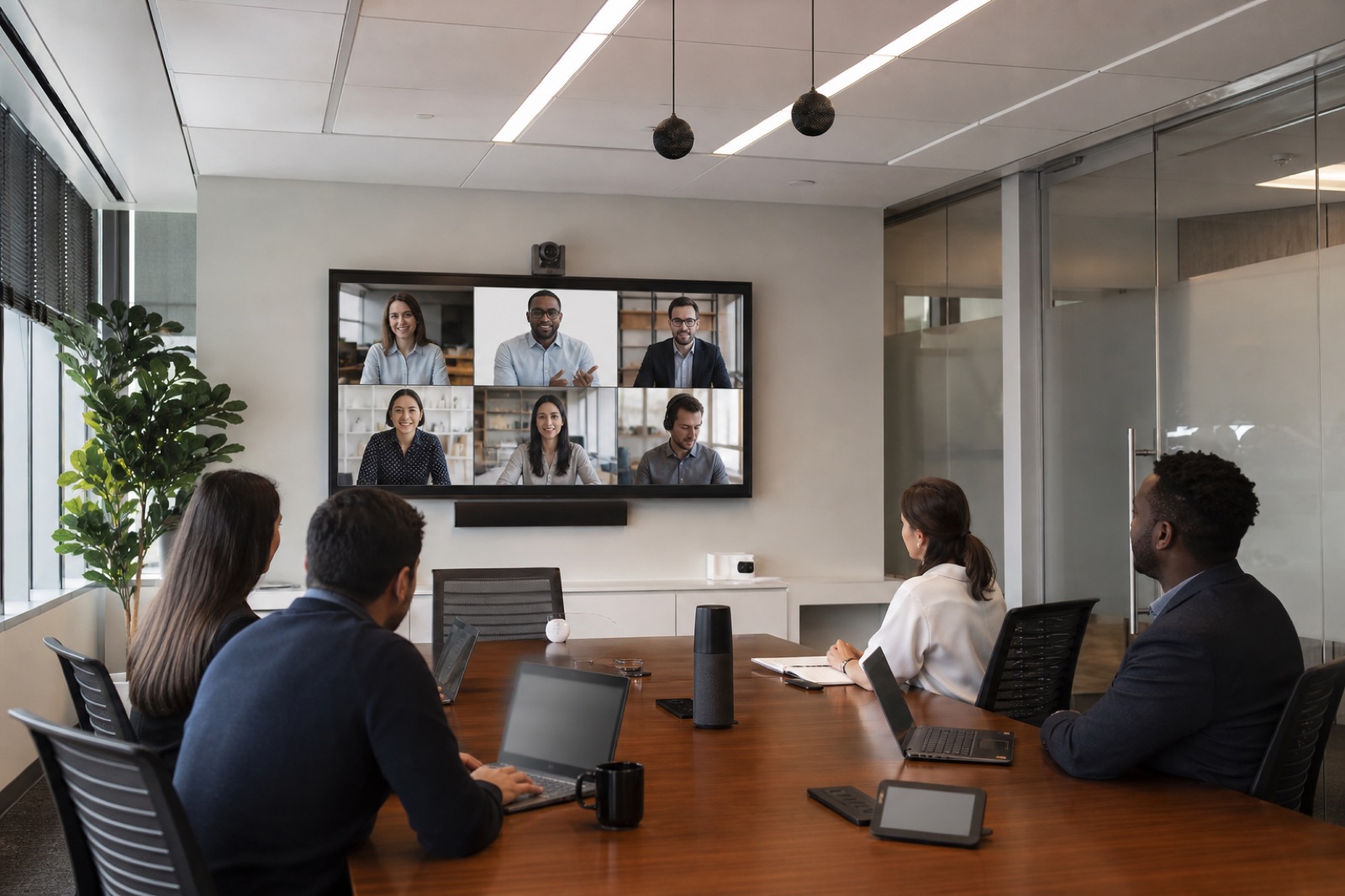
AI has moved from conference-room novelty to boardroom expectation. Collaboration platforms now promote summaries, action items, transcription, camera intelligence, speaker attribution, and meeting analytics. Executives see the promise immediately: fewer missed decisions, faster follow-up, better knowledge capture, and more inclusive hybrid meetings.
IT leaders see the harder truth. Many rooms still have weak microphone pickup, inconsistent camera views, confusing controls, poor acoustics, uneven lighting, and limited monitoring. If those rooms feed bad signals into an AI assistant, the assistant will not magically fix the experience. It may simply summarize confusion faster.
AI meeting room design starts with room readiness. The platform matters, but the physical environment, operating standards, governance, and support model determine whether AI features earn trust.
AI Is Only as Good as the Meeting Signals It Receives
Transcription needs clear speech. Speaker attribution needs a reliable way to distinguish participants. Summaries need accurate context. Action items need enough meeting structure to understand who committed to what. Camera intelligence needs useful sightlines and lighting. If a room cannot capture the meeting well for humans, it is unlikely to capture the meeting well for AI.
This is especially important because AI errors can erode confidence quickly. A transcript that misattributes a decision to the wrong executive is not just annoying. A summary that misses a dissenting voice can affect follow-up. A camera that loses the remote presenter makes the meeting feel less inclusive. AI features may be helpful, but they should not be treated as authoritative without the room conditions and governance to support them.
The first readiness question is simple: would a remote participant clearly understand the meeting today without AI? If not, the room needs work before the assistant becomes the centerpiece.
Different Room Types Need Different Readiness Checks
A huddle room may need a compact all-in-one device, predictable framing, and simple join behavior. A standard conference room may need better table or ceiling microphones, camera presets, and consistent control. A training room may need instructor tracking, audience microphones, content capture, and multiple display zones. An executive room may need premium camera views, stronger confidentiality controls, and pre-meeting checks. A divisible space may need flexible audio zones, partition sensors, and routing logic that changes with the room configuration.
The mistake is assuming “AI-ready” means one device standard everywhere. Standards are useful, but they should be based on room archetypes. Each archetype should define microphone approach, camera coverage, display requirements, lighting expectations, compute, platform, network, monitoring, support process, and user training.
When enterprises skip this work, they often end up with uneven outcomes. One room produces excellent summaries. Another produces unusable transcripts. Another cannot tell who is speaking because the table layout changed. Users do not describe that as a nuanced room-design issue. They say the AI does not work.
Audio, Acoustics, and Identity Come First
Microphone selection is one of the highest-impact AI readiness decisions. Table microphones, ceiling microphones, integrated bars, and wireless systems can all be appropriate depending on room size, layout, furniture, ceiling conditions, and use case. The goal is not to buy the most advanced microphone. The goal is to capture consistent speech from the people who actually use the space.
Acoustics matter too. Hard surfaces, HVAC noise, glass walls, and open ceilings can reduce intelligibility. Even good microphones struggle when the room is fighting them. Enterprises should evaluate reverberation, background noise, seating distance, and gain structure before blaming the platform.
Participant identity is another practical issue. AI summaries and action items become more useful when the platform can associate speech with the right person. That may involve room accounts, calendar discipline, companion mode practices, camera intelligence, seating expectations, or user training. It also requires privacy decisions, because identification and retention are not only technical matters.
Governance Belongs in the AI Room Plan
AI meeting features create new questions. Who owns recordings, transcripts, summaries, and action items? How long are they retained? Are guests notified? Can sensitive meetings disable AI features? Who can access the recap? What happens when a transcript is inaccurate? Are there legal, HR, or compliance requirements that affect certain meeting types?
These policies should be defined before a broad rollout. Room controls and platform settings should reflect them. For example, an executive room may need clear recording indicators, restricted guest access, and an easy way to run a confidential session without automatic capture. A training room may need a different policy for recordings and distribution. A customer briefing room may need guest consent workflows and tighter content controls.
AI readiness is therefore not only an AV checklist. It is a collaboration governance project that includes IT, security, legal, HR, facilities, workplace experience, and executive sponsors.
Pilot, Measure, Then Scale
The strongest AI meeting room programs usually start with a pilot. Select representative rooms, fix the obvious signal issues, define the standard, train users, monitor room health, and gather feedback. Measure whether transcripts are usable, summaries are trusted, remote participants feel included, meetings start on time, and support tickets decrease.
Instrumentation matters because AI value depends on reliability. If cameras, microphones, compute devices, or network paths are unhealthy, AI features fail with the meeting experience. Managed monitoring and support processes help teams catch problems before executives lose confidence.
VIcom helps enterprises translate AI interest into deployable rooms. That means assessing the physical space, choosing practical standards, validating platform behavior, planning governance handoffs, deploying consistently, and supporting the environment after go-live. AI can improve meetings, but only when the room is ready to give it something useful to work with.