
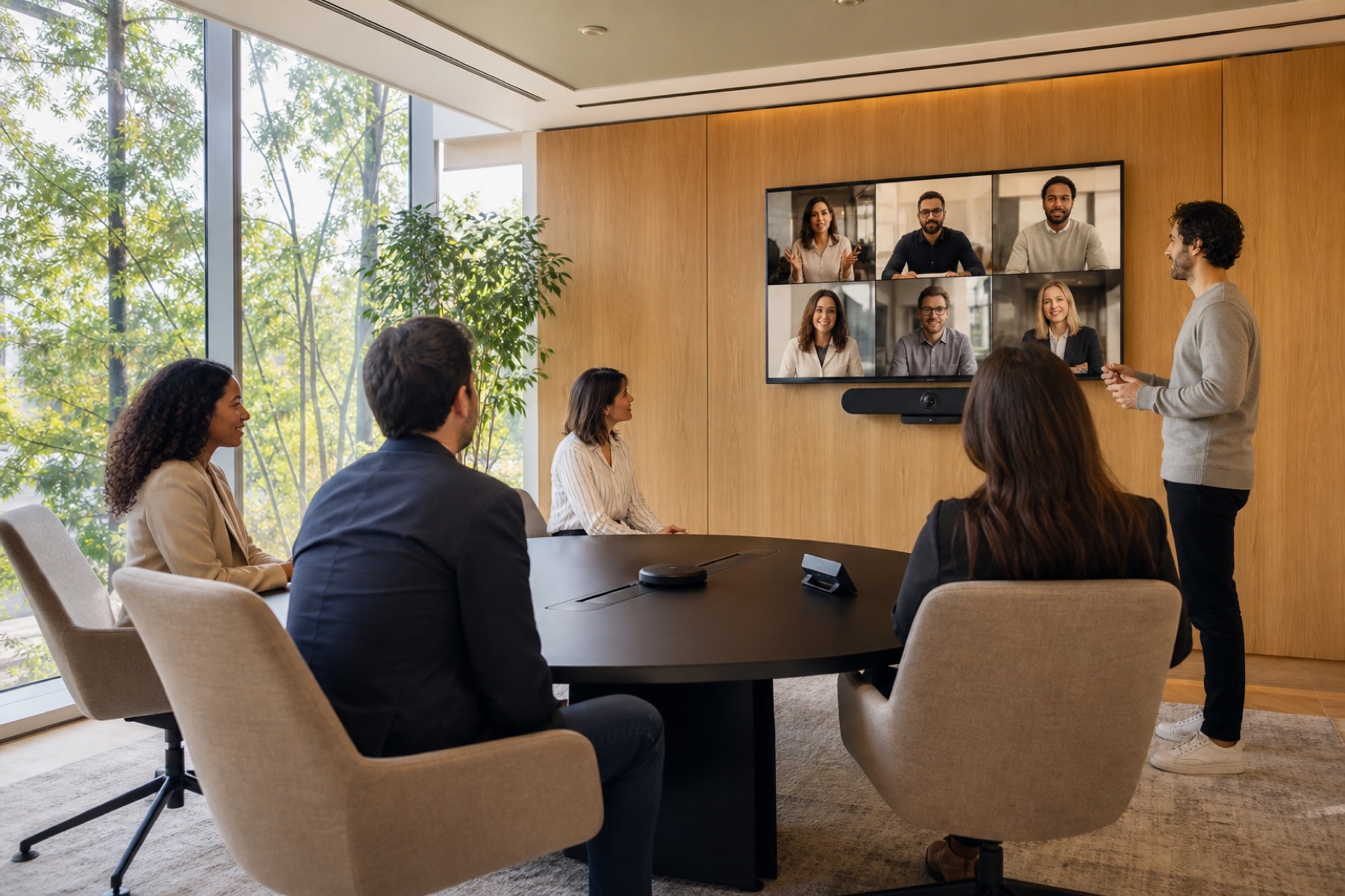
Use the Title II Extension to Improve Public Meeting Access
Public entities now have another year to meet the new Title II web and mobile accessibility deadlines. That extra time offers a chance to fix the full public meeting experience, from the first online notice to the archived recording.
In April 2026, the Department of Justice extended the compliance dates by one year. DOJ’s updated Title II fact sheet lists these deadlines:
- April 26, 2027, for public entities that serve 50,000 or more people
- April 26, 2028, for smaller entities and special district governments
The rule applies WCAG 2.1 Level AA to covered web content and mobile apps.
Public entities should use this time to connect their websites, meeting rooms, remote access, AV systems, and media archives into one accessible service.
This article offers operational guidance rather than legal advice. Public entities should consult their legal counsel and accessibility officials about specific duties.
Map the Full Meeting Experience
A resident may read an agenda online, request an accommodation, enter the meeting room, use an assistive listening device, submit a public comment, join remotely, follow captions, and watch the recording later.
One barrier can prevent that person from taking part.
Review each stage:
- Meeting notice, agenda, attachments, and registration
- Accommodation requests and confirmations
- Building entry, seating, navigation, and help desk
- In-room speech, presentations, and public comments
- Remote audio, video, chat, and controls
- Live captions, interpreters, and assistive listening
- Recordings, transcripts, minutes, and archived media
Give each step an owner and a test process.
Captioning software alone does not ensure access. Someone must start the captions, check their accuracy, show them to people in the room, support remote speakers, and correct the archived version.
Begin with Clear Source Audio
Captions, streams, recordings, remote participation, and assistive listening systems all rely on clear audio.
Poor microphone placement, uneven levels, room echo, heating and cooling noise, and speakers turning away from microphones can affect every service that follows.
Test each speaker position:
- Staff table
- Lectern
- Public-comment station
- Interpreter area
- Overflow room
- Remote connection
Make sure operators can tell which microphones are active. Check that the system does not broadcast private conversations by mistake.
Set clear rules for microphone use and give the chair a way to enforce them. Captioners and software cannot capture speech that the microphone misses.
Create a Captioning Process
Decide which meetings need live captions from a trained captioner and when automated captions will meet the need. Assign someone to check caption accuracy and respond if the service stops.
Determine:
- Where captions appear in the room
- Where remote viewers find them
- How participants turn them on
- Whether presentation content covers them
- Who watches for errors
- What staff should do during an outage
After each meeting, post the recording, corrected captions, transcript, and related documents together when required.
The web rule includes requirements that apply to video captions. Public entities should review the full legal and program context with counsel.
Prepare Auxiliary Aids
Some participants may need assistive listening devices, interpreters, Communication Access Realtime Translation, large-print materials, accessible digital documents, or other aids.
The federal Section 508 accessible-meetings guidance provides a useful planning resource. Each public entity must still determine which legal requirements apply.
For assistive listening systems, check:
- Coverage throughout the room
- Number of available receivers
- Compatible hearing aid connections
- Batteries and charging
- Cleaning procedures
- Signs and instructions
- Staff training
- A simple and private checkout process
Test the system with the same audio feed used during a real meeting. A receiver provides little help if its audio is noisy or incomplete.
Make Remote Participation Work
Remote participants need to hear each speaker, see key content, know when the chair recognizes them, and understand how to comment.
Operators need written procedures for:
- Admission and identity checks
- Muting and unmuting
- Speaker recognition
- Comment time limits
- Captions and interpretation
- Connection failures
- Stream recovery
Test the system with the same settings and network used for public meetings. Include keyboard navigation, screen-reader use, telephone access when offered, and slow internet connections.
Ask someone to join after the meeting starts. Late entry often reveals problems that a pre-meeting test misses.
Review Documents and Visual Content
Slides, maps, exhibits, speaker names, vote results, and public comments may appear during the meeting and in the archive.
Ask presenters to submit accessible source files early enough for review. Train operators and speakers to describe visual information aloud when needed. Frame cameras so viewers can clearly see the recognized speaker and interpreter.
Post accessible agendas, attachments, and instructions in a clear and consistent location. Do not rely on the live video as the only source of essential information.
Rehearse the Whole Meeting
Testing one component at a time can miss problems between systems and staff. Run a shortened meeting with the chair, clerk, AV operator, captioner or interpreter, accessibility coordinator, communications staff, and a remote participant.
Test common problems:
- A presenter submits slides late
- A speaker forgets to use the microphone
- Captions stop
- Participants comment from the room and online
- Someone requests an assistive listening device
- The stream disconnects
Decide who can pause the meeting when an access problem occurs. Give that person a clear way to alert the chair and technical staff.
Record each problem, its owner, the planned fix, and the next test date. Repeat accessibility checks after major changes to a room, platform, stream, or website.
Include People with Disabilities in Testing
Technical checks cannot reveal every barrier. Invite people who use screen readers, captions, assistive listening systems, keyboards, magnification, or interpreters to join planned usability tests.
Pay participants for their time. Provide accessible instructions, materials, and feedback methods.
Test the website and meeting as one process. Ask whether a participant can:
- Find the agenda
- Request an accommodation
- Locate joining instructions
- Identify the current speaker
- Follow a presentation
- Submit a public comment
- Find the archived recording
Record whether each participant completes the task and how much effort it takes.
Publish a clear accessibility contact and response process. When someone reports a barrier, staff should know who owns the website, room, stream, captioning service, document, or procedure. They should also know how quickly the team must respond.
Turn the Extension into a Work Plan
During the next 90 days, list every meeting type, room, platform, archive, and accommodation process. Find the problems that affect the most people or block access most often.
Then:
- Fix major audio and process problems.
- Set clear room and platform standards.
- Assign an owner to each part of the service.
- Budget for the remaining work.
- Test with people with disabilities.
- Track fixes and repeat tests.
VIcom can help public entities assess room audio, video, controls, streaming, captioning connections, assistive listening, remote participation, and technical support.
The public entity, its accessibility officials, and legal counsel must make the final accessibility decisions. A well-planned AV system can help staff deliver that experience with greater consistency.
The new deadline gives public entities time to establish clear ownership, fix weak points, and test the full service before compliance dates arrive.
Connect with VIcom by filling out the form below.