
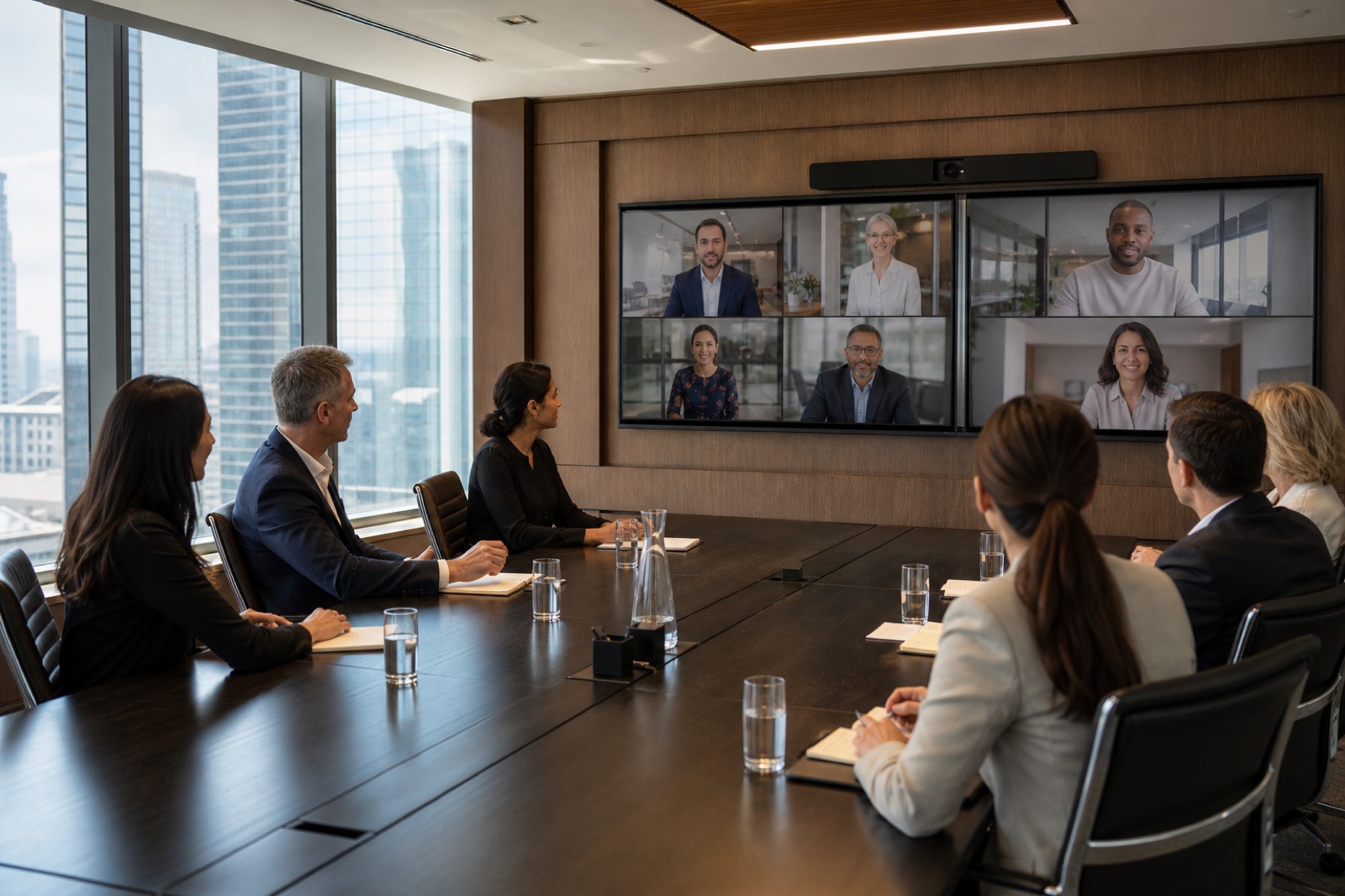
Standardization promises lower support cost, faster deployment, and a consistent user experience. It can also reproduce the same flaw across fifty rooms.
The golden room method reduces that risk. A golden room is not a showroom or executive exception. It is a production-representative implementation of a defined room archetype, built early enough to test and revise before broad rollout.
Microsoft’s Teams Rooms planning guidance recommends inventorying room size, layout, purpose, acoustics, capabilities, and peripherals, then planning ongoing operations. Its standards and room-planner guidance supports assigning approved standards across locations. The golden room is where the organization proves that its chosen standard works in its environment.
Define the archetype before choosing the room
Start with user journeys and room purpose. A medium collaboration room might need six to ten seats, native-platform meetings, common external guest meetings, wired and wireless sharing, dual displays, accessible controls, and remote monitoring.
Document the archetype’s boundaries: room dimensions, seating range, acoustic assumptions, lighting, camera distance, display sightlines, network and power, supported platforms, security policy, and accessibility outcomes. If the standard only lists part numbers, it cannot explain when an exception is justified.
Choose a prototype space that is typical, not unusually favorable. A perfect room with new construction, ideal acoustics, and no legacy constraints will hide the problems that matter during a retrofit.
Test the whole experience
Validate the path from invitation to support ticket:
- Calendar booking, resource-account behavior, join, lobby, and external tenant access.
- Microphone pickup, echo control, speaker consistency, and speech intelligibility at every seat.
- Camera framing, presets, privacy state, and behavior when people move.
- Wired and wireless content, dual-display layouts, and laptop recovery.
- Captions, assistive listening, control reach, visual contrast, and other required accommodations.
- Network access, certificates, firewall policy, identity, updates, and remote-management telemetry.
- Cleaning, shutdown, cable access, and field-replaceable components.
- Help-desk diagnosis, escalation, configuration backup, and restoration.
Run real meetings, not just test calls. Include frequent users, executive assistants, service desk staff, facilities, accessibility representatives, network and security teams, and the technicians who will support the space.
Treat failures as design data
Suppose users join an external meeting but cannot share content without connecting a laptop. That may be acceptable if the workflow is obvious and reliable. If the required cable is hidden, the USB path is unstable, and the room does not return cleanly to native mode, the standard has failed.
Record every issue with severity, frequency, owner, resolution, and retest result. Distinguish among a design defect, product defect, policy limitation, installation problem, training need, and accepted platform constraint. Do not hide limitations to protect the launch date.
Produce a deployable standard
The approved golden-room record should include drawings, bills of material, approved substitutions, device configurations, software versions, network requirements, resource-account settings, mount heights, cable schedules, photos, labeling, commissioning scripts, accessibility checks, and support runbooks.
Also define tolerances. Acoustics, camera distance, ceiling construction, furniture, and local codes vary. State which conditions require redesign rather than blind replication.
Pilot the deployment process
Use the golden room to test logistics: ordering, receiving, staging, asset tagging, configuration, packaging, shipment, site readiness, installation sequence, quality control, training, and handoff. Microsoft’s deployment overview emphasizes physical readiness, network preparation, resource accounts, management, and roles; the rollout must coordinate all of them.
Measure installation hours, rework, punch-list causes, configuration drift, user-training time, and early support tickets. Revise the standard and rollout plan before volume increases.
Govern exceptions
A controlled exception starts with a documented requirement the standard cannot meet: divisible-room use, unusual acoustics, regulated workflow, executive broadcast, or a legacy integration with a justified lifespan. It receives design review and its own support record.
A bad exception begins with preference: a local office wants different controls or a late stakeholder asks for another camera without assessing power, USB, mounting, support, or training. If approved casually, local preference becomes enterprise complexity.
Set an exception owner, approval threshold, expiration or review date, and impact on spares, monitoring, documentation, and support.
Keep the golden room alive
After rollout, preserve a representative test environment or designated validation room. Use it for firmware, application, policy, peripheral, and interoperability changes before broad deployment. Compare telemetry and support data against the original assumptions. If the archetype evolves, version the standard.
VIcom can help enterprise teams define archetypes, stage and build golden rooms, coordinate AV/UC/network requirements, run acceptance testing, document standards, and support phased deployment. The objective is not identical hardware everywhere. It is a repeatable, supportable experience with controlled exceptions.
Define exit criteria before the pilot begins
A golden room can become a permanent experiment if nobody defines “ready.” Set measurable exit criteria before installation: start a scheduled meeting within a target time, achieve intelligible speech at every seat, complete each priority guest-join path, share from supported devices, recover from common failures, generate monitoring alerts, and close support tickets through the intended queue.
Require owners to sign off on user experience, accessibility, security, network, facilities, operations, and documentation. Open items need severity, workaround, owner, and due date. A cosmetic punch-list item may travel with the rollout; an unreliable microphone path or undocumented identity exception should not.
Finally, protect configuration control. Mark the approved bill of material and software baseline, store configuration backups, and require review before substitutions. Supply constraints are real, but an “equivalent” component can change USB behavior, camera coverage, management, or support. Retest the affected outcomes before the substitute becomes standard.
Connect with VIcom by filling out the form below.