
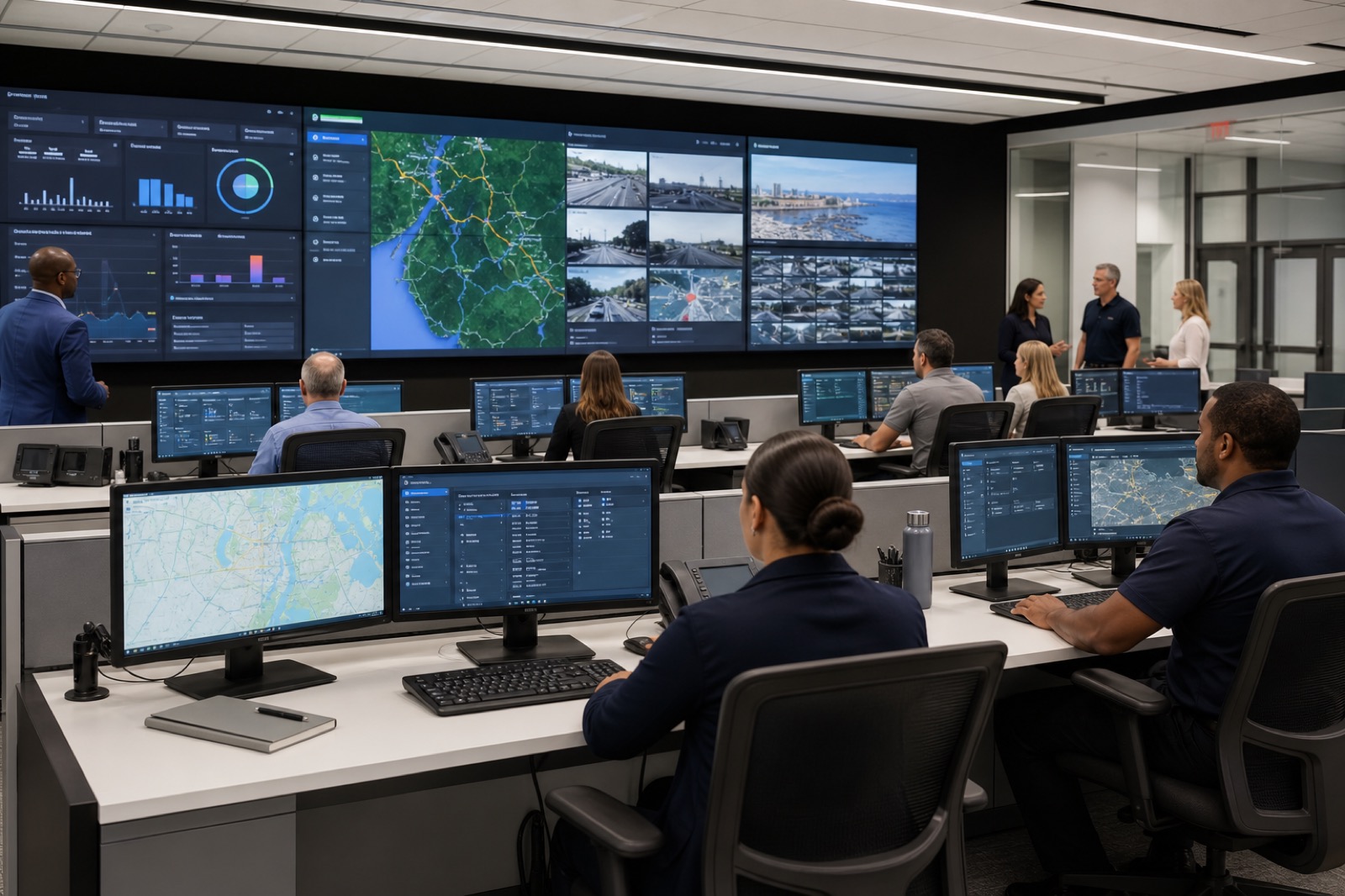
The worst time to discover an emergency operations center problem is during the incident. A display route that worked in last month’s demo suddenly does not show the weather dashboard. A remote agency cannot be heard clearly. A microphone picks up side conversations instead of the briefing lead. The video wall looks impressive, but no one knows how to move the right content to the right screen without calling an AV specialist.
Local governments depend on EOCs for severe weather, public safety incidents, transportation disruptions, utility outages, cyber events, public health updates, continuity of operations, and executive briefings. In those moments, the room has to help people coordinate. It cannot become another problem to manage.
Emergency operations center AV should be understood as a resilient collaboration system. The video wall is visible, but it is only one part of the environment. The real value comes from helping the right people see the same critical information, communicate securely, share content quickly, and make decisions under pressure.
Design Around the Common Operating Picture
A common operating picture simply means that the people responsible for response can see the information they need at the same time. That may include weather radar, GIS maps, CAD or dispatch-adjacent information, traffic feeds, utility outage maps, public safety updates, camera feeds, news, social monitoring, internal dashboards, and executive communications. The EOC needs a content strategy before it needs a display specification.
Video walls, large-format displays, operator workstations, and confidence monitors should be planned around actual workflows. Who needs to present? Who needs to view quietly? Who decides which source is primary? What information moves from a workstation to the wall? What should remote partners see? Which data is sensitive? What is recorded, and what is not?
Those questions shape routing, network architecture, input locations, operator roles, and control design. They also prevent the common mistake of buying a large display surface without defining how the room will use it during a real event.
Audio and Conferencing Are Mission-Critical
In an EOC, audio clarity can affect coordination as much as visual information. Teams may need to communicate with field personnel, neighboring jurisdictions, state agencies, emergency managers, executives, public information officers, and vendors. Some conversations happen in the room. Others happen through conferencing platforms, phone bridges, radio-adjacent workflows, or remote collaboration tools.
The AV system should support clear microphone pickup, intelligible speaker coverage, echo control, and predictable conferencing. It should also recognize that different incident modes may require different room behavior. A planning meeting, press update, executive briefing, and multi-agency activation do not all use the same audio path.
If the system is hard to operate, people will create workarounds. Workarounds may be acceptable in a casual conference room, but they are risky in a mission-critical environment. The room should make the preferred workflow the easy workflow.
Security, Network Readiness, and Redundancy Belong in the First Conversation
Modern EOCs sit at the intersection of AV, UC, data, cybersecurity, and facilities. That makes network planning essential. Content routing, conferencing, dashboards, control systems, remote access, monitoring, and support tools may all touch the network. Local governments should plan segmentation, permissions, firmware management, logging, remote support boundaries, and patching responsibilities early.
Cyber incidents are also an EOC use case. A room used to manage a cyber event cannot depend on fragile assumptions about access, passwords, unmanaged devices, or undocumented signal paths. Guest access should be controlled. Sensitive content should not appear on the wrong display. Recording and streaming functions should be intentional, not accidental.
Redundancy should be practical. That may include backup inputs, alternate conferencing paths, spare microphones, documented fallback modes, UPS planning, labeled cabling, and power coordination. Not every room needs the same level of failover, but every EOC should know what happens when a device, network link, or display fails.
Controls Must Work When People Are Under Stress
During an activation, the operator may not be an AV expert. The person at the panel may be an emergency manager, IT staff member, facilities lead, or trained clerk. Controls should use plain language and scenario-based presets: weather briefing, public safety coordination, executive update, remote agency call, media briefing, training mode, shutdown.
A good control system reduces cognitive load. It should not force users to understand every matrix route, source name, or device state. It should also provide confidence feedback. Users need to know that the call is connected, the microphone is live, the wall is showing the intended source, and recording is in the correct state.
Documentation and training matter as much as the interface. Quick-reference guides, updated diagrams, labeled equipment, and periodic refreshers keep the room usable after staff changes.
EOC AV Readiness Checklist
Before the next incident, local governments should be able to answer these questions. What are the top activation scenarios? Which sources must be available on the wall, at seats, and to remote partners? Which communications paths are primary and which are backup? Who controls the room during business hours, after hours, and during extended activations? What content is sensitive? What is recorded? Who supports the system if something fails? When was the last tabletop exercise that included the room technology?
A tabletop exercise should test more than policy. It should test source routing, conferencing, audio pickup, remote participation, dashboard access, backup inputs, escalation procedures, and shutdown. The exercise should produce a punch list, not just a sign-in sheet.
VIcom helps public-sector teams connect AV, unified communications, network readiness, security expectations, documentation, and lifecycle support. For an EOC, that integration is the point. The room should give responders a calm, reliable place to coordinate when the situation outside the room is anything but calm.