
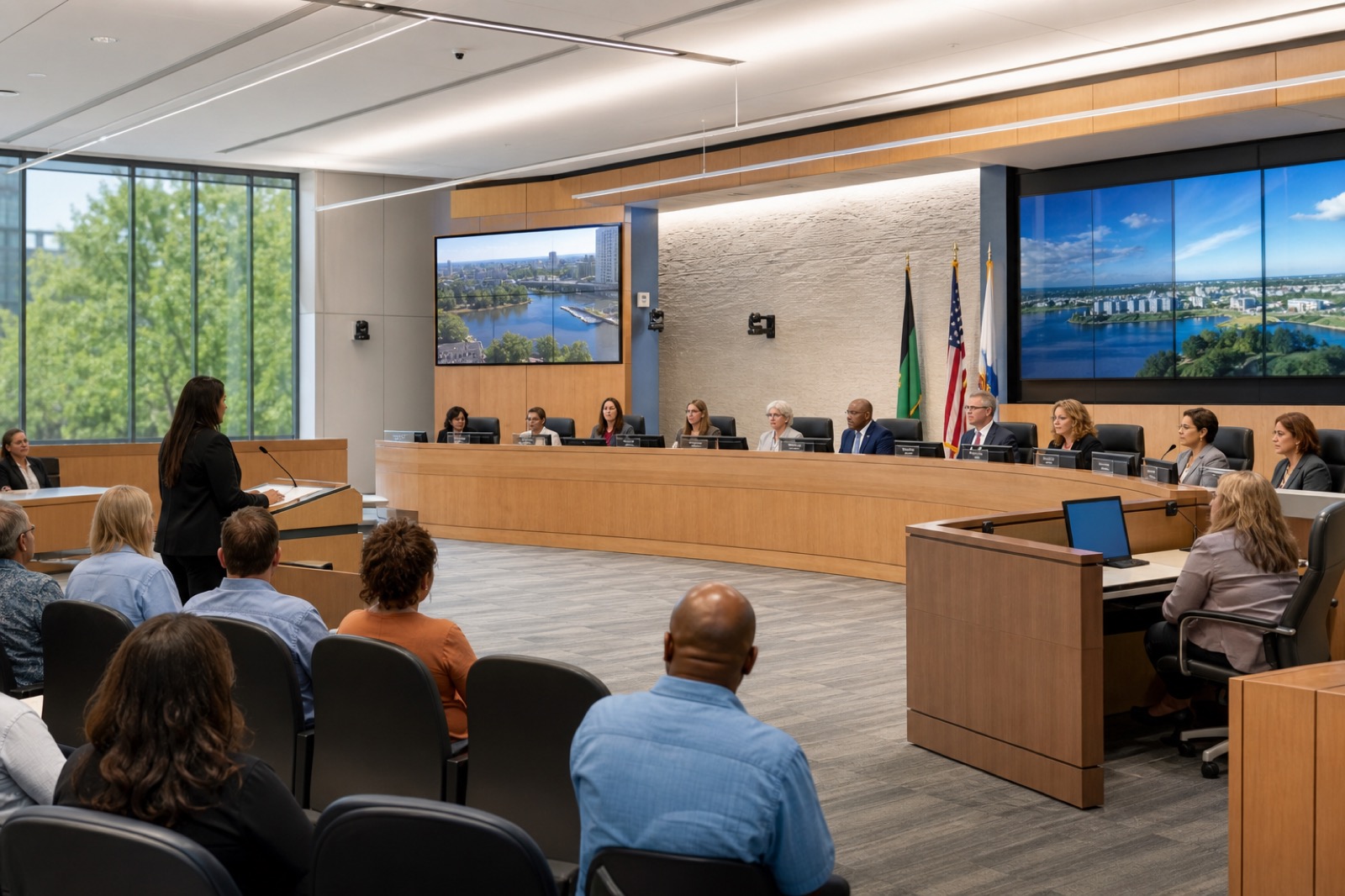
A council chamber used to be judged mostly by what happened inside the room. Could members hear each other? Could staff show a presentation? Could the public line up at a microphone and be recognized by the chair? In 2026, that standard is no longer enough. Citizens may be in the room, watching a stream, reviewing an archive, listening on a mobile device, following captions, or waiting to provide comment remotely. If the system does not make the meeting understandable across those paths, the technology is not just inconvenient. It weakens the public access experience.
That is why council chamber AV should be treated as civic infrastructure, not a collection of meeting room devices. The chamber supports formal council meetings, board meetings, planning sessions, public hearings, staff presentations, overflow viewing, emergency updates, and documentation for people who could not attend live. Each use case has different pressure points, but they all depend on the same foundation: clear audio, reliable camera coverage, accessible output, simple operation, and a support model that survives beyond the installation date.
Start With Audio, Because Audio Carries the Public Record
Video matters, but audio is usually what determines whether a citizen can follow the meeting. A perfectly framed camera does little if public comment is muffled, side conversations bleed into the stream, or the archive captures only fragments of the discussion. In a chamber, audio design has to account for dais microphones, staff tables, lecterns, public comment positions, assisted listening, remote participants, and sometimes audience questions or overflow rooms.
Good chamber audio begins with microphone strategy. Gooseneck microphones may be appropriate at fixed member positions. Boundary, ceiling, or wireless microphones may support flexible tables, staff presentations, or multipurpose use. Voice lift may be needed so people in the room can hear clearly without creating feedback or distracting echo. The system also needs to feed the stream, recording platform, conferencing codec, assistive listening system, and possibly transcription or captioning workflows. Those outputs should be planned deliberately, not patched together after the fact.
The key question is not only, “Can the people in the room hear?” It is, “Can every audience that depends on this meeting understand who is speaking, what was said, and what decision was made?”
Streaming Is Only One Part of Hybrid Public Access
Many localities already stream meetings, but streaming alone does not equal hybrid readiness. A stream can be live and still fail the audience if camera shots are confusing, captions are missing, remote speakers are hard to hear, or the archive is difficult to search. A modern chamber design should map the full meeting journey: agenda, attendance, public comment, presentation content, member discussion, votes, recording, archiving, and post-meeting access.
Camera coverage should support the actual meeting format. A single wide shot may document that a meeting happened, but it rarely helps remote viewers follow the conversation. Speaker tracking, preset camera views, or operator-controlled shots can help show the chair, individual members, staff presenters, public commenters, and presentation content. The right approach depends on chamber layout, staffing, budget, and expectations for production quality.
Remote public comment and remote member participation also require careful planning. This article is not legal advice, and each locality should follow its own counsel and public meeting requirements. From a technology standpoint, however, the system should make policy decisions executable. If remote testimony is allowed, the room needs a way to bring that participant into the meeting clearly, manage queueing, route audio both directions, show the speaker where appropriate, and capture the contribution in the archive. If remote member participation is supported, the chamber needs predictable conferencing behavior, confidence monitoring, and controls that do not distract the clerk or chair from the meeting.
Accessibility Must Be Designed Into the Room and the Digital Experience
Accessibility is not a finishing touch. In-room participants may need assistive listening, readable displays, appropriate sightlines, and clear wayfinding to microphones. Digital audiences may need captions, usable archives, accessible web pages, and presentation materials that can be followed outside the room. The Department of Justice has also increased attention on accessible digital government services, which makes it important for public bodies to think beyond the physical chamber.
For AV planning, accessibility should appear in the requirements document. Where will assistive listening be available? How will captions be created, reviewed, displayed, and archived? Are display sizes and camera views useful for people watching on smaller devices? Does the meeting platform support accessible controls for remote participants? Are recordings posted in a way the public can actually use?
These decisions affect procurement, staffing, and workflow. A captioning process, for example, may involve the AV system, streaming platform, agenda software, clerks, outside services, and web publishing. If those handoffs are not planned, accessibility becomes fragile.
Keep Controls Simple Enough for Real Meeting Pressure
Council chamber systems often fail in small operational moments. The wrong microphone stays muted. A presenter cannot get content on the display. The stream starts late. A remote speaker joins, but the room cannot hear them. The chair waits while staff search through a complex control panel.
Control design should reflect the people who actually run the room. Some chambers have dedicated AV operators. Many rely on clerks, IT staff, public information officers, or a shared support team. The interface should make common actions obvious: start meeting, select agenda presentation, show public comment camera, bring in remote participant, route overflow feed, begin recording, pause stream if policy requires, and shut down safely. Advanced functions can exist, but they should not be in the way.
Redundancy also matters. Public meetings do not stop because a cable failed or a device lost power. Critical paths should be documented, spare parts identified, and escalation steps known before meeting night.
Procurement Should Include Lifecycle, Not Just Installation
A chamber modernization project should define standards, support expectations, training, documentation, maintenance, warranty, and refresh planning. Local governments also need procurement paths that respect public-sector requirements, budget cycles, and long-term accountability. The lowest initial price can become expensive if the system is difficult to support, poorly documented, or dependent on one person who understands how it was wired.
A practical modernization assessment should inventory current microphones, cameras, displays, control systems, streaming tools, archive workflows, network connections, accessibility gaps, and support pain points. It should also identify near-term fixes versus phased upgrades. Not every locality needs the same design, and not every chamber needs broadcast-level production. The goal is a right-sized public access environment that is reliable, understandable, and supportable.
VIcom works with state and local government teams that need technology to serve public process, not complicate it. That means connecting AV design with IT, facilities, procurement, accessibility, documentation, and long-term service. A modern council chamber should help citizens understand their government at work. The technology should make that easier every meeting, not only on the day it is installed.