
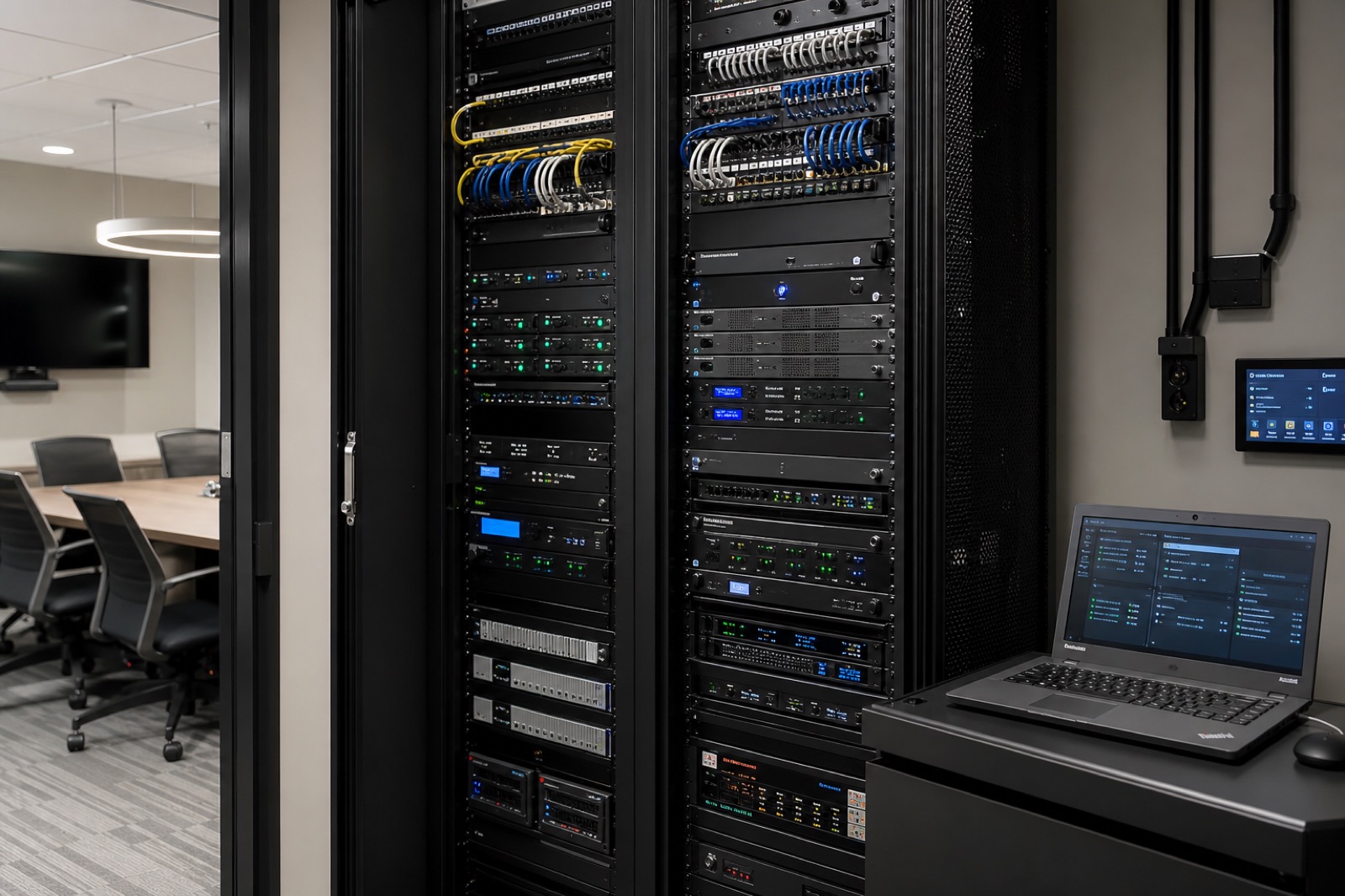
AV over IP is flexible, but it is not casual
AV over IP replaces many fixed point-to-point signal paths with video, audio, and control traffic routed over a network. In business terms, that means a training center can send any source to multiple rooms, a command center can change display layouts quickly, a divisible space can adapt to different events, and a campus or enterprise can manage more endpoints with a common architecture. The flexibility is real.
The mistake is assuming flexibility means the project can simply “ride on the existing network.” Sometimes it can. Sometimes it should not. Either way, IT needs to approve the design before the project starts. AV over IP touches bandwidth, multicast, QoS, VLANs, addressing, switch capacity, redundancy, monitoring, cybersecurity, documentation, and support ownership. If those decisions are deferred until installation, the team may face redesign, delays, emergency switch changes, or finger-pointing when the room does not perform.
The encoder and decoder spec sheet matters, but the operating model matters more. AV, IT, facilities, and security need the same plan.
Translate the use case before choosing the architecture
Not every room needs the same AV over IP approach. A divisible conference center, operations center, lecture hall, training floor, public venue, and executive briefing space have different latency tolerance, visual quality requirements, routing patterns, redundancy needs, and support expectations. A room that changes layouts every week may benefit from flexible network-based routing. A simple small conference room may not.
Start by documenting what the business needs the system to do. How many sources and displays are involved? Does content need to route between rooms or only inside one room? Is the space mission-critical? Are there live events? Will endpoints be added later? Who changes routing during use: a presenter, technician, scheduler, or automated control system? What happens if the network segment fails?
This use-case conversation helps IT evaluate the right network requirements instead of reacting to a vague request for “AV traffic.” It also helps project owners understand why one AV over IP design may be appropriate for a training center but excessive for a huddle room.
The network approval areas IT should settle early
Bandwidth is the first visible issue, but it is not the only one. IT should understand expected traffic per stream, number of simultaneous streams, compression approach, uplink capacity, and headroom for future expansion. Multicast requirements must be defined if the design uses one-to-many distribution. Switches, routing boundaries, IGMP snooping, queriers, and multicast containment should be reviewed before equipment is ordered.
QoS may be needed to protect real-time media, but it should be consistent with enterprise policy. VLAN and segmentation decisions should reflect both performance and security. IP addressing and naming conventions should be documented. Redundancy expectations should be explicit: redundant network paths, backup sources, spare endpoints, or simply a support process for non-critical spaces. Monitoring should identify whether devices are online, which paths are active, and where failures occur.
Documentation and change control are not paperwork extras. Networked AV systems become harder to support when no one knows which switch ports, firmware versions, VLANs, credentials, or routing rules are involved. A supportable system needs as-built drawings, IP tables, configuration backups, credential handling, firmware policy, and a change process that includes both AV and IT.
Security review belongs in the kickoff
Networked displays, cameras, microphones, touch panels, controllers, encoders, decoders, and management servers are enterprise endpoints. They may not store payroll data, but they can affect privacy, meeting confidentiality, operations, and network hygiene. Security teams should review authentication, default credential handling, firmware updates, device management access, logging, encryption options, remote access, vendor support paths, and physical placement.
Cameras and microphones deserve special attention because they can capture sensitive conversations. Displays in public or semi-public areas can expose information if routing is wrong. Control processors and management platforms can become weak points when they are not patched or segmented. If remote support is needed, the access method should be approved rather than improvised later.
Early security review protects the project. It allows the design team to choose products and architectures that fit enterprise standards instead of forcing exceptions under deadline pressure.
Who owns support after go-live?
AV over IP blurs historical boundaries. When a display goes black, the cause might be a source device, encoder, decoder, switch, VLAN, multicast setting, control processor, firmware issue, or user workflow. If support ownership is unclear, the room becomes a blame loop.
Define escalation before commissioning. The AV team may own room behavior, control interfaces, endpoint replacement, and user training. Network operations may own switches, VLANs, monitoring, and change windows. Security may own access policy and patch expectations. Facilities may own power, racks, cable pathways, and environmental conditions. The integrator or managed services partner may own remote diagnostics, preventative maintenance, documentation updates, and advanced troubleshooting.
A good commissioning process should test not only whether the image appears, but whether the support model works. Can the help desk identify the room? Are diagrams available? Are alerts routed? Are spare parts known? Does everyone understand what changed when firmware is updated?
A kickoff checklist for AV over IP projects
Before the project starts, gather AV, IT, security, facilities, and the business owner. Confirm the room use case and criticality. Estimate traffic and stream counts. Decide whether the AV network is dedicated, converged, segmented, or hybrid. Review multicast, QoS, VLANs, addressing, switch capacity, redundancy, monitoring, and cybersecurity requirements. Identify documentation deliverables. Define change control and firmware policy. Assign support ownership. Decide what must be tested during commissioning and what must be monitored after launch.
That conversation may feel slower than ordering equipment, but it prevents expensive surprises. The best AV over IP projects feel calm during installation because the hard approvals happened early.
How VIcom can help
VIcom approaches AV over IP as both an AV design and enterprise network readiness conversation. Our teams work across AV, UC, IT, network, security, deployment, commissioning, documentation, and ongoing support so the final system is flexible without becoming fragile.
If your organization is planning a training center, command center, event space, divisible room, education facility, or enterprise AV refresh, VIcom can help you assess network readiness and build a deployment plan that IT can approve with confidence.