
AI is entering the room through practical features
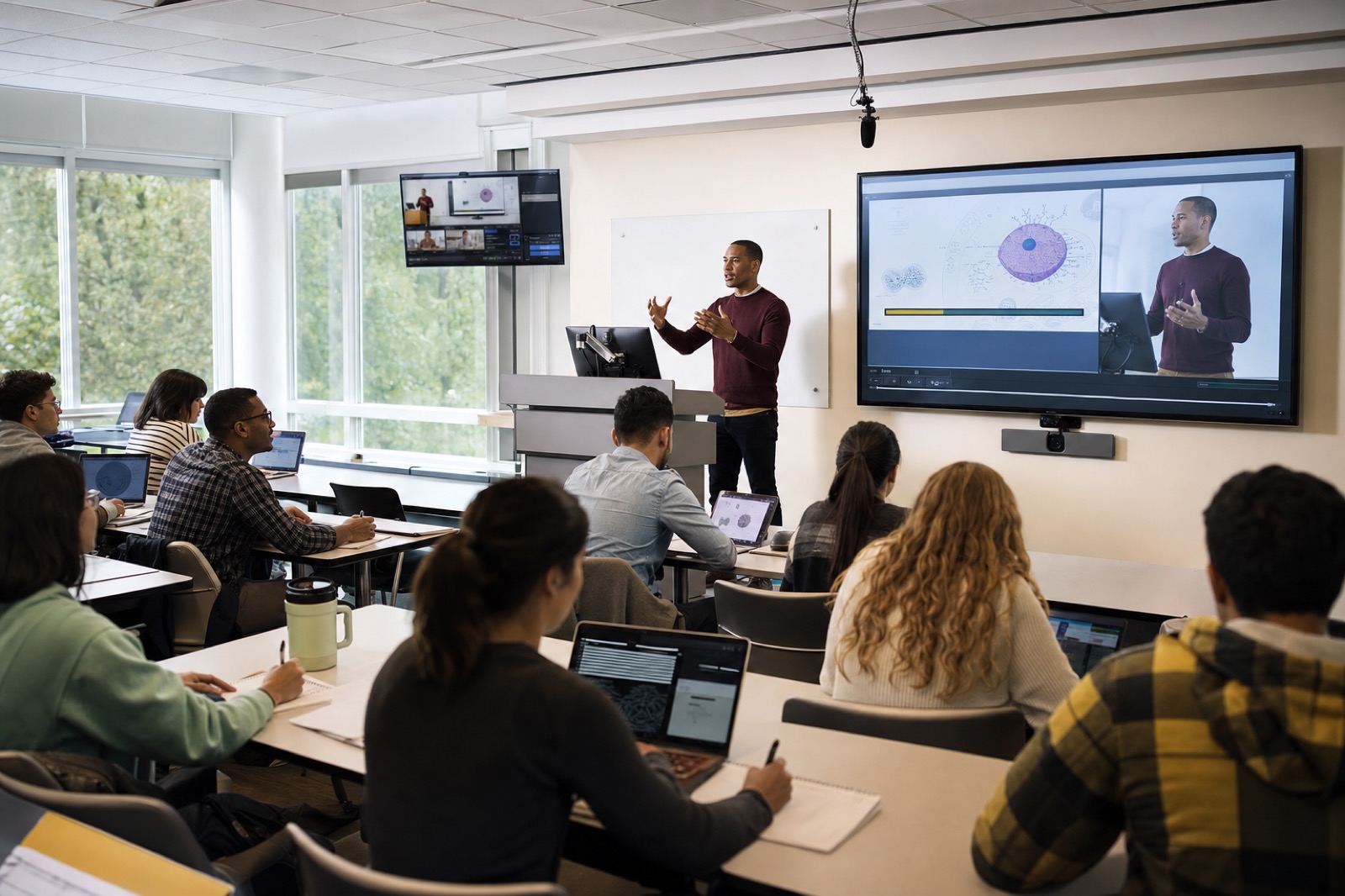
Most campuses are not buying a single product called classroom AI. They are encountering AI inside tools they already use or are considering: camera tracking, microphone optimization, live captions, translation, lecture capture indexing, searchable recordings, room scheduling insights, meeting summaries, device analytics, and support alerts. These capabilities can be genuinely useful. They can make recordings easier to search, help remote learners follow a discussion, reduce manual camera operation, and give support teams earlier warning when a room is not performing well.
The buying risk is that AI arrives wrapped in broad promises. A feature demo may look impressive in a controlled room, but the actual classroom has variable lighting, side conversations, student questions from the back row, faculty preferences, privacy requirements, network constraints, and support limits. Higher education leaders therefore need a better question than, “Should we buy AI cameras?” The better question is, “Which teaching or support problem are we trying to solve, and are our rooms, policies, and teams ready for the feature?”
That framing keeps AI in service of learning instead of letting novelty drive the roadmap.
Useful use cases start with the teaching workflow
AI-enabled camera tracking can help lecture capture and hybrid sessions feel less static when an instructor moves naturally. Voice pickup optimization can improve clarity when the room has multiple speakers. Captioning and translation can support accessibility and multilingual participation when accuracy expectations and review workflows are defined. Lecture capture indexing can help students find a concept later instead of scrubbing through a long recording. Scheduling analytics may show which rooms are underused or which technology profiles are in demand. Support alerts can help IT respond before the next class starts.
These are practical outcomes. They are also conditional outcomes. An AI camera needs clear sightlines, lighting, reasonable placement, and a teaching pattern it can follow. Captions depend on clean audio, vocabulary handling, and a process for correction when recordings become official learning materials. Searchable lecture archives depend on data retention rules and student consent expectations. Support analytics are valuable only when someone owns the alert, knows what action to take, and has access to the right documentation.
A strong AI learning-space strategy therefore begins with room archetypes and use cases. A large lecture hall, active learning classroom, simulation lab, seminar room, and HyFlex space do not need the same level of automation. The right feature set is the one that supports the way that space is actually taught.
Governance is not a blocker. It is part of the design.
Privacy, FERPA considerations, consent, retention, accessibility, bias, and accuracy cannot be afterthoughts. This article is not legal advice, and institutions should involve legal and privacy teams where appropriate. Operationally, however, the questions are clear. What data is captured? Is video, audio, biometric-like tracking data, transcript text, analytics, or metadata stored? Where is it stored? Who can access it? Can features be disabled by room, course, or instructor? How are students notified? How long are recordings and transcripts retained? Can captions or summaries be corrected? What happens when AI output is wrong?
Faculty adoption is equally important. If instructors feel watched, surprised, or forced into a workflow that does not fit their teaching, the system will not deliver value. Faculty need clear controls, plain-language training, and a path to opt into use cases that help their classes. Accessibility leaders need to understand how AI captions, transcripts, and interfaces support students with disabilities and where human review is still required.
Buying AI without governance usually creates distrust. Buying with governance makes adoption more realistic because the institution can explain what the tool does, what it does not do, and how people remain in control.
AI features still depend on good AV fundamentals
AI does not rescue a poorly designed room. If the microphone cannot capture student questions, a summary tool will miss the discussion. If lighting is uneven, camera tracking may struggle. If the network is unstable, cloud-enabled lecture capture will frustrate faculty. If the control interface is confusing, instructors may never start the feature. If support documentation is missing, the help desk will not know whether the issue is the camera, platform, microphone, network, or user workflow.
This is where integrator discipline matters. Room design, acoustics, camera placement, microphone strategy, display layout, network readiness, cybersecurity review, and support processes should be evaluated before AI features are scaled. The best AI pilots are often also room-readiness pilots. They reveal whether the physical and operational environment can support the promised capability.
For many institutions, the right first step is not a broad deployment. It is a focused pilot in a small number of representative spaces with measurable outcomes.
Buying questions that cut through the hype
Before approving a purchase, ask vendors and integrators to answer specific questions. What exact AI functions are included, and which require cloud processing? What data is collected, retained, shared, or used to improve models? Can administrators control features centrally? Can faculty see when features are active? What accessibility documentation is available? How accurate are captions or transcripts in noisy rooms, discipline-specific vocabulary, and multi-speaker discussions? What integrations exist with the LMS, lecture capture platform, room scheduling, identity system, and support ticketing? What logs or analytics are available to support teams? What training is included? What costs appear after year one?
Also ask how success will be measured. A pilot should define outcomes before installation: fewer support tickets, better caption availability, improved recording search, higher faculty confidence, more reliable hybrid sessions, or measurable student use of lecture review tools. Without a metric, a pilot becomes a demo that never reaches a decision.
How VIcom can help
VIcom helps education clients evaluate AI features in the context of pedagogy, room design, privacy expectations, accessibility, supportability, and lifecycle cost. That means asking practical questions before recommending hardware or platform changes. It also means helping teams pilot in rooms that reflect real teaching conditions, not showroom assumptions.
AI can make learning spaces more useful, but only when it is tied to a clear outcome and supported by the right design. If your institution is evaluating AI cameras, lecture capture, captioning, analytics, or smart-room support tools, VIcom can help you separate useful capability from unnecessary complexity.