
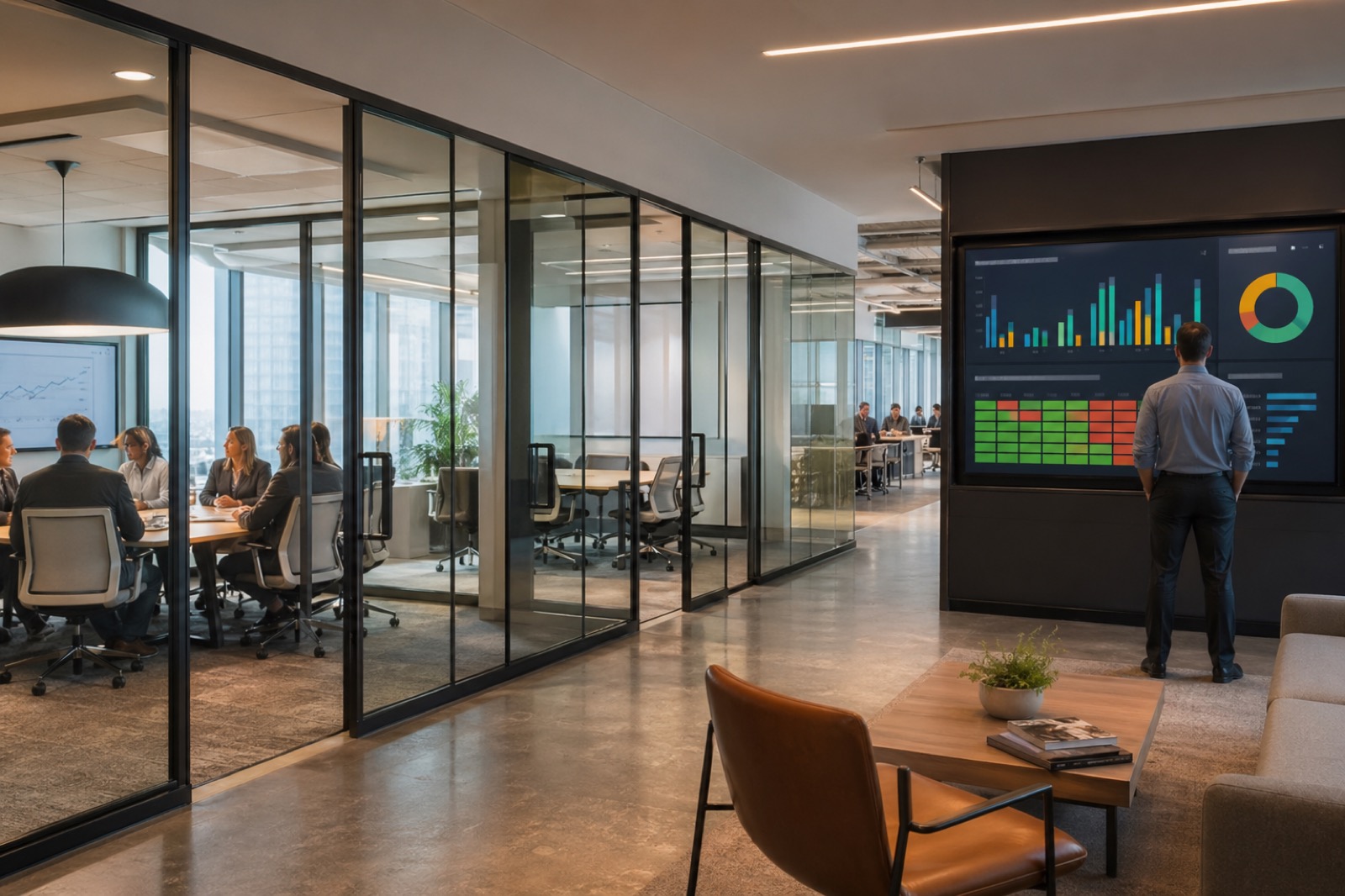
If you want a fast way to expose the limits of workplace planning, look at the conference room calendar.
On paper, the rooms are full. In reality, some sit empty behind glass walls while employees complain they cannot find space to meet. A premium boardroom may stay underused for weeks, while small rooms get overbooked and hybrid calls keep failing in the same trouble spots. That gap between what the calendar says and what people actually experience is where meeting room analytics starts to matter.
The key is not more dashboards for the sake of dashboards. The point is to make better decisions. Good meeting room analytics helps organizations understand which rooms are truly in demand, which rooms are the wrong size, which rooms are unreliable, and which spaces deserve more investment or less of it. It also helps workplace, AV, UC, IT, and real estate teams stop arguing from anecdotes.
Why Meeting Room Analytics Matters More in Hybrid Work
Hybrid work made room demand harder to read, not easier.
Before, many organizations could make rough assumptions about office usage based on predictable schedules. Now attendance patterns vary by team, by day, and by location. Some employees come in specifically for collaboration. Others come in for focused work and take calls from small rooms. Some departments cluster midweek, creating artificial room scarcity on certain days while leaving capacity unused on others.
That is why meeting room utilization can no longer be measured by bookings alone. A room that looks busy in Outlook or Google Calendar may be only partially used, used by fewer people than expected, or not used at all. At the same time, a room with lower booking volume may be disproportionately important because it supports executive meetings, training, customer sessions, or reliable hybrid collaboration.
Analytics reduces that guesswork. But only if it goes beyond reservation counts.
Start With the Gap Between Booked Rooms and Actual Use
The first thing most organizations should measure is simple: planned use versus actual use.
This is where empty booked rooms become such a strong hook. Leaders recognize the problem immediately. A room is blocked on the calendar, nobody releases it, and other teams assume there is no capacity left. That distorts demand planning and frustrates employees without anyone fully understanding why.
The gap usually shows up in a few familiar ways: No-show bookings where the room was reserved but never used Early departures where a room is blocked for an hour but used for twenty minutes Partial attendance where a large room is booked for a much smaller group Recurring ghost bookings tied to habitual scheduling behavior rather than real room need
This is why calendar data alone overstates demand. It tells you what people intended to do, not what happened.
The Metrics That Actually Matter
If the goal is better real estate and room planning decisions, focus on a short list of metrics that connect to action.
Start with these:
Booking rate How often a room is reserved. Useful, but incomplete by itself.
Actual occupancy rate How often the room is physically occupied during reserved periods.
Average group size versus room capacity This helps expose chronic room size mismatch.
Empty booked room frequency A direct signal that reservation behavior is distorting supply.
Call failure or degraded meeting rate A room that is booked often but fails regularly is not truly performing.
Room readiness and device health A booked room is not a usable room if the camera, compute, audio, or control path is unreliable.
Support ticket volume by room or archetype This shows which spaces create the most operational drag.
Time-to-resolution trends This helps distinguish minor friction from persistent service problems.
Microsoft’s Teams health reporting model is useful here because it reflects the shift toward room-level health trends, usage patterns, and ticket visibility rather than isolated incidents. That kind of reporting helps organizations see patterns across the room estate, not just single-room failures.
How to Spot Room Size Mismatch
One of the most valuable uses of meeting room analytics is identifying mismatch between room size and actual meeting behavior.
This usually shows up in two ways.
First, small groups book large rooms because those rooms are the only ones available, the easiest to use, or the most reliable. Second, teams avoid certain rooms altogether because those rooms have a bad reputation. Maybe the audio is weak, the join experience is clumsy, or the last few meetings there went badly.
That is why conference room utilization data without quality signals can mislead planners. A heavily booked room may be popular because it works well, or because too few rooms of that type exist. A lightly used room may be appropriately matched to occasional executive use, or it may be avoided because people do not trust it.
When you connect capacity, actual attendance, and room quality, you get a better answer. You can see whether you need more small collaboration rooms, fewer oversized rooms, better hybrid capability in medium rooms, or a refresh plan for rooms people have quietly stopped using.
Add Device Health and Call Quality to Utilization Data
A room is not valuable just because it is occupied. It has to work.
This is where many workplace analytics programs fall short. They focus on space demand but ignore room readiness, peripheral health, call quality, and support history. That leaves a major blind spot.
If a room is booked frequently but suffers repeated camera failures, poor audio pickup, slow join times, or recurring degraded calls, the utilization data needs context. Otherwise, you risk investing more heavily in a room type that is already underperforming.
Commercial Integrator has highlighted analytics, remote management, and lifecycle visibility as increasingly important in hybrid-era collaboration environments. That makes sense. Once room systems are treated as operational infrastructure, health and support data become part of the planning model, not just part of the service desk workflow.
Useful room performance inputs include: Peripheral disconnect rates Room offline incidents Call quality trends Recurring support tickets by room type Time between failures Repeated issues after software or firmware changes
That data helps answer a better question than “Which rooms are busy?” It answers “Which rooms are busy, reliable, and worth using as a model?”
Use Analytics to Decide Where Premium AV Actually Belongs
Not every room deserves the same AV investment.
That should not be controversial, but many organizations still spend based on politics, habit, or whoever complained loudest last quarter. Analytics gives them a better way.
If a room regularly supports executive sessions, client-facing meetings, training, or high-value hybrid collaboration, it may justify better audio coverage, stronger camera capture, improved displays, or more resilient support coverage. If another room sees mostly small internal meetings with limited hybrid demand, it may not need the same premium treatment.
The point is not to spend less everywhere. It is to spend smarter.
Meeting room analytics can show which spaces carry the most collaboration value, which rooms are over-equipped for real usage, and which rooms are under-equipped relative to their importance. That makes refresh prioritization much more defensible.
Build a Privacy-Sensitive Measurement Model
This is where organizations need to be careful.
Analytics should help improve space planning and room performance, not make employees feel watched. The right model is privacy-sensitive, aggregated, and purpose-driven.
That means focusing on room-level occupancy patterns, utilization signals, and performance trends rather than personal surveillance. Be clear about what is being measured, why it is being measured, and how the data is handled. Avoid collecting more than you need. Avoid framing the program around monitoring people when the real objective is improving room availability, room quality, and workplace planning.
Employee trust matters here. So does policy discipline. The best room occupancy analytics programs are explicit, limited, and operationally useful.
Avoid Vanity Dashboards
A dashboard is only useful if it changes a decision.
That sounds obvious, but many analytics efforts stall because they produce colorful reporting without a next step. If the metrics do not lead to a concrete action, the program becomes passive observation.
Tie each metric to a decision: High empty-booked-room frequency may trigger reservation policy changes Repeated small-group use of large rooms may justify rebalancing room mix Poor health trends in one archetype may trigger a standards review High failure rates in a critical room may drive refresh priority Strong usage in a specific room class may support premium AV investment Low usage plus low quality may point to repurposing or retirement
This is the difference between meeting room data and decision-making.
Start Before You Buy More Sensors
A lot of teams assume they need a new sensor strategy before they can begin. Usually, they do not.
Start with what you already have: Booking and calendar data UC platform reporting Room health and support records Ticket history Known room archetypes Basic room inventory and lifecycle status
From there, define the decisions you are trying to make. Do you need to rebalance room sizes? Prioritize refresh? Validate demand for more hybrid-capable rooms? Reduce ghost bookings? Improve room standards?
Once the decision model is clear, it becomes easier to see where additional room occupancy sensors or other measurement tools would add value. That is a much better sequence than buying technology first and hoping a useful question appears later.
Where VIcom Fits
This kind of analytics work only becomes valuable when the data sources connect. Booking behavior, room health, call quality, support history, room standards, and refresh planning often live in different systems and different teams.
That is where VIcom can help. VIcom can assess the current collaboration environment, connect AV, UC, room monitoring, and workplace signals, and turn fragmented data into practical decisions about room archetypes, support priorities, refresh timing, and space planning. That can lead naturally into room audits, managed services, standards work, and lifecycle planning that reflects how the spaces are actually used.
If your team is trying to make better decisions about room standards, refresh priorities, or workplace space planning, but the data is fragmented or misleading, connect with VIcom by filling out the form below