
Meeting rooms used to be treated like occasional-use technology. If something failed, someone opened a ticket, a technician showed up, and the business moved on.
That model does not hold up anymore.
In 2026, collaboration rooms are part of day-to-day operating infrastructure. Executive decisions happen there. Client calls happen there. Hybrid team rituals happen there. When a room goes down, the problem is not just a dead camera or an unresponsive touch panel. It is wasted time, delayed decisions, frustrated employees, and a visible loss of confidence in the workplace experience.
That is why the real comparison is no longer “support contract or no support contract.” It is whether your organization is still relying on break-fix habits for a business-critical environment that now needs proactive oversight, service accountability, and a clear uptime strategy.
Why Break-Fix Fails Modern Meeting Rooms
Break-fix support is reactive by definition. The room appears fine until a user walks in, starts a meeting, and discovers that something is not working. Only then does the issue enter the support process.
That delay is the core problem.
In a traditional break-fix model, there is no ongoing visibility into room readiness. No one is checking whether a camera has dropped offline, whether a compute device needs attention, whether a peripheral firmware issue is building toward failure, or whether a room has been limping along with recurring problems that users have simply learned to work around.
For a low-use room in a small environment, that may be tolerable. For a room fleet spread across multiple locations, platforms, and support teams, it becomes expensive fast.
The Hidden Cost of “We’ll Fix It When It Breaks”
Most organizations underestimate the cost of a failed meeting because they measure only the repair event. The real cost starts earlier and lasts longer.
When a room fails, you lose meeting time first. Then the host improvises. Remote participants wait. The service desk gets pulled into an issue it often cannot see directly. Internal trust drops a little more, especially if the same rooms fail again and again.
If the failure happens in an executive meeting, a client conversation, or a training session, the stakes climb quickly. The room problem becomes a business problem.
There is also the hidden cost of repeat incidents. Break-fix models often resolve the immediate symptom without improving visibility into the pattern behind it. A cable gets swapped. A peripheral gets rebooted. A ticket closes. But no one is watching failure trends across room types, asset age, firmware consistency, or platform behavior.
That is why many teams say some version of the same thing: we only know the room is broken when the meeting has already gone wrong.
Break-Fix vs Managed AV Services: The Real Difference
The difference between break-fix and managed AV services is not just speed. It is operating posture.
Break-fix waits for the failure to be reported.
Managed AV services are built to reduce surprise, shorten recovery time, and make room health visible before users become the monitoring system.
In practice, managed AV services typically include ongoing room and device monitoring, alerting, remote triage, reporting, escalation paths, update coordination, and service review. They may also include onsite dispatch, spare management, event support, adoption help, and lifecycle planning.
That does not mean managed support prevents every incident. It does not. A good provider should be honest about that. Monitoring will not fix poor room design, unsupported standards, or end-of-life hardware by itself. But it does make failures easier to spot, faster to address, and more useful as operational data.
That is a major shift from reactive service to proactive AV support.
What Proactive Meeting Room Support Actually Includes
A strong managed support model starts with room readiness visibility.
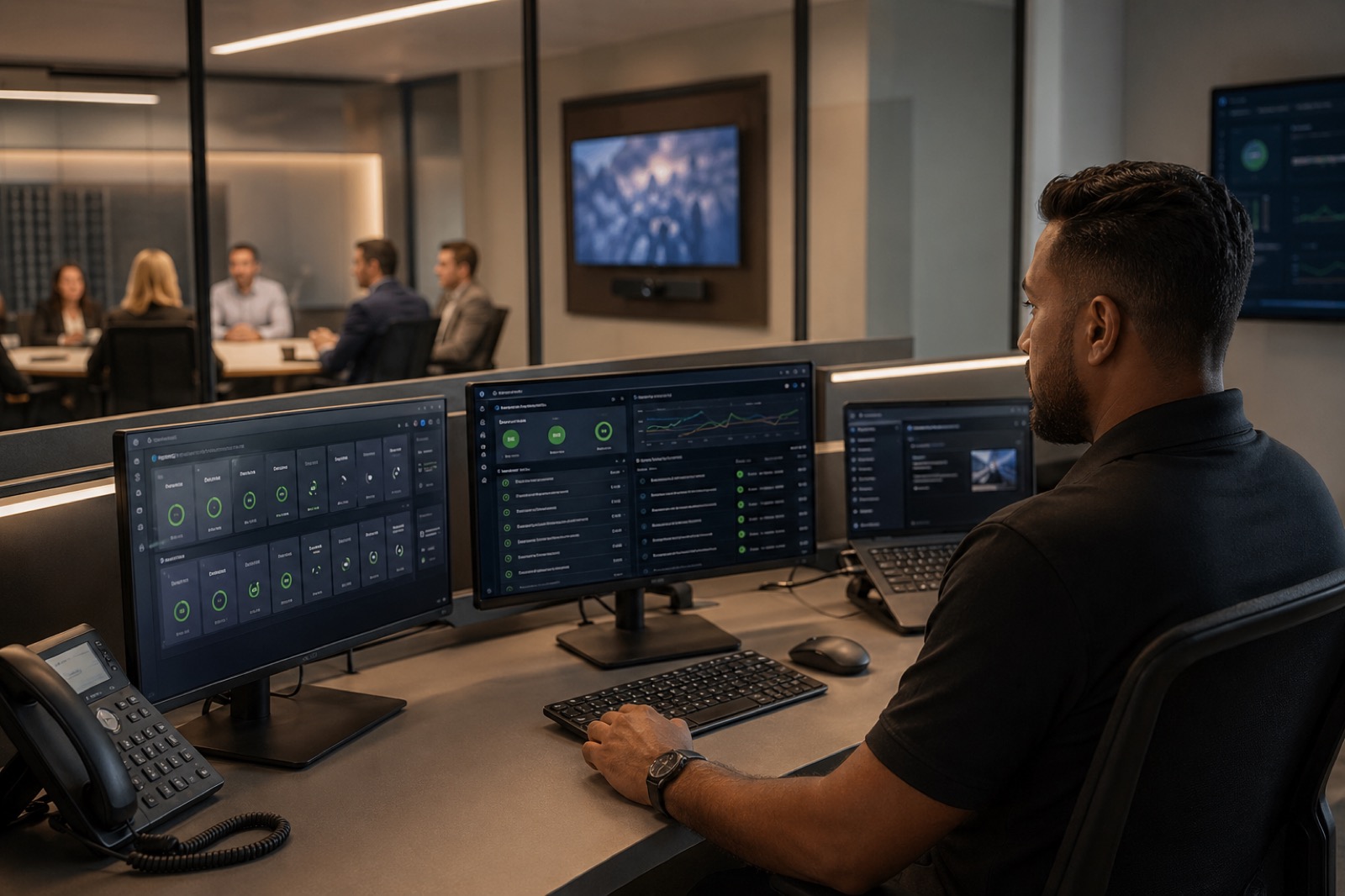
That means monitoring device health, peripheral status, connectivity, software condition, and room-level performance signals. Microsoft’s Teams Rooms Pro management model reflects where enterprise room support is heading: proactive monitoring, troubleshooting, update management, deployment-ring control, and analytics that help support teams act before issues spread.
Health and usage reporting matters too. Microsoft’s Teams room health reporting also points toward broader operational maturity by surfacing tenant-wide health trends, room-level health data, usage patterns, and exportable ticket information. That kind of visibility helps teams stop treating each room incident as a one-off.
A practical managed AV service should cover:
- Remote device and peripheral health monitoring
- Room readiness checks before users walk in
- Alerts for disconnected peripherals, software issues, and performance problems
- Remote remediation where possible
- Onsite dispatch when remote support is not enough
- Firmware and software update coordination
- Usage, incident, and trend reporting
- Service reviews tied to real support outcomes
The goal is not to flood IT with dashboards. The goal is to create a support model where room problems are seen early, triaged intelligently, and handled with less disruption.
What an AV Support SLA Should Cover
If uptime matters, the service model needs a real SLA.
An AV support SLA should define more than a vague promise to respond quickly. It should spell out service expectations in language the business can actually use.
At a minimum, look for:
- Response time: how quickly the provider acknowledges and begins working an incident
- Resolution targets: expected timeframes by severity and room criticality
- Escalation paths: who gets involved when the issue crosses AV, UC, network, or facilities boundaries
- Coverage windows: business hours only, extended hours, or coverage aligned to room usage
- Spare strategy: what replacement devices or components are stocked, where they live, and how they are deployed
- Event and VIP support: what happens when the room supports leadership, training, or customer-facing moments
- Reporting cadence: monthly or quarterly reviews that show trends, recurring issues, and corrective actions
Without those details, “managed service” can mean almost anything. With them, it becomes accountable.
Why Managed AV Support Requires Cross-Discipline Ownership
Meeting room uptime is rarely just an AV issue.
A room can fail because of a UC platform problem, a network issue, poor wireless performance, switching behavior, power conditions, scheduling conflicts, or facilities-related readiness gaps. As AV-over-IP becomes more common, room performance depends even more on enterprise-grade network coordination rather than isolated endpoint support.
That is why managed AV services work best when AV, UC, IT, network, facilities, and service desk teams share clear ownership boundaries and escalation paths. The provider does not need to own every domain, but they do need a support model that can coordinate across them.
This is one of the biggest weaknesses in reactive support. Tickets bounce between teams because nobody has a full picture of the room as a service environment. A proactive support model reduces that handoff chaos.
Lifecycle Planning Matters as Much as Incident Response
A room fleet does not stay healthy just because it is monitored.
Over time, devices age out, warranties expire, firmware paths diverge, and once-standard designs become harder to support. Managed AV services should help the customer see that coming.
That means tracking asset age, warranty status, recurring failure patterns, refresh windows, and supportability risks. It also means telling the truth when a room problem is really a lifecycle problem.
This is important for organizations of all sizes, not just large enterprises. The need for managed support depends less on company size than on room criticality, geographic spread, internal support capacity, and the business cost of downtime.
If your organization has a handful of low-risk rooms and strong in-house coverage, a lighter model may be enough. If your rooms support executive use, hybrid collaboration at scale, or remote sites with uneven support access, the case for SLA-backed service gets much stronger.
Adoption Support and End-User Confidence
Good support is not only technical. It is behavioral.
Many recurring tickets are rooted in avoidable user confusion: unclear join flows, inconsistent room controls, weak host training, or poor understanding of what support to call and when. Managed AV services should help reduce that friction through practical onboarding, workflow clarity, and support design that feels invisible rather than intrusive.
That matters because confidence is part of uptime. A room that technically works but regularly confuses users still creates operational drag.
Buyer Checklist: What to Ask a Managed AV Services Provider
Before choosing a provider, ask direct questions:
- What room platforms, devices, and peripherals can you monitor?
- What can you diagnose or remediate remotely, and what requires onsite support?
- What SLA commitments do you offer for response, resolution, and escalation?
- How do you coordinate with our IT, network, UC, facilities, and service desk teams?
- What reporting will we receive on health, usage, incidents, and trends?
- How do you handle firmware, software, lifecycle tracking, and refresh planning?
- What is your plan for executive rooms, training spaces, or event-critical environments?
- What spare-device strategy do you recommend?
- How do you support user adoption and reduce repeat human-error tickets?
- Can you help improve supportability over time, not just respond to failures?
Those questions quickly separate true managed AV services from basic dispatch coverage dressed up with better branding.
Where VIcom Fits
Managed support works best when it is not bolted on after installation. It works best when the same partner understands how the rooms were designed, how the platforms behave, how the network supports them, and how the environment will be maintained over time.
That is the value of approaching support as an ongoing partnership. VIcom can help customers assess support gaps, define service expectations, coordinate AV, UC, IT, network, and facilities ownership, and build a support model around actual room uptime requirements. That includes design and deployment discipline, proactive monitoring, onsite and remote support coordination, lifecycle planning, and continuous improvement across the collaboration environment.
If your team is tired of only discovering room problems after a meeting has already gone wrong, connect with VIcom by filling out the form below.