
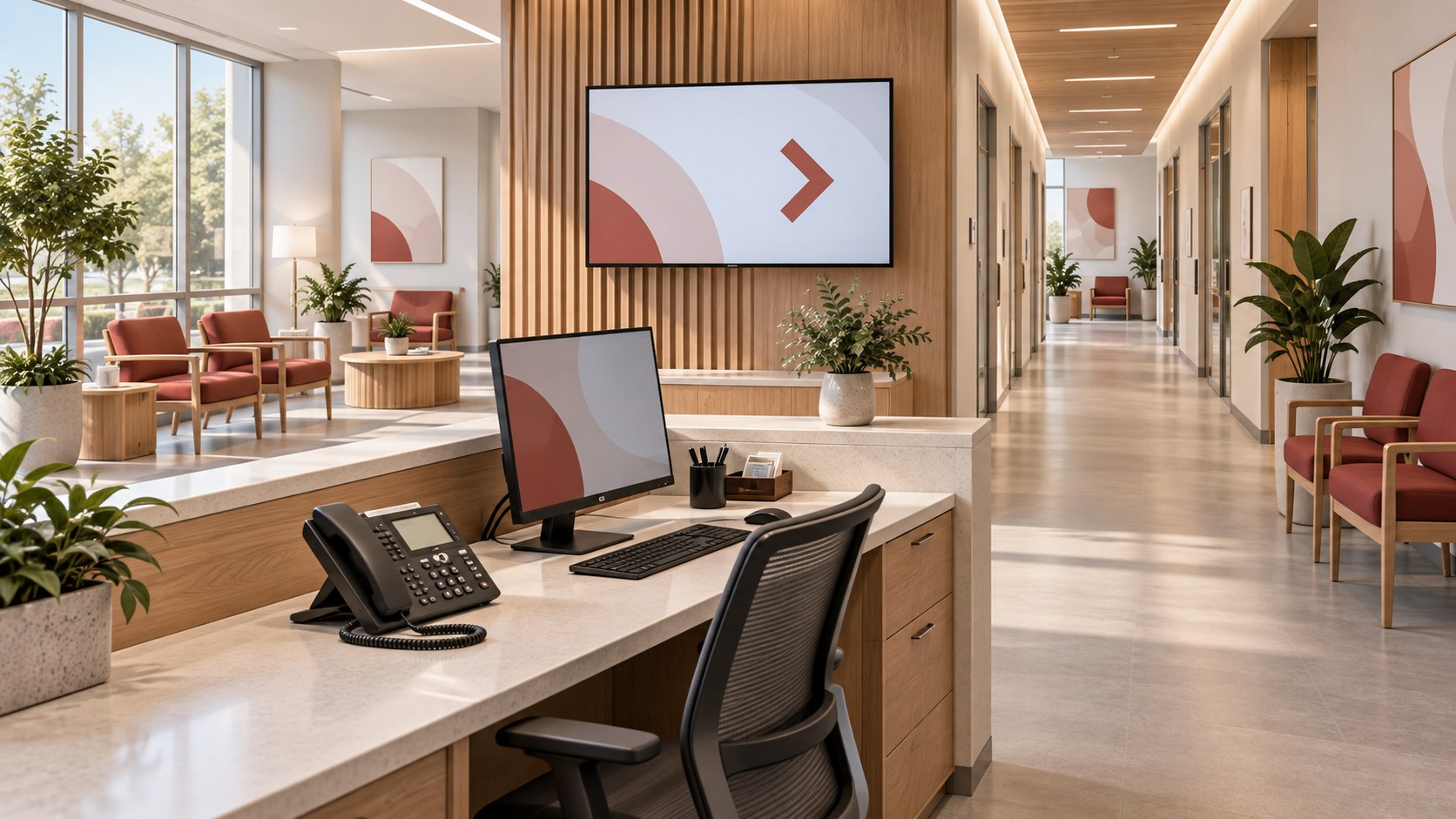
A clinic opening puts several teams on the same deadline. The carrier handles phone service. IT prepares the network and accounts. Facilities coordinates access and signage. Reception needs to know how to answer calls, transfer them and find help. Someone has to confirm that all of those pieces work together before the first appointment.
A working phone is one check. A call to the published number that reaches reception and transfers to the right department is a more useful one. The same goes for arrival instructions: the appointment reminder, website and signs need to lead patients to the same entrance.
A communications cutover plan gives the team a way to verify those connections. It defines what must work before opening, who confirms it and what happens if something is late. Build the checklist around the tasks patients and staff need to complete, with a named owner and a test result for each.
Key Takeaways
- Test the patient journey from published directions through arrival and reception.
- Work backward from opening, with carrier, network and construction dependencies recorded.
- Rehearse with clinic staff before the final readiness decision.
- Give operations a clear list of unresolved issues, approved alternatives and first-week support contacts.
Define the Service Before the Equipment List
Begin with operations, healthcare IT, facilities and the people who will staff reception. List the communications tasks the site needs at opening: incoming calls, department transfers, after-hours handling, staff collaboration, approved network access and patient directions.
Identify which systems fall within the project. An existing health-system call center, patient portal or clinical application may be managed elsewhere. Record that dependency and the responsible contact instead of assuming the installation team controls it.
For a relocation, identify what stays at the old site during the transition. A phone number, forwarding arrangement or appointment message may need to serve patients whose information was issued before the move. Have operations decide how those patients will receive accurate instructions.
Make Public Numbers and Call Handling Explicit
Create an inventory of public numbers, service owners, destination systems and intended cutover behavior. Identify whether each number is new, retained or being transferred between providers. Confirm carrier milestones with the responsible provider; lead times and transfer arrangements are project-specific.
Document the main greeting, reception coverage, department routes, unanswered destinations and after-hours handling. Have staff practice answering, transferring and retrieving messages with the equipment and access they will use after opening.
Test incoming calls from outside the organization after the service change. A successful internal extension call does not verify that patients can reach the published number. Use approved test messages without patient information.
Agree on a provider-supported fallback before the cutover. Do not assume a number transfer can be reversed immediately or that the old site will remain usable after other work has begun.
Work Backward From the Opening Decision
Build the sequence around dependencies. Carrier readiness and network service precede end-to-end calling tests. Power, pathways and approved installation access precede equipment commissioning. Staff practice requires the system to be sufficiently complete to resemble normal operation.
Stage and configure equipment before the site is ready where the scope allows. Confirm account ownership, device naming and support access with healthcare IT. Keep the staging configuration separate from the final address and location records so temporary values do not survive into production.
Set a point after which changes require review by the cutover lead. Late requests may be legitimate, but their effect on testing and opening readiness needs to be visible. Record the affected test whenever a configuration changes after rehearsal.
Verify the Address and Arrival Instructions
Review the clinic name, street address, suite, entrance and reception location across the channels the organization uses. These may include appointment messages, website directions, call-center scripts and lobby signage.
Separate patient-facing directions from the location information associated with communications services. Have the carrier, healthcare IT and responsible safety teams confirm address and location records through their approved procedures. Emergency-calling verification belongs in that coordinated process; do not place informal test calls to 911.
Walk the arrival route with facilities and patient-experience staff. Confirm the approved accessible route and the wording used to describe it. The correct building address can still bring someone to an entrance that does not serve the clinic.
Use a Checklist With Evidence and Decisions
This template is a starting point for the clinic’s project team. Replace role labels with named owners and agree on the opening criteria before testing.
| Patient or Staff Task | System Owner | Dependency | Evidence Required | Go/No-Go Decision |
|---|---|---|---|---|
| Reach reception from the public number | UC lead and reception manager | Carrier service and call routing | External call answered and transferred correctly | Operations accepts route or approved alternative |
| Receive accurate arrival directions | Patient-experience owner | Approved site and entrance information | Appointment, web and phone wording checked | Resolve conflicting location information |
| Use approved staff communications | Healthcare IT | Accounts, network and devices | Staff complete representative tasks | Owner confirms required functions available |
| Use guest access where offered | Network owner | Approved guest network configuration | Test from a guest device | Operations confirms availability and instructions |
| Follow directions inside the clinic | Facilities and signage owner | Approved route and published content | Walkthrough matches actual displays and signs | Correct misleading directions before use |
| Obtain support during opening week | Service lead | Contact list and agreed coverage | Test contact reaches the responsible team | Confirm staffed escalation route |
Add the test date, result, exception, decision maker and retest date to the working copy. A screenshot of a configuration is useful supporting evidence, but the relevant user task still needs to be demonstrated.
Coordinate the Physical Work With the Site
Schedule cabling, drilling, mounting and equipment access with facilities. In an occupied healthcare setting, involve infection prevention through the organization’s established process. Confirm work-area controls, cleaning, waste removal and the conditions for returning the space to use.
VIcom’s healthcare AV installation planning article covers those coordination issues in more detail. Put the applicable tasks and approvals into the cutover schedule so installation completion and room availability mean the same thing to each team.
Rehearse With the People Working the First Shift
Have reception and operations staff run a short sequence: receive an external call, transfer it, handle an unanswered destination, retrieve a test message, use the approved staff communication method and find support.
Follow an illustrative arrival from the information a patient receives to the reception desk. Use fictional details throughout the exercise. Note where staff have to ask the project team for an explanation, then add that missing instruction to the handover material.
Keep clinical protocols and clinical-system acceptance with the health system’s responsible teams. Communications readiness contributes to the opening decision; it does not replace those approvals.
Name the Go/No-Go Authority and First-Week Support
Before the final review, give the designated operations authority a concise exception list. State the affected task, consequence, approved interim arrangement, owner and resolution target. Confirm that any fallback can still be executed at the decision deadline.
For opening week, identify who handles carrier issues, room equipment, accounts, networks and patient-facing content. State the agreed coverage hours and escalation method. Review incidents with operations after actual use, then transfer remaining work into the normal support process with named owners.
Related Reading
- Healthcare AV upgrades and infection-control planning
- A communications downtime exercise for AV and UC
Where VIcom Fits
VIcom’s healthcare team can help scope the communications and infrastructure work around a clinic opening or relocation. Bring the opening schedule, public number inventory, site plans and dependency list to the first discussion.
Connect with VIcom by filling out the form below.