
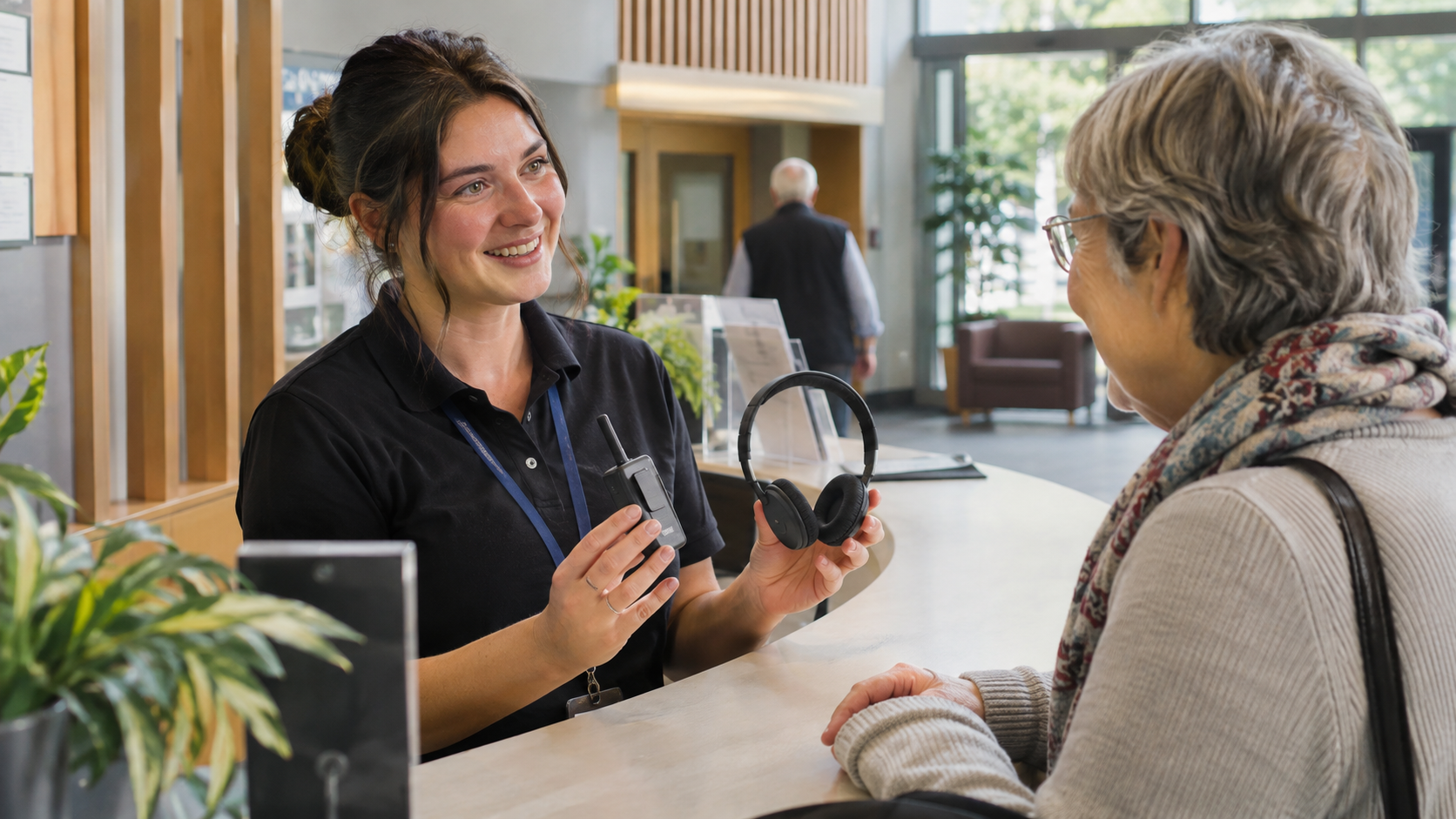
The audio is being broadcast. The installer can receive it. A visitor walks in with a hearing device and asks how to connect.
That interaction is part of the system. An Auracast visitor setup should cover finding the service, choosing the right broadcast, getting a compatible receiver, and asking for help. A working transmitter does not answer those questions on its own.
Explain the three roles without a technical lecture
The transmitter sends the audio. A compatible receiver plays it. An assistant, which may be a phone or another supported device, helps someone find and select the broadcast.
The Bluetooth SIG FAQ explains these roles and the required capabilities. Do not tell visitors that any Bluetooth headphone or hearing aid will work. A Bluetooth version number by itself does not establish Auracast compatibility, and the joining experience depends on the devices involved.
Ask the system provider for a verified compatibility and support plan. Staff should be able to explain the options available at your venue without making promises about every device a visitor might bring.
Start the test at the entrance
Invite someone unfamiliar with the installation to find the service using only the information a normal visitor receives. Can they tell that assistive listening is available? Can they identify the correct room or broadcast? Can they find help without leaving the event and searching the building?
Use clear broadcast names and consistent instructions. A list of similar room names can be confusing in a facility with several simultaneous events. Test adjacent spaces so someone does not accidentally select a nearby room’s program.
Plan for the visitor who cannot connect
Decide which compatible receivers and listening accessories the venue will provide, how visitors obtain them, and who checks that they work. Listen Technologies’ pro-AV guidance illustrates the role of dedicated receivers alongside compatible personal devices. The appropriate provision depends on the venue and its accessibility requirements.
Assign charging, cleaning, checkout, return, and replacement responsibilities. A receiver locked in a cupboard behind an absent employee is not a practical service. Keep the help process available for the full event, including evening and weekend use.
Test the listening experience where people sit
Use the actual microphone and program sources. Check the intended seating area, normal room activity, and any movement visitors are expected to make. Listen for missing sources, inappropriate levels, interruptions, or confusion during a program change.
Include intended users in the evaluation. Staff who already understand the system can unintentionally skip steps that a first-time visitor needs. Record the device combination, location, steps attempted, result, and any assistance required.
Leave a service checklist with the venue
- Visitors can find clear information about the listening service.
- The correct broadcast is recognizable.
- Supported personal-device and venue-receiver paths have been tested.
- Staff know where equipment is stored and how to help.
- Charging, cleaning, faults, and replacements have named owners.
- Unresolved access needs have an escalation path.
The Bluetooth SIG public-location page addresses registration and branding. Those steps help people discover the service, but they do not replace a project-specific accessibility review. A transmitter alone should never be presented as proof that every facility obligation has been met.
VIcom’s Auracast retrofit guide covers the installation discussion. For an existing system, ask VIcom to walk through the visitor experience with your accessibility and operations teams, starting at the entrance.
Connect with VIcom by filling out the form below.