
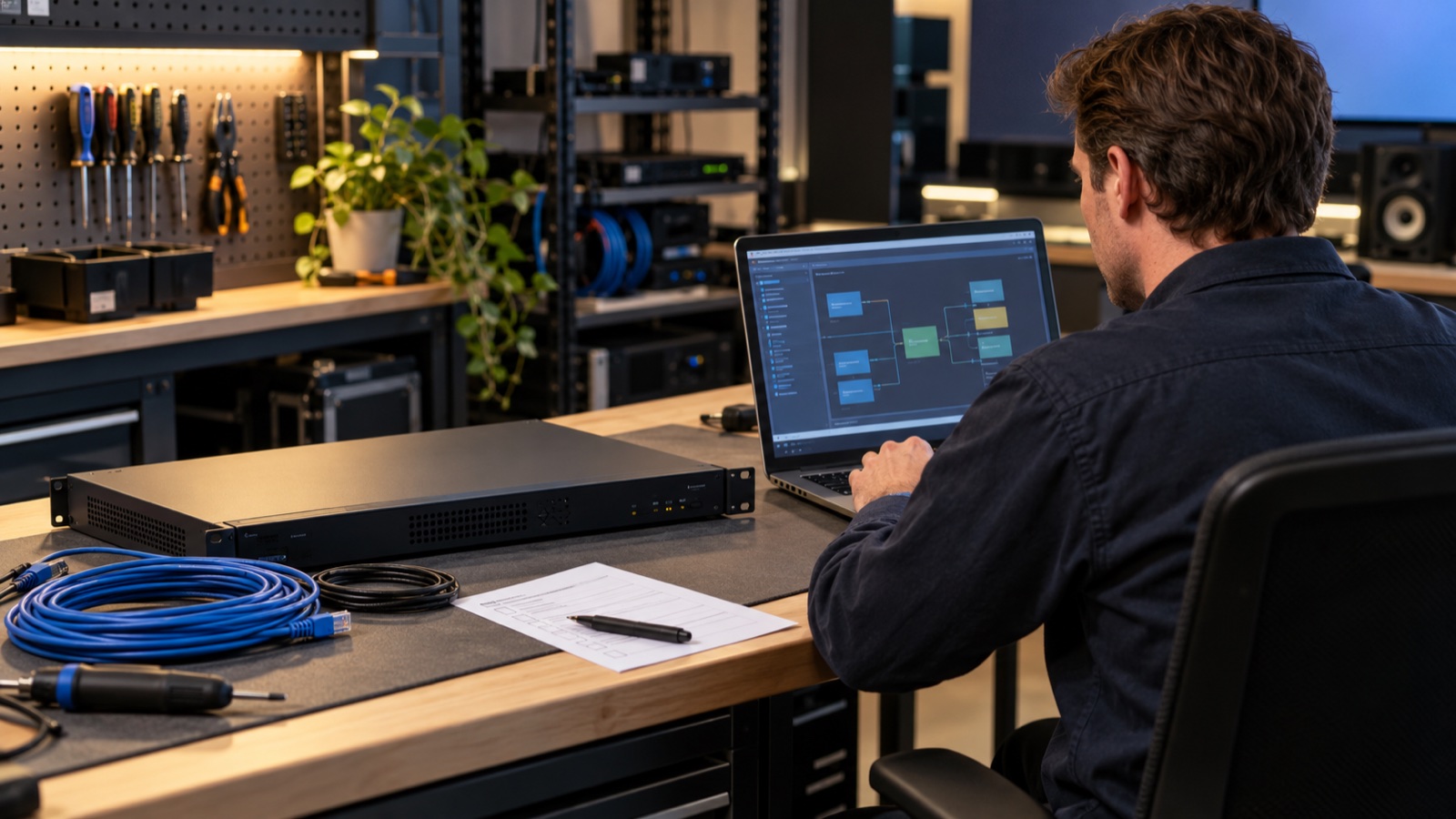
The room support folder has a backup file. A spare processor sits on a shelf. Those are useful starting points, but the next question takes an exercise to answer: how long would it take another authorized technician to restore the functions people need?
An AV recovery drill gives your service team evidence. Run it on an approved spare or isolated test system, measure the delays and record what fails. You may discover that locating the right design takes longer than loading it, or that the person who can approve access is unavailable during the support hours you expect.
Define what a usable room must do
Choose one representative room and write a short acceptance list before the drill. It might include joining a scheduled meeting, sharing a laptop, hearing remote participants, using the room microphones and changing a presentation source. Include accessible user functions that the room normally provides.
Have the business owner decide which functions must return first. A staff training room may have an approved temporary presentation mode while a more complex function remains unavailable. Document any workaround, who can authorize it and how users will receive instructions.
Set a recovery target with the service owner. Treat it as a planning requirement that the drill will test. The time achieved in a lab does not establish a contractual recovery commitment or predict every production incident.
Use the AV project handover guide to address missing files, accounts and rights before the exercise. For Q-SYS systems, the existing upgrade dependency checklist is useful preparation. The drill should then demonstrate what the team can recover with those materials.
Build a recovery manifest with an owner for every item
A manifest connects the installed system to the material needed to restore it. Record the authoritative location and approved revision of each item. A folder full of files named final, final-new and final-approved leaves the technician making a decision that should have been settled at handover.
| Recovery item | Evidence to record |
|---|---|
| Design and program files | Authoritative location, revision, authorized owner, editing rights and last verified date. |
| Device configuration | Export location, device identity, hardware revision and documented scope of the backup. |
| Software and dependencies | Compatible application and firmware versions, plugins, drivers and supported installation source. |
| Licenses and media | Entitlement owner, supported recovery or transfer process, media location and permitted use. |
| Certificates and access | Responsible administrator, approved retrieval procedure, expiry considerations and verified access status. |
| Hardware baseline | Processor model, peripheral inventory, documented revisions and approved spare compatibility. |
Store passwords, encryption passphrases and sensitive configuration in approved protected systems. The manifest can point an authorized person to the retrieval procedure. Keep those secrets out of general worksheets, tickets and public examples.
Ask a second authorized technician to locate the material without coaching from the original installer. Let the access process operate as designed. Record a delay if an approval, account or entitlement prevents progress, rather than borrowing someone else’s credentials to finish the test.
Check the boundary of the backup
For a concrete example, the Q-SYS 10.5.1 System Backup and Restore documentation describes a Core Manager configuration archive separately from design files, feature licenses and user-managed media or audio files. Those excluded items need their own supported handling.
The documentation describes restoring to the same Core or a replacement of the same model. It also requires the archive passphrase and warns that restoring overwrites matching configuration, stops the running design, disconnects sessions and reboots the Core. Confirm the exact version, model and supported procedure for your installation with the responsible technical team.
Keep the Q-SYS example within that scope. Other control systems package their recovery material differently. Ask the manufacturer or support provider to identify what its export includes, what remains elsewhere and what restrictions apply to a replacement device.
Rehearse in an approved test environment
Agree on the test scope, maintenance plan, network isolation and stop conditions. A lab copy can still cause trouble if it duplicates a production network identity or connects to live room devices. Have the responsible AV and IT staff approve the connections before powering up the replacement environment.
Use supported tools and installation media. Confirm the spare’s compatibility in advance and note any difference from production. Keep a known recovery path for the test environment itself. Never factory-reset a working production room merely to find out whether its backups work.
Start the clock when the assigned technician receives the exercise. Measure file discovery, access approval, compatibility checks, restoration and user-function validation separately. Record waiting time as well as hands-on work. That distinction helps you assign the right corrective action.
The FBI’s cyber-resiliency guidance recommends testing restoration, measuring recovery time and addressing gaps. Applied to AV support planning, that gives you a useful discipline for evaluating a recovery process without assuming that possession of a backup establishes readiness.
Use a timed drill record
Give each stage a row with these fields: recovery item; authoritative location; authorized owner; compatibility confirmed; access verified; restoration result; elapsed time; and corrective action. Add the date, participants, target, test environment and deviations from production above the table.
For the validation stage, record each agreed room function and its result. “Processor online” leaves several questions open. Have a tester make the representative call, share the sample content and operate the controls. Capture appropriate screenshots or test logs without recording confidential meetings or exposing configuration secrets.
A hypothetical drill might complete configuration recovery while failing to play a locally stored announcement. The record should identify the missing media, its owner and the supported way to restore it. Record that function as failed until the corrective work and retest are complete.
Close the gaps and maintain the baseline
Turn findings into assigned work with due dates. Typical actions include clarifying the authoritative file, verifying a license process, correcting an access dependency or replacing an incompatible spare. Retest the affected steps and retain the evidence with the room’s support documentation.
Update the recoverable baseline after approved changes. Repeat the exercise when meaningful dependencies change, including processor hardware, control programming, authentication or the supported software path. Agree on a recurring review interval with the room’s service owner.
Bring the manifest and timed results to your next VIcom support-planning discussion. A list of missing artifacts and measured delays gives the AV and IT teams specific work to resolve before an outage.
Connect with VIcom by filling out the form below.