
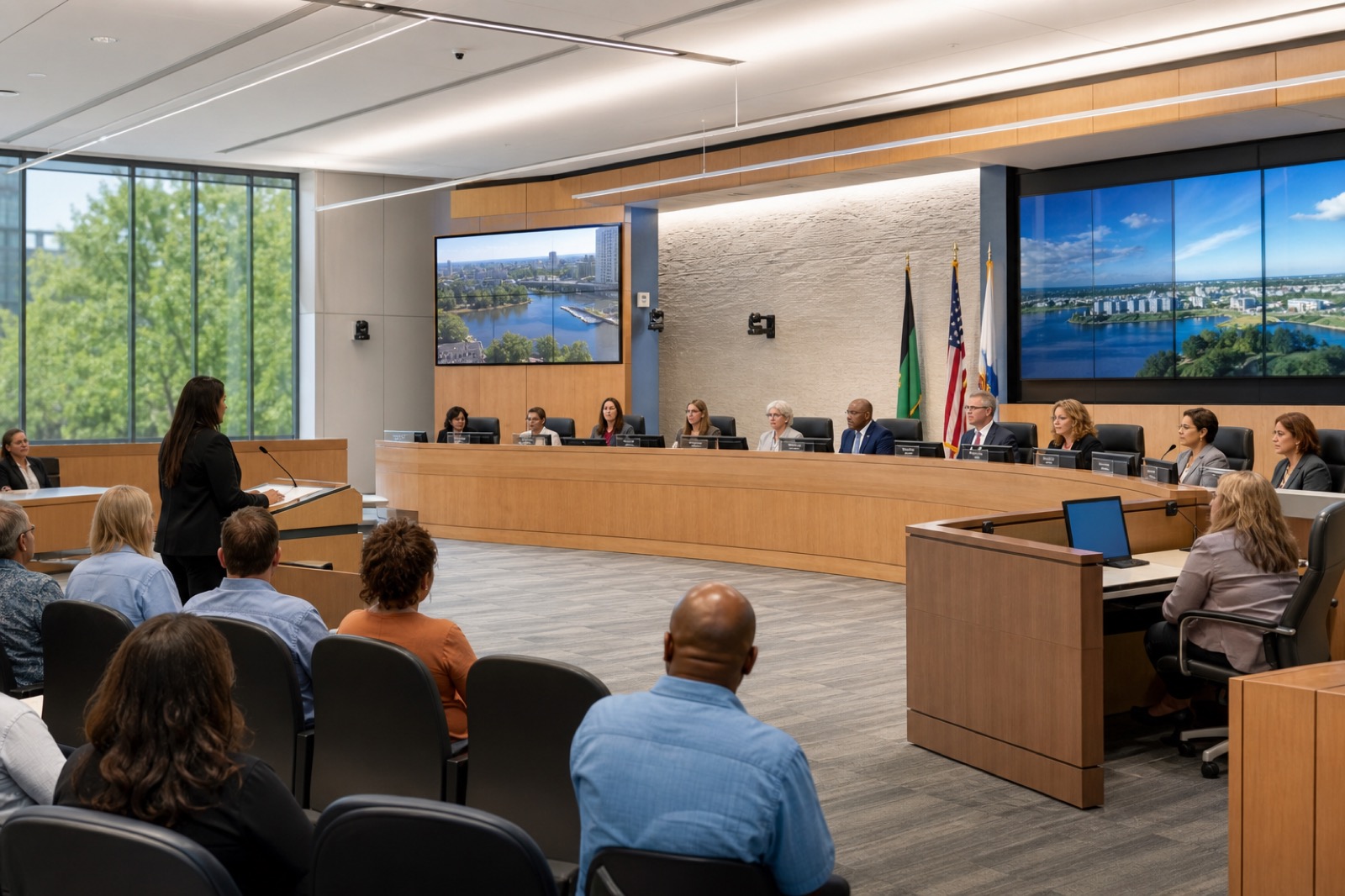
The Public Record Outlives the Livestream
Hybrid public meetings are no longer an emergency workaround. Citizens may attend in person, watch live, submit comment remotely, review the archive later, or search for one agenda item weeks after a vote. Public meeting live streaming is only the first step in that journey.
The real question is whether the meeting remains understandable after it ends. Can a resident find the comment they care about? Can captions help someone follow the discussion? Is the audio clear enough for transcription? Are agenda items linked to the right part of the recording? These outcomes depend on AV and workflow design.
Audio Quality Is the Foundation of Search
Captions, transcripts, and searchable archives all start with audio. If public comment is muffled, side conversations bleed into the stream, or remote participants are hard to hear, the archive becomes less useful. A camera may show that a meeting happened, but audio tells citizens what happened.
A chamber review should test dais microphones, lecterns, staff tables, remote participants, assisted listening feeds, streaming audio, recording audio, and archive playback. Each output should be intentionally routed. The archive should not depend on whatever feed happened to be available.
Design the Whole Meeting Workflow
A usable civic record connects agenda, speaker identification, camera presets, captions, stream start and stop, recording, archive posting, and retention handoff. Clerks and public information teams need workflows that are reliable under meeting pressure. Automation and templates can help, but only if the room systems and publishing tools are aligned.
Speaker identification is especially useful. Camera presets, microphone naming, agenda timestamps, and consistent public comment procedures can make archives easier to search and understand. Citizen usability matters more than broadcast complexity.
Accessibility Includes Live and Later Access
Accessibility is not limited to the people in the chamber. A citizen watching on a phone, using captions, relying on an archive, or trying to understand a complex hearing after work also needs a usable experience. Meeting teams should review caption availability, readable displays, mobile playback, assistive listening, remote participation instructions, and archive navigation.
This article is not records-retention or legal advice. Each public body should follow its own counsel and policy. From a technology standpoint, however, the AV system should make the approved process easier to execute.
Assess the Archive Like a Citizen
Pick three recent meetings and try to answer a real citizen question. Find a specific agenda item, identify who spoke, understand the vote, and review public comment. Note where the experience breaks. Was the audio unclear? Were captions missing? Was the archive hard to search? Did staff need manual workarounds?
VIcom helps public bodies design meeting spaces and workflows that serve citizens before, during, and after the meeting. A better archive starts with a better room, clearer workflow, and support model that staff can sustain.
Assess the Archive With Three Citizen Tasks
Pick a recent meeting and try three tasks. First, find the vote on a specific agenda item. Second, find one public comment. Third, understand what staff recommended and why. If those tasks take too long, the issue may be agenda tagging, audio quality, caption quality, camera presets, or the archive interface.
This test changes the conversation. Instead of debating whether the stream exists, the team can see whether the record is usable. A resident who missed a planning discussion should not have to scrub through two hours of video hoping the audio is clear enough to identify the right moment.
Meeting-Room Details That Improve Archives
Small AV decisions can make archives much better. Name microphones in the system so speaker labels are easier to manage. Use camera presets for dais, staff table, lectern, and public comment. Keep agenda clocks and recording times aligned. Route clean program audio to the recorder rather than relying on a room-mix afterthought.
Clerks and public information officers should not need to become production engineers. The system should give them repeatable presets, clear start/stop behavior, and a fallback if the stream or caption workflow fails. That is how transparency stays sustainable after the novelty of a new system wears off.
Make the Clerk Workflow Sustainable
The best archive plan will fail if it makes meeting staff perform too many manual steps. Clerks and public information officers are already managing agendas, votes, speakers, minutes, public comment, and legal process. The AV workflow should reduce cognitive load during the meeting.
Templates help. A standard meeting preset can start the stream, select the correct camera view, route dais microphones, feed captions, and begin recording. Separate presets can support public comment, presentations, remote speakers, and closed-session transitions where policy allows. The design should preserve human judgment while making routine actions repeatable.
After the meeting, the archive handoff should be equally clear. Who checks the recording? Who posts it? Who verifies captions? Who links the agenda? Who handles a citizen request when the archive is wrong? When those roles are documented, transparency becomes less dependent on memory and more dependent on a designed process.
One practical improvement is a meeting packet for the archive workflow. Include agenda ID, meeting title, recording file name, caption status, posting owner, and any known audio issues. That small record helps staff answer citizen questions later and gives IT a trail when something needs repair.
For meetings with frequent public comment, consider a dedicated comment preset. It can switch the camera, open the right microphone, route audio cleanly to captions, and reduce the operator burden at the exact moment citizens are participating.
If residents can watch the stream but cannot find or understand the record later, the public-access workflow needs attention. VIcom can help connect chamber AV, captions, streaming, and archive usability; connect with VIcom by filling out the form below.