
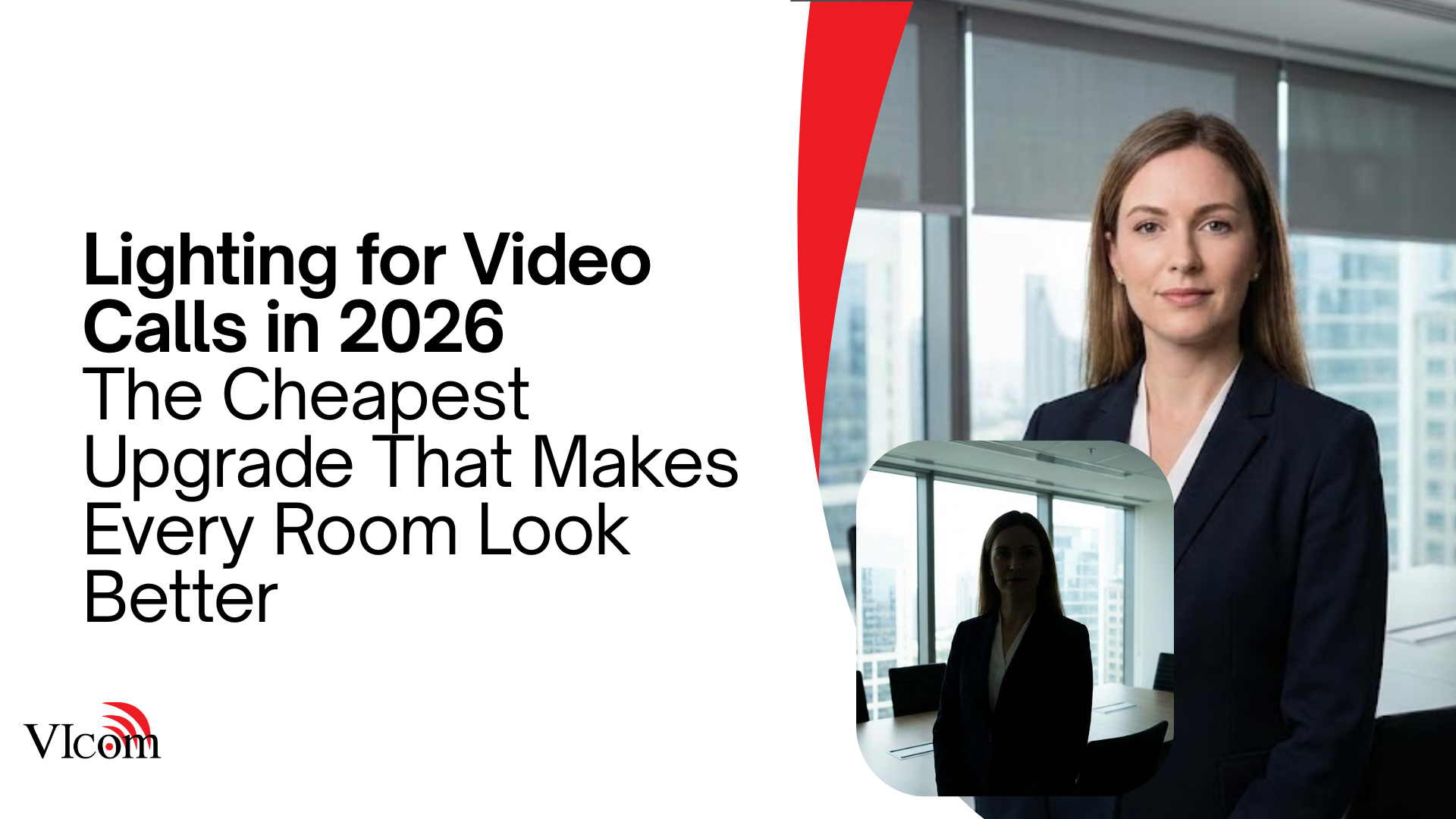
If your camera image looks bad, it might not be the camera.
We have seen organizations replace perfectly good cameras because people still looked like silhouettes, or the room felt “grainy,” or remote participants could not read facial expressions.
Then the new camera arrives and… nothing changes.
Lighting is the quiet multiplier of every video meeting experience. It is also one of the most cost-effective upgrades you can make.
The three lighting problems that break video most often
1) Backlighting
A bright window behind the speaker makes the camera choose between the window and the face. Faces lose.
Fixes:
-
move seating so windows are not behind faces
-
add blinds or shades users will actually close
-
add front fill lighting so faces stay visible
2) Overhead-only lighting
Ceiling lights create eye shadows and harsh highlights. People look tired and flat.
Fixes:
-
add soft, front-facing light sources
-
use indirect lighting where possible
-
avoid putting the brightest light directly above the main seat positions
3) Mixed color temperatures
When a room mixes cool overhead lighting with warm lamps, the camera struggles. Skin tones look strange.
Fixes:
-
standardize on a consistent color temperature in the room
-
remove random lamps that fight the room lighting plan
-
tune fixtures so the room feels consistent on camera
A simple rule: light faces first
For meeting rooms, the goal is not “bright.” The goal is “even.”
You want:
-
faces lit from the front at a comfortable level
-
minimal glare on displays
-
minimal reflections in glass walls
That is what makes cameras look expensive, even when they are not.
Practical lighting upgrades that work in real rooms
Add soft fill light in the front of the room
This can be done in multiple ways depending on the space:
-
wall washers
-
indirect LED fixtures
-
professional-grade soft fixtures when needed
The key is diffusion. Harsh point light is not your friend.
Control daylight without turning rooms into caves
If a room has big windows, plan for it:
-
shades that are easy to operate
-
a user habit that is reinforced with simple signage
-
lighting that compensates when shades are down
Avoid glossy surfaces near camera sightlines
Highly reflective tables and shiny whiteboards can create hotspots that ruin exposure.
Small changes in placement can reduce glare dramatically.
Quick self-test you can do without tools
Stand or sit where the primary speaker sits. Open your laptop camera and start a video call preview.
Look for:
-
eyes are visible without squinting
-
no bright window dominates the frame
-
the background is not brighter than the face
-
skin tones look normal
If this looks bad on a laptop camera, it will not magically look better on the room camera.
Why lighting matters more in 2026 than it used to
Hybrid meetings have higher expectations now. People notice when:
-
a leader looks like a shadow
-
faces are hard to read
-
reactions are missed because video quality feels “off”
Lighting is part of meeting equity, not decoration.
If you want better video meetings, fix lighting before you replace cameras.
It is one of the few upgrades that improves:
-
video calls
-
in-room comfort
-
the overall professionalism of the space
VIcom can help you evaluate room lighting as part of a meeting room standard so video quality is predictable across your room portfolio.