
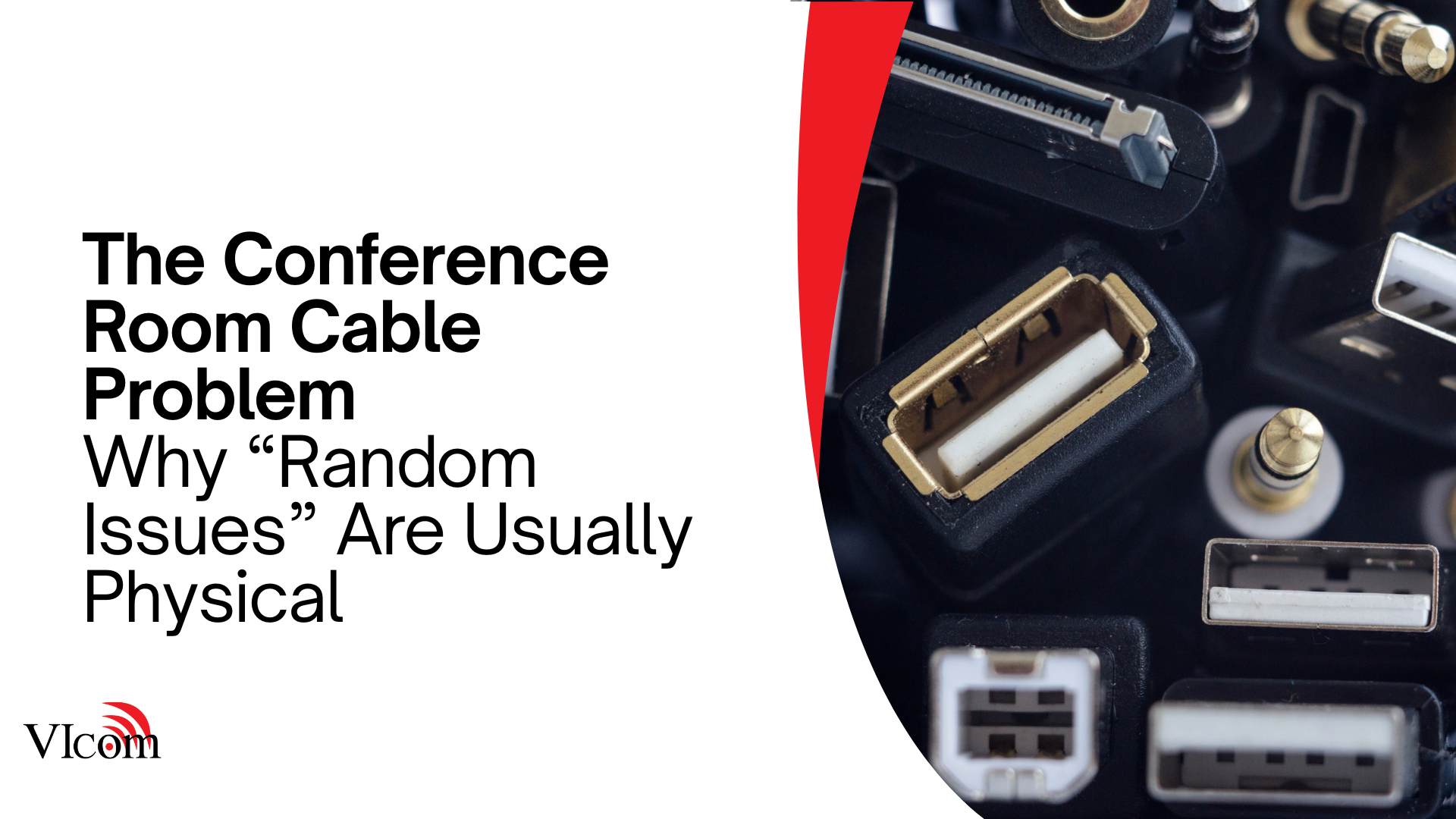
If your meeting rooms have “random issues,” start by looking under the table.
Seriously.
A huge percentage of recurring room problems come down to physical reality:
-
worn cables
-
loose connectors
-
bad strain relief
-
adapters that disappear
-
ports that get abused all day
Software gets blamed because it is visible. Cables get ignored because they are boring. Meanwhile, cable failures quietly destroy meeting reliability.
Here is how to fix it without turning every room into a science experiment.
The physical layer is a system, not an afterthought
Most rooms fail at the seams:
-
table connection points
-
wall plates
-
floor boxes
-
USB extenders
-
“temporary” adapters
You can have great cameras, great mics, and great displays and still lose the room if the connection path is fragile.
The three cable mistakes that cause most trouble
1) Treating USB-C like it is one thing
USB-C is a connector, not a guarantee.
In conference rooms, USB-C needs a clear job description:
-
video out
-
USB data
-
charging
-
sometimes all three
When expectations and reality do not match, users call it “broken.”
2) Building rooms that rely on dongles
Dongles walk away. Dongles break. Dongles multiply into chaos.
If your room “works great as long as you use the adapter,” you do not have a standard. You have a coping mechanism.
3) No strain relief
Table cables get yanked constantly. Without strain relief:
-
connectors loosen
-
ports get damaged
-
intermittent failures appear
Intermittent failures are the worst kind because they waste support time. Everyone argues about whether the problem is “real.”
Design rules that make rooms more reliable immediately
Make the primary connection obvious
Pick one primary connection method per room tier and make it unmistakable:
-
label it clearly
-
place it where users naturally sit
-
keep the cable length practical, not “as long as possible”
Use “cable whips” and replaceable ends
Instead of exposing expensive hardware ports to daily abuse, use a replaceable short cable that can be swapped quickly when it gets worn.
A worn cable should be a 2-minute fix, not a support ticket that ruins a meeting.
Secure what matters
For high-use rooms:
-
secure cables where appropriate
-
use locking mechanisms where it makes sense
-
protect ports from direct stress
This is not about being paranoid. It is about acknowledging human behavior.
Standardize adapters, then keep them out of sight
If adapters are unavoidable for your environment, standardize on a small set and store them in the room in a consistent, labeled place.
No scavenger hunts. No “ask Jim if he has one.”
The “Cable Health” checklist for 2026
Use this walkthrough during room audits:
-
The primary table connection is labeled clearly
-
Cables are not stretched, kinked, or pinched
-
Strain relief is present at connection points
-
Backup sharing method exists and is documented
-
The room has a small, consistent “known-good” cable set
-
Wall plates and floor boxes are secured and intact
-
The room can support a guest laptop without special knowledge
The fastest win: build a small spares kit
A room spares kit does not need to be expensive.
Common high-value spares:
-
primary connection cable(s) used in that room tier
-
a backup HDMI cable (if HDMI exists in your environment)
-
a labeled, standard adapter set if required
-
a spare remote or batteries if the room still uses them
The goal is speed. When something fails, you replace it and move on.
Cable problems feel “random” because they are physical wear in a high-use environment.
If you design the physical layer for real human behavior, room reliability goes up fast and support load drops with it.
If you want, VIcom can help you standardize the physical connection design across room tiers so your rooms do not depend on perfect user behavior to work.