
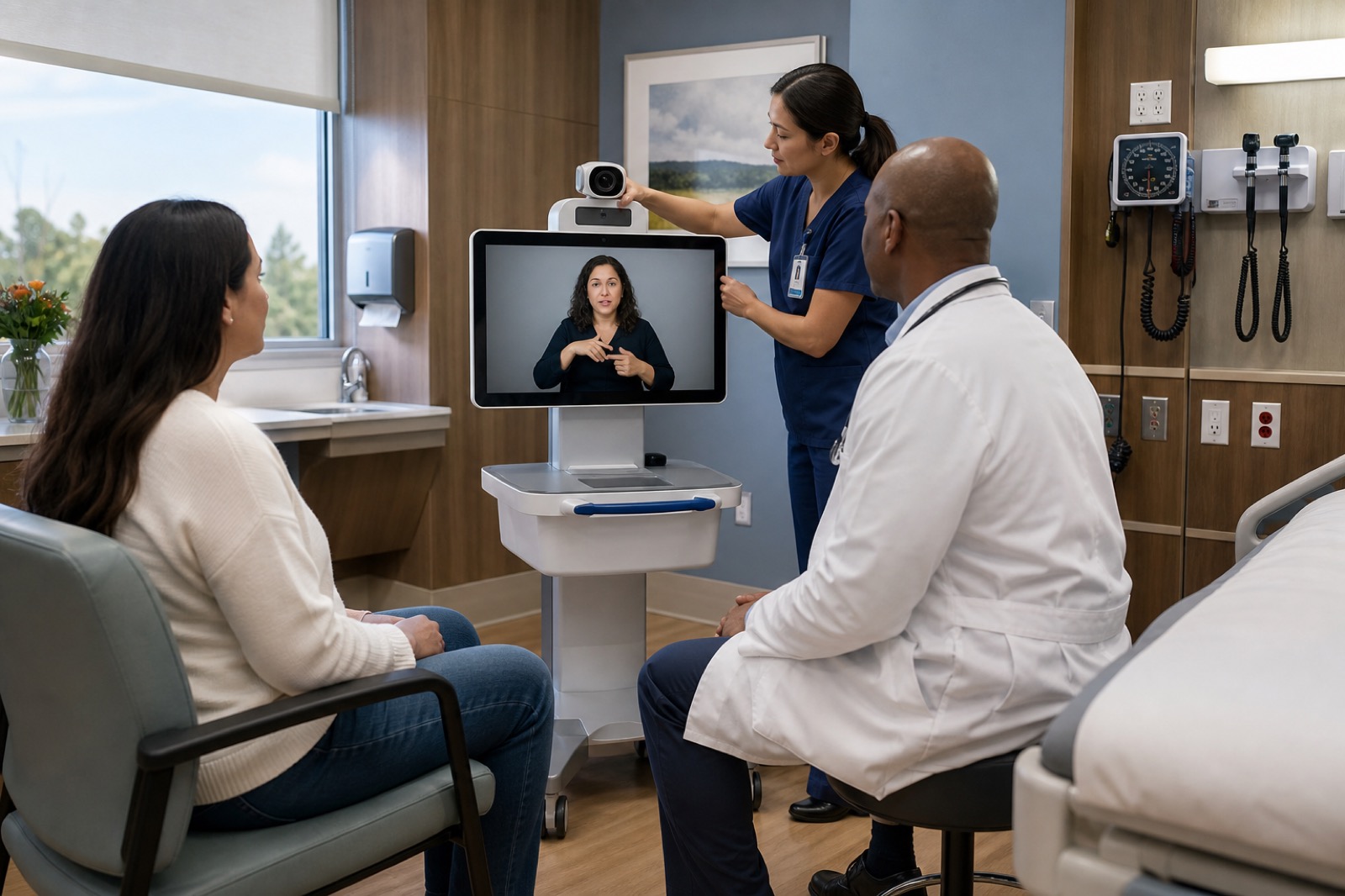
How to Build a Reliable Video Remote Interpreting Workflow
A video remote interpreting session can connect quickly and still fail the patient. The camera may crop the interpreter’s hands. The patient may not see the screen. Room noise may cover the clinician’s voice. Staff may lose critical time searching for a charged device or working login.
These problems can disrupt communication and patient care.
The Department of Justice’s effective communication guidance explains that video remote interpreting, or VRI, will not work in every situation. The guidance lists several performance standards:
- Full-motion video and audio in real time
- A clear image large enough to show faces, arms, hands, and fingers
- Clear speech
- Staff training for quick setup and operation
The DOJ also states that an on-site interpreter may be necessary when VRI cannot provide effective communication.
Section 1557 and other language-access rules may apply to covered health programs. Healthcare organizations should seek current legal guidance. This checklist provides operational guidance, not legal or clinical advice.
Decide When to Use VRI
Create a clear decision process with input from:
- Language-access leaders
- Clinicians
- Legal counsel
- Accessibility staff
- Risk leaders
Consider:
- The nature and length of the discussion
- The complexity of the information
- The urgency of the patient’s needs
- The patient’s preferred communication method
- Visual, hearing, or cognitive needs
- Physical positioning limits
- The clinical setting
Define a fast path to an on-site qualified interpreter or another effective aid. Staff should stop and change methods when VRI does not support clear communication, even if the platform remains connected.
Spoken-language interpretation also requires qualified interpreters, privacy, clear audio, reliable workflows, and compliance with applicable Section 1557 requirements. Do not assume that spoken-language and sign-language sessions have the same technical or operational needs.
Test Video in Both Directions
For sign-language communication, the interpreter must see the patient’s full signing space. The patient must also see the interpreter’s face, arms, hands, and fingers.
Test:
- Screen size
- Resolution
- Frame rate
- Delay
- Camera framing
- Lighting
- Camera movement
- Display glare
Test with people in the positions they will use during care, including:
- Lying in bed
- Reclining
- Sitting in a wheelchair
- Standing
- Sitting with a caregiver
Check whether bed rails, tubing, medical equipment, furniture, or staff block the camera or screen. Make sure staff can position the cart without obstructing care or creating a trip hazard.
Avoid bright windows behind participants and glare on the display. Disable or adjust automatic camera features that crop hands or shift framing during signing.
Where practical, mark suitable cart locations in the room.
Make Every Voice Clear
The interpreter may need to hear the patient, clinician, caregiver, and other participants.
Test microphone pickup and speaker clarity at normal working distances. Include common sources of noise, such as:
- HVAC systems
- Medical alarms
- Hallway activity
- Masks
- Mobile equipment
- Normal clinical work
Prevent feedback and echo. Staff should be able to adjust the volume without making a private conversation easy to hear outside the room.
For discussions with several people, set rules for taking turns. Ask each person to identify themselves before speaking when the interpreter cannot see everyone.
Test the Network and Device
Run VRI through the same wireless network, security controls, and internet path that staff will use during care.
Measure:
- Time to connect
- Connection stability
- Video and audio delay
- Wireless roaming
- Recovery after a brief interruption
- Performance during busy periods
Identify weak wireless areas and times of network congestion. Confirm that firewalls, proxies, identity systems, certificates, and vendor services allow the platform to work as designed.
Maintain a readiness record for each device that includes:
- Owner
- Location
- Asset ID
- Support contact
- Charging location
- Battery health
- Application and account owner
- License owner
- Update responsibility
- Approved cleaning method
- Privacy screen
- Camera indicator
- Physical security
- Backup device
- Outage procedure
- Vendor escalation contact
- Interpreter service contact
Avoid shared credentials when individual or managed access offers better control. Make sure logs and remote support practices follow the organization’s privacy and security policies.
Create a Two-Minute Staff Workflow
Staff should be able to:
- Request the correct interpreting service
- Find an available device
- Sign in
- Select the needed language or communication method
- Position the cart
- Connect video and audio
- Introduce the interpreter
- Document the interaction
Design the process so staff do not need to invent steps during patient care.
Use role-based drills. For example:
- A unit clerk locates and sends the device
- A nurse positions and prepares it
- A clinician leads the interpreted discussion
- IT handles connection problems
- Language-access staff guide escalation
Place short instructions on the device without showing passwords or other private information.
Include steps for situations in which:
- The patient cannot use the selected method
- The interpreter cannot see the patient
- The interpreter cannot hear all speakers
- The patient cannot see or hear the interpreter
- The platform becomes unavailable
- An urgent clinical need changes the plan
Protect Privacy and Dignity
Position the display so only approved participants can see it. Use a private space when available. Control doorway traffic, screen visibility, and sound leakage.
Tell the patient who the interpreter is and explain how the system works. Follow organizational policies for consent and documentation.
Do not rely on family members or children as the standard backup plan. DOJ guidance places responsibility for effective communication on covered organizations and limits when accompanying people may interpret.
Test Every Care Setting
VRI requirements can change across:
- Emergency departments
- Inpatient rooms
- Outpatient clinics
- Perioperative areas
- Behavioral health spaces
- Imaging rooms
- Registration areas
- Pharmacies
- Telehealth visits
Each setting has different needs for positioning, privacy, noise control, urgency, cleaning, and infection prevention.
Use a scored drill that measures:
- Time to locate the device
- Time to connect
- Video quality
- Audio quality
- Successful two-way communication
- Staff confidence
- Cleaning and storage
- Documentation
- Use of the backup plan
Repeat the drill after changes to the network, platform, device, room, or workflow.
VIcom can help healthcare teams assess the AV and network path, device placement, room audio, lighting, device readiness, and support process. This work should involve the organization’s clinical and language-access leaders.
The goal is effective communication when the patient needs it.
Monitor Readiness Between Encounters
Do not make the patient the first person to discover that a VRI cart is offline.
Use a daily or shift-based check that fits the care setting. Confirm that the device is:
- Present
- Charged
- Connected
- Updated
- Clean
- Able to reach the interpreting service
Central monitoring can report battery status, network health, application status, and the device’s last check-in. Staff must still complete physical and workflow checks.
Track and Review Failures
Record failures by category:
- Device unavailable
- Slow connection
- Requested language unavailable
- Poor video
- Poor audio
- Bad positioning
- Account problem
- Network problem
- Staff workflow problem
- Privacy concern
- Wrong communication method
Track how long it takes to establish effective communication and how often staff use the backup plan.
Do not record private patient conversations for routine troubleshooting. Follow privacy, security, and legal policies for all logs and diagnostic data.
Use the findings to improve:
- Cart locations
- Wi-Fi coverage
- Staffing
- Training
- Spare equipment
- Vendor service levels
- On-site interpreter planning
Treat VRI as an ongoing clinical service. Regular testing, clear ownership, trained staff, and a reliable backup plan matter as much as the devices themselves.
Connect with VIcom by filling out the form below.