
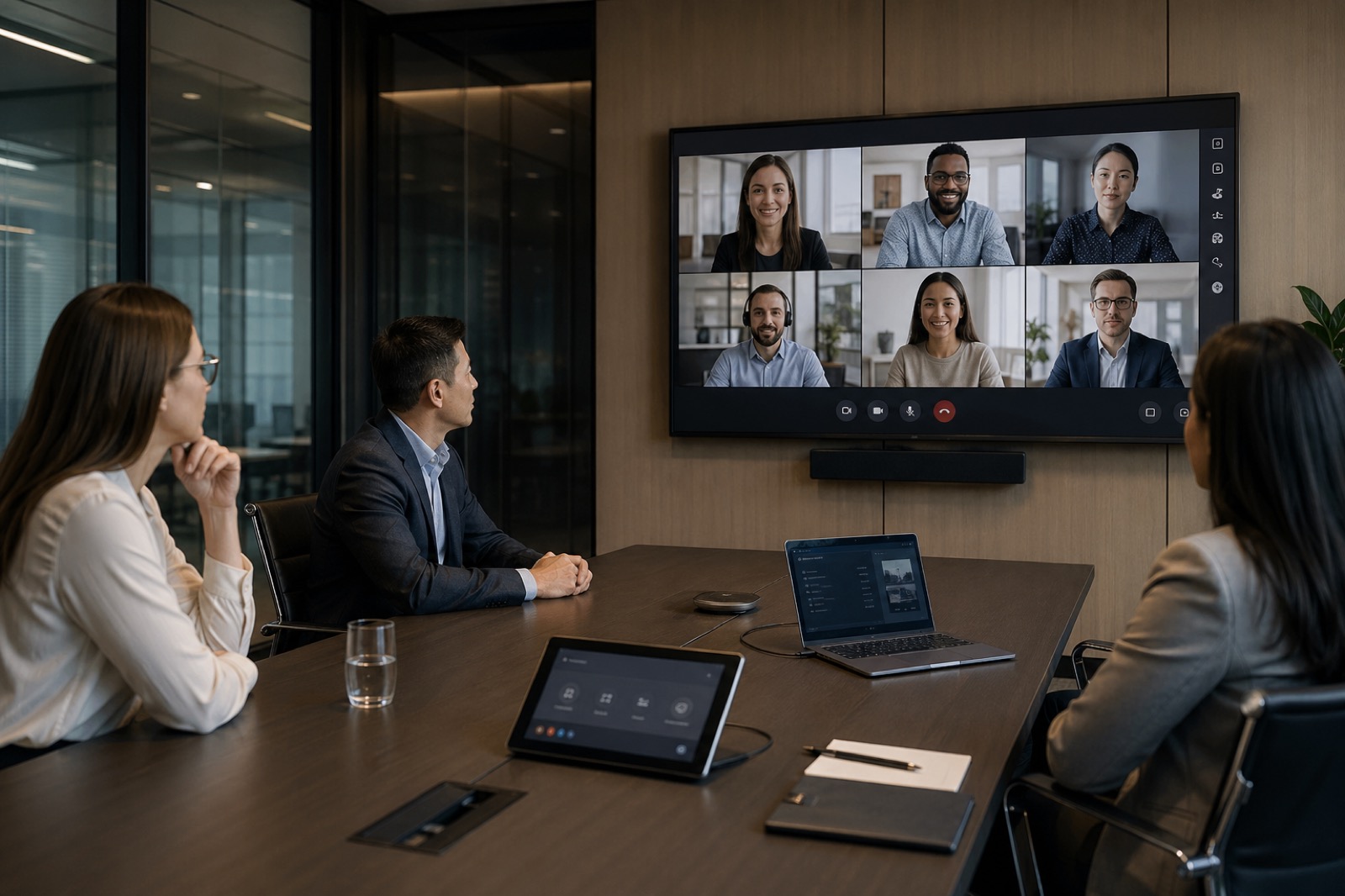
Most enterprises already know they need a meeting room standard. What they do not always know is how to choose one without turning the process into a platform argument.
That is where room strategy often goes sideways. One group wants Microsoft Teams Rooms because the company is already invested in Microsoft. Another prefers Zoom Rooms because the user experience feels cleaner. Someone else argues for BYOD because it is flexible, cheaper, and easier to deploy in more spaces. All three positions can be reasonable. All three can also be wrong if they are applied to the wrong room types.
That is the real point in 2026: this is not a winner-take-all platform decision. It is a room standards decision. The right answer depends on room archetype, meeting behavior, user expectations, support capacity, and governance requirements.
A boardroom used for executive and client-facing hybrid meetings should not be treated the same way as a lightly used huddle room. A divisible training space should not be planned like a laptop-first touchdown room. And a room that needs walk-in simplicity every day should not inherit a workflow that depends on whichever cable, adapter, or laptop happens to show up.
Stop Asking Which Platform Is Best
Framed as a pure product comparison, Teams Rooms vs Zoom Rooms is the wrong question.
The better question is this: what room experience standard belongs where?
Native room systems like Teams Rooms and Zoom Rooms are built to create a consistent, room-centered experience. BYOD and BYOM rooms are built around the user bringing the meeting platform with them. Neither model is automatically superior. They solve different problems.
The mistake many organizations make is forcing one model across every space because it feels simpler on paper. In practice, that often creates new friction. Native rooms may be overkill in low-complexity spaces. BYOD may be too fragile for high-stakes rooms where speed, consistency, and supportability matter more than flexibility.
A durable standard starts with how the business works, not with a vendor demo.
Start With Room Archetypes, Not Vendor Demos
Before choosing technology, define the room categories you are actually trying to support.
For most enterprises, that includes a mix like this:
Huddle rooms
Usually low-occupancy rooms used for quick internal collaboration, ad hoc calls, and small hybrid meetings.
Standard conference rooms
The backbone of the room portfolio, supporting recurring team meetings, project collaboration, and mixed in-person and remote participation.
Executive rooms and boardrooms
Higher-visibility spaces where meeting friction is unacceptable and presentation quality matters.
Training, divisible, and event-capable rooms
More complex environments with multiple room states, presenter workflows, or audience needs.
High-frequency hybrid collaboration rooms
Rooms used constantly for scheduled hybrid meetings where consistent join flow and remote participant experience matter every day.
For each archetype, define a few practical things first: who uses the room, how often hybrid meetings happen, whether outside guests join regularly, how important one-touch simplicity is, and how much operational support the room requires. That foundation makes the platform decision much clearer.
Native Rooms: Where Teams Rooms and Zoom Rooms Earn Their Keep
Native rooms are strongest where consistency matters most.
A well-designed Teams Room or Zoom Room creates a walk-in-and-start experience. Users can enter the room, see the scheduled meeting, tap once, and begin. That sounds simple, but at scale it removes a lot of friction. It reduces cable dependency, lowers the odds of user error, and creates a more predictable support model.
This is also where native systems usually outperform BYOD operationally. Microsoft’s Teams Rooms Pro management model emphasizes room planning, monitoring, update orchestration, inventory visibility, and troubleshooting at scale. That is a meaningful advantage for organizations that need centralized visibility into room health. Microsoft’s management portal also reinforces the point that native room systems are easier to monitor as managed assets rather than as loosely connected peripherals.
Zoom’s room ecosystem makes a similar case from the operations side. Even where public support pages surfaced only limited extracted text, Zoom’s room administration and dashboard model clearly supports centralized device oversight and room health visibility, which matters when a business is trying to standardize beyond a handful of rooms.
Native rooms usually make the most sense in: Rooms with frequent hybrid meetings Executive or client-facing spaces Rooms where one-touch join is a real requirement Environments that need centralized monitoring and remote support Standard conference rooms where consistency drives adoption
That does not mean every room needs to be native. It means native rooms earn their keep where reliability and repeatability matter.
BYOD and BYOM: Where They Work Well and Where They Create Drag
BYOD and BYOM rooms absolutely have a place.
In the right setting, they are flexible, cost-conscious, and easier to deploy. They work well in lower-frequency spaces, smaller rooms, and environments where users rely on multiple platforms and do not need a deeply standardized room workflow.
They are also useful in mixed-platform organizations where forcing every room into one native ecosystem would create unnecessary complexity.
But BYOD has tradeoffs, and they become more visible as room importance rises.
The workflow is more dependent on the user. Someone has to connect a laptop, launch the meeting, manage audio and camera selection, and troubleshoot if something does not behave correctly. That increases the chance of cable issues, adapter problems, inconsistent audio settings, and support calls that begin with “it worked for the last person.”
So BYOD is not bad. It is just easy to overuse.
A BYOD meeting room is usually a good fit when: The room is lower complexity Hybrid use is occasional rather than constant Users genuinely need platform flexibility The business accepts a little more workflow variability
A BYOD room is often the wrong fit when: Meeting start speed is critical Executive expectations are high The room is booked heavily for recurring hybrid sessions Support teams need clear, centralized operational visibility
User Workflow Should Drive the Standard
The cleanest dividing line between native rooms and BYOD rooms is user workflow.
Do you need people to walk in and start the meeting with almost no thought? Or is it acceptable for users to bring their laptop, connect, and drive the experience themselves?
That one distinction settles a surprising number of debates.
If the room supports recurring hybrid meetings, outside guests, leadership use, or teams that simply need reliability every day, native room systems usually win because the room itself is ready. If the room is more casual, more flexible, or less operationally critical, BYOD may be enough.
This is also where room behavior matters more than room size alone. A small room used constantly for hybrid project meetings may deserve a native experience. A larger room used infrequently for internal sessions may not.
In other words, room standards should follow work patterns, not square footage alone.
Support, Monitoring, and Lifecycle Reality
This is where many platform decisions become obvious.
Native rooms are easier to support at scale because they are designed to be managed as room systems. Health visibility, device status, inventory tracking, update control, and remote troubleshooting are part of the operating model. That matters more as the room count grows across offices and as expectations for uptime rise.
BYOD-heavy environments shift more of the support burden onto end users, local IT, and the service desk. Some organizations can absorb that. Some cannot. If the help desk is already getting dragged into recurring room complaints, a laptop-first standard may create more operational drag than it saves in upfront cost.
Lifecycle management matters too. Native room systems fit more naturally into a standard refresh model. BYOD spaces can drift more easily because peripherals, user habits, and local workarounds tend to vary over time.
A room standard should never be chosen on deployment cost alone. It should be chosen with support cost, update posture, monitoring, and refresh planning in view.
Security and Governance Considerations
Security and governance are not glamorous parts of room strategy, but they are often what separates a workable standard from a messy one.
Native rooms generally give organizations clearer control over device roles, admin boundaries, software states, and support ownership. BYOD introduces more endpoint variability because the user device becomes part of the meeting chain. That may be acceptable, but it should be an intentional choice.
This is especially important in rooms that handle sensitive conversations, external participants, or regulated workflows. The room standard should reflect how the organization wants to manage access, updates, support boundaries, and compliance expectations.
And just as important: someone has to own exceptions. Without governance, rooms drift. One office buys a different setup. One executive space gets treated as a special case forever. One regional site creates its own workaround. Before long, the standard is no longer a standard.
A Simple Decision Matrix for 2026 Room Standards
A practical decision matrix does not need to be complicated. It just needs to be honest.
Evaluate each room type against these questions: How critical are the meetings in this room? How often is the room used for hybrid collaboration? Do outside guests join regularly? Do users need a walk-in-and-start experience? How important is centralized monitoring and remote support? How much support variability can the business tolerate? Are there elevated security or governance requirements? Does the room need to support multiple platforms often enough to justify flexibility?
In many environments, the output looks something like this: Native Teams Room for Microsoft-centered, high-use, support-critical spaces Native Zoom Room for Zoom-centered, high-use, support-critical spaces BYOD or BYOM for lighter-use, lower-complexity, flexible spaces A mixed strategy for enterprises that need both strong native standards and selective flexibility
That is usually the most realistic answer. Not one standard for every room, but one decision framework applied consistently.
Pilot Before You Standardize at Scale
Do not lock the whole estate into a room strategy based on theory alone.
Pilot representative room types first. Include at least one native room model, at least one BYOD scenario, and a mix of user groups. Then measure what actually happens: adoption, join friction, support tickets, room health, user confidence, and operational effort.
UC Today’s deployment-at-scale framing supports this cross-functional approach. Room standards work better when IT, AV, workplace, and support teams validate them together before rollout expands.
Piloting also helps surface a truth many organizations miss early: the best room standard is not the one that looks cleanest in a slide deck. It is the one people can use consistently and the support team can sustain.
Where VIcom Fits
This is where a vendor-agnostic partner matters.
The goal should not be to push every room toward one box or one brand. The goal should be to define the right room experience for each archetype, align that decision with support and governance needs, and roll it out in a way the business can actually live with.
VIcom can help customers assess existing room types, clarify workflow requirements, compare native and BYOD approaches without ideology, design room standards, integrate certified room hardware, support deployment, train users, and build a lifecycle plan around the final standard. That is the practical value: not just choosing a platform, but operationalizing the right mix.
If your team is trying to choose between Teams Rooms, Zoom Rooms, BYOD spaces, or a mixed room strategy, connect with VIcom by filling out the form below.