
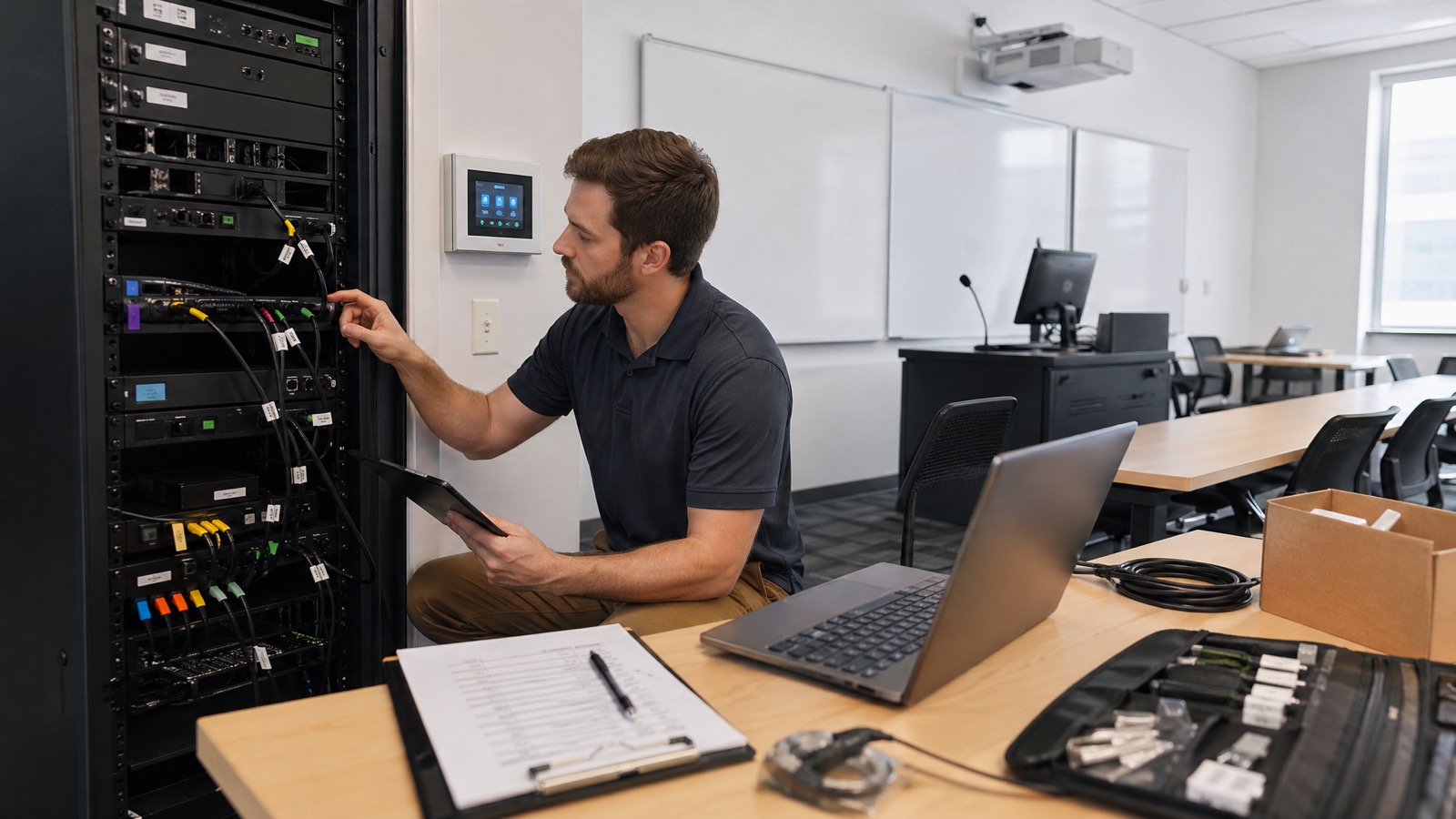
Campus AV support usually does not break because one projector fails or one touchpanel goes offline. It breaks because a campus is trying to support hundreds of spaces as if each room were a unique project.
That model works for a while. Then summer planning starts late, procurement gets messy, faculty walk into rooms that behave differently from one building to the next, and support teams spend the first weeks of the fall semester chasing the same avoidable issues. For higher ed teams with limited staff, the real problem is rarely just headcount. More often, it is standards drift, incomplete room visibility, aging equipment, and a deployment plan that was not built backward from the academic calendar.
The campuses that handle scale better tend to treat classroom AV as infrastructure. They know what they own, which rooms matter most, where support friction is coming from, and what must happen over the summer to reduce classroom disruption in the fall.
Why Campus AV Support Breaks at Scale
Many institutions are supporting a surprisingly large room portfolio with a very small team. That is one reason standardization has become such a pressing issue in higher education AV. Recent reporting from AVNation points to campus teams supporting 500 or more learning spaces with only a handful of staff, which makes room-by-room exceptions expensive to maintain.
At that scale, reactive support creates three predictable problems:
1. Faculty trust erodes quickly
If two rooms with the same intended use behave differently, instructors notice. A confusing control interface, inconsistent input logic, or unreliable conferencing experience can undo confidence fast.
2. Ticket volume hides the real issue
A busy support queue can make it look like the problem is simply demand. In reality, repeat tickets often trace back to the same root causes: unsupported legacy devices, inconsistent standards, poor documentation, or known failure points that were never addressed systematically.
3. Summer windows get consumed by preventable surprises
When inventory is incomplete and standards are loose, campuses spend valuable summer time identifying what should have been known in March: which rooms need refreshes, which parts are unavailable, which spaces require network work, and which stakeholders were never aligned on access or schedule.
The goal is not perfection. The goal is a support model that is predictable enough to scale.
Start With a Usable AV Inventory, Not a Wish List
If your classroom inventory is incomplete, every other planning step gets weaker.
A useful AV inventory should help a team make operational decisions, not just satisfy an asset list requirement. For each room, the minimum dataset should include:
- Building and room number
- Room type and primary use
- Installed AV and UC device models
- Install or refresh date
- Warranty and support status
- Firmware or software state where relevant
- Control interface type
- Network dependencies
- Known failure points or chronic support issues
- Support history and ticket frequency
- Standards compliance status
This is where many institutions lose momentum. They may know what is in flagship spaces, but not in the 60 general classrooms that have been patched together over several budget cycles.
A practical inventory does two things at once. First, it tells you what you own. Second, it tells you what is becoming risky to support.
For example, a room with an aging switcher, an out-of-support control processor, and recurring peripheral failures should not be treated the same way as a room that is older but stable and aligned to the current standard. Without inventory depth, those differences stay hidden until they show up as last-minute summer problems.
If the inventory is messy today, do not wait for a perfect enterprise asset database before acting. Build a working dataset that campus AV, IT, networking, and facilities teams can all use during planning and deployment.
Tier Rooms by Teaching Risk, Not Just Age
Age matters, but it is not enough.
A five-year-old lecture hall with heavy daily use and a recurring support burden may be a higher refresh priority than an older room that is lightly used and stable. The better approach is to classify rooms by teaching risk.
A simple prioritization matrix should consider:
- Room criticality
- Utilization and teaching impact
- Failure frequency
- Support burden
- Standards compliance
- Age and lifecycle status
- Presence of unsupported or hard-to-source equipment
That often produces room tiers like these:
Tier 1: Mission-critical spaces
Large lecture halls, executive presentation rooms, simulation or clinical education spaces, and other rooms where failure has immediate institutional visibility.
Tier 2: High-utilization general classrooms
Rooms that carry a large share of daily teaching load and generate significant support demand if they are inconsistent or unreliable.
Tier 3: Specialized learning environments
Spaces with unique peripherals, discipline-specific workflows, or nonstandard teaching requirements.
Tier 4: Lower-priority rooms
Rooms with limited use, lower instructional impact, or acceptable short-term supportability.
This framework helps campuses make defensible decisions when budgets are tight. It also gives procurement and leadership a more credible basis for sequencing refresh work. Instead of saying, “These are the oldest rooms,” you can say, “These are the rooms most likely to disrupt instruction if we do nothing.”
Find the Standards Drift Creating Support Drag
Standardization is often discussed like a purchasing strategy. In practice, it is a support strategy.
The support burden rises fast when faculty encounter different touchpanel layouts, different input behaviors, different conferencing workflows, and different recovery steps from room to room. That inconsistency increases training time, slows troubleshooting, and makes it harder for frontline staff to resolve common issues quickly.
Standards drift usually shows up in familiar ways:
- Touchpanels with different logic for similar rooms
- Legacy devices still in service because they “mostly work”
- One-off peripherals introduced to solve local requests
- Inconsistent naming, labeling, and documentation
- UC rooms that are not aligned with AV and network standards
- Firmware and update practices that vary by building or installer history
This is why campus standards should be cross-discipline, not AV-only. A supportable classroom standard should define more than hardware models. It should address:
- AV signal flow and core room components
- UC experience and room behavior
- Network readiness and segmentation
- Device naming and remote visibility
- Documentation and labeling conventions
- Support ownership and escalation workflow
The University of Rhode Island standardization story highlighted by AVNation is useful here because it reinforces a point many campus teams already know: standardization is not just about buying the same gear. It is about creating a consistent user and support experience across the room portfolio.
Use Remote Monitoring to See Issues Sooner, Not to Replace Onsite Support
Remote monitoring matters because it gives campus teams visibility they cannot create manually across hundreds of rooms.
Microsoft’s Teams Rooms management guidance reflects how mature room operations now work at scale: inventory visibility, health monitoring, troubleshooting, remediation, update control, and analytics are part of the operating model, not nice-to-have extras. The same principle applies more broadly across classroom technology environments.
Done well, monitoring helps teams spot:
- Offline devices
- Peripheral disconnects
- Repeated fault conditions
- Update and patch status
- Capacity and trend issues across room types
- Patterns that point to standard failures rather than isolated incidents
That visibility improves triage. It helps support teams prioritize the rooms that actually need attention and prepare before walking onsite.
But it is worth being blunt here: monitoring does not replace field support. It does not swap dead hardware, re-terminate a failing connection, retrain an instructor, or solve a rushed summer install that was never commissioned properly. The value is earlier detection, better prioritization, and faster resolution.
The strongest campus model combines remote health visibility with onsite discipline, spare equipment strategy, and a clear response process.
Build the Summer Deployment Calendar Backward From Fall Go-Live
Summer projects go sideways when institutions treat the first day of installation as the starting line. The real start date is the first day classes resume.
Work backward from that date and set decision deadlines for each dependency:
Scope freeze
Decide which rooms are in and out. Late scope changes are one of the fastest ways to create procurement and schedule risk.
Budget approval
If funding is still uncertain when long-lead items should be ordered, the project is already vulnerable.
Procurement cutoffs
Lead times remain uneven across many technology categories. Teams need a realistic last-order date, not an optimistic one.
Room access windows
Summer access is never as simple as it looks. Camps, events, deferred maintenance, custodial schedules, and faculty needs all compete for room time.
Network and facilities dependencies
Many classroom issues live at the seams. Switch capacity, cabling, power, cooling, mounting conditions, and construction sequencing must be aligned before deployment begins.
Install and commissioning sequence
Do not stack all risk at the end. Prioritize pilot rooms, validate the standard, then scale through the broader room set.
Faculty readiness and final acceptance
Training, quick-start documentation, and validation must happen before the first heavy-use teaching week, not after.
A campus deployment calendar should be visible to AV, IT, networking, facilities, scheduling, procurement, and academic stakeholders. If even one of those groups is working from different assumptions, the summer window can disappear fast.
Plan the Support Layer, Not Just the Install
A room is not finished because hardware is mounted and powers on.
Support pressure in the fall is heavily shaped by what happens in the final stretch of summer. That means every deployment plan should include a support-readiness layer:
Spare equipment strategy
Identify the components most likely to fail and hardest to source quickly. Keep appropriate spares based on your standards, not random leftovers from prior generations.
Commissioning standards
Every room should pass the same functional checklist: source switching, display behavior, audio routing, microphone performance, conferencing workflow, control logic, network connectivity, and recovery from common failure states.
Documentation and labeling
A supportable room has current diagrams, standardized labels, asset references, and quick-resolution notes. That makes first-response staff faster and reduces reliance on tribal knowledge.
Handoff and escalation paths
Clarify who owns what after go-live. When a classroom issue appears, the response path should be obvious across AV, UC, IT, and network teams.
Training
Faculty do not need a novel. They need a room experience that feels familiar and a simple set of instructions if something goes wrong. Support staff need deeper operational training on the standard and known edge cases.
This is where disciplined implementation matters. VIcom’s cross-discipline AV, UC, IT, and network background is valuable in these environments because classroom failures often sit between teams, not inside one box. A partner that can align the room standard, the deployment process, and the support handoff can reduce a lot of avoidable friction.
Close the Loop After Deployment
The first weeks of the fall semester tell you whether your standard is actually working.
Track the rooms generating repeat tickets. Look for recurring faculty confusion. Identify which room types resolved quickly and which ones created escalations. Review whether issues were caused by product failure, standards gaps, training gaps, documentation gaps, or installation quality.
That feedback should drive the next revision of the campus standard and the next lifecycle roadmap. If a particular peripheral class is fragile, if one room type creates disproportionate support demand, or if a control workflow confuses users across buildings, that is not just a support note. It is planning data.
Over time, this closes the gap between reactive support and infrastructure management.
Where an Integration Partner Can Reduce Execution Risk
Some campuses have the internal bandwidth to do all of this themselves. Many do not, especially when teams are supporting a large classroom footprint while also handling day-to-day service.
A practical integration partner can help by bringing structure where campuses most often feel the strain:
- Classroom portfolio audits
- Standards definition and cleanup
- Refresh prioritization
- Cross-discipline AV, UC, IT, and network alignment
- Summer deployment sequencing
- Commissioning, documentation, and handoff
- Managed lifecycle support after go-live
That is where VIcom fits naturally. VIcom is not just an installer dropping equipment into rooms. The stronger value is in helping institutions create supportable standards, execute refreshes with implementation discipline, and maintain those environments over time with owner-minded accountability. As an ESOP, VIcom brings a level of shared responsibility that matters when campus teams need a partner who thinks beyond project closeout.
Campus AV support at scale is not about chasing every ticket faster. It is about reducing the number of avoidable tickets in the first place. Better inventory, room tiering, standards discipline, monitoring visibility, and realistic summer planning give higher ed teams a more stable path into the fall semester.
If you are preparing for a classroom refresh, standards audit, or campus-wide support improvement effort, connect with VIcom by filling out the form below.