
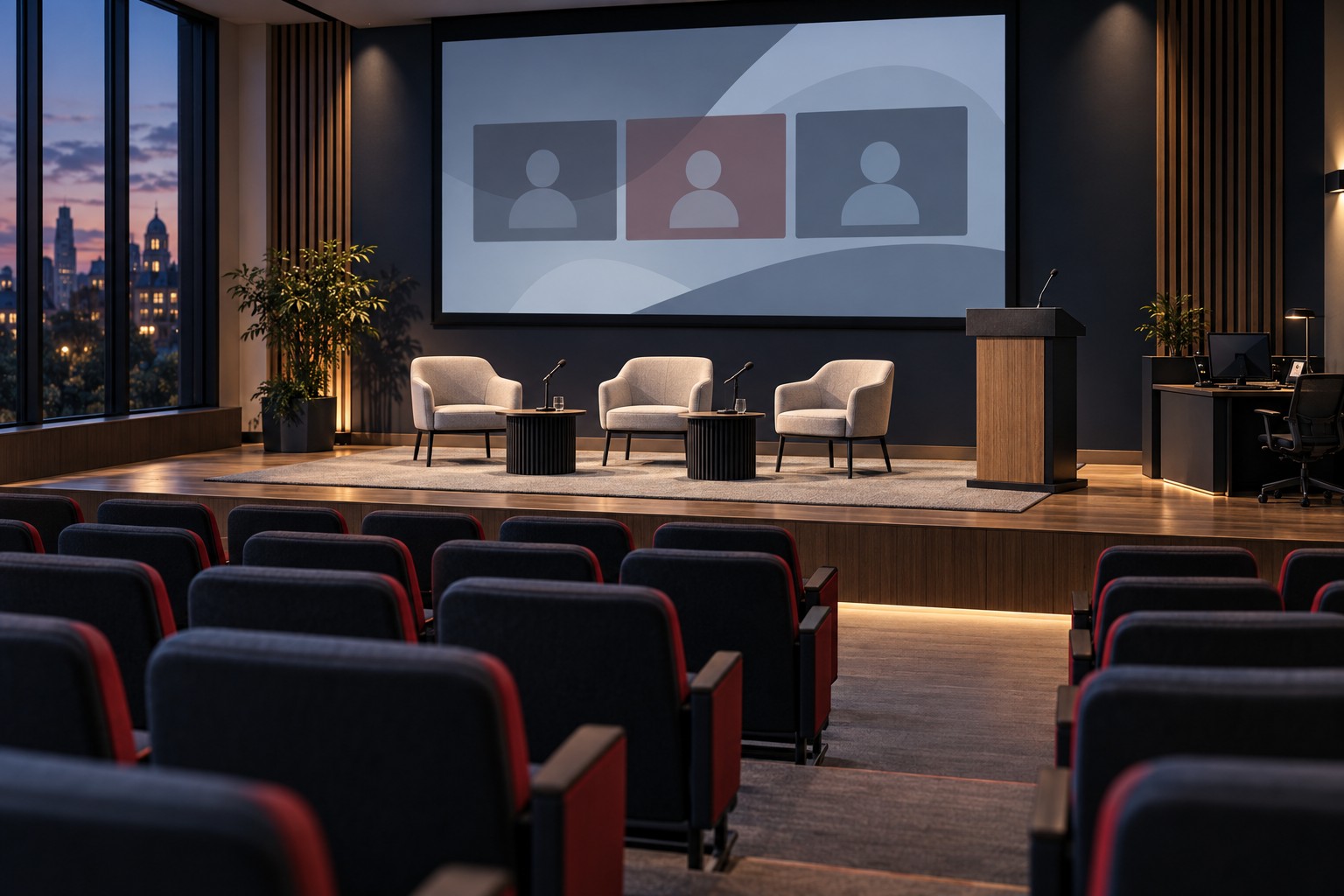
A student organization books a room for an evening panel. The original request is straightforward: four people at a table and a presentation on the screen. Two days before the event, an organizer adds a remote speaker. On the afternoon of the panel, someone asks whether it can be recorded.
The booking still says “microphone and projector,” but someone now needs to connect a remote speaker and arrange a recording. Without a way to update the request, the support team may discover both jobs as the audience arrives.
Give student organizers clear support options when they book, including what help is available after 5 p.m. They should know whether a technician will stay for the event, help with setup or be unavailable once the program starts.
Key Takeaways
- Define self-service, assisted and staffed events in terms students can recognize.
- Ask about remote participation, recording and accessibility during intake.
- Separate setup assistance from support that remains available during the event.
- Include rehearsal, shutdown and next-day room readiness in the booking plan.
Offer Three Understandable Service Levels
Students should be able to describe their event and find the right help without knowing the names of the equipment. A menu like this can show them what each option covers. Adapt it to your rooms, staffing and campus policies.
| Service Level | Suitable Starting Point | Responsibility to Confirm |
|---|---|---|
| Self-service | A trained organizer uses the room’s approved local presentation setup | The organizer completes orientation, follows the room guide and accepts the stated support hours |
| Assisted setup | An event uses an approved configuration but needs a scheduled sound check or connection check | A technician attends the agreed setup window; the booking states whether help is available afterward |
| Staffed event | The program needs active mixing, camera operation, complex remote participation or other ongoing technical work | Named operators have a defined call time, event assignment, finish time and escalation route |
Choose the level of support by what the event involves. Several remote speakers and recordings may require a technician throughout a small panel, while a larger lecture may use a setup the organizer already knows well.
Publish the booking lead time, available hours and any charges or approval requirements next to the menu. Explain how an organizer requests a change. “Technical support included” leaves too much unanswered if it means only a ten-minute setup visit.
Ask What the Audience Will Experience
Ask organizers to describe what happens on stage and what remote participants need to see and hear. Use the booking form to collect the details the support team needs:
- Room, date, organizer and an on-site contact who can make decisions.
- Setup access, rehearsal, audience arrival, program start and expected finish.
- Number of presenters, panelists and audience microphones.
- Local presentation devices and any planned demonstrations or media playback.
- Remote speakers, remote attendees and who hosts the online meeting.
- Recording or streaming requests, intended destinations and required approvals.
- Accessibility needs and coordination with the campus office responsible for accommodations.
- The person responsible for clearing the room and returning equipment.
Include a deadline for technical changes. Late requests may still be possible, but someone must assess staffing, room capability and preparation time. Students need a clear answer about what has been accepted, what remains under review and what cannot be provided for that booking.
Treat a Remote Speaker as Part of the Program
Adding a remote participant affects more than the meeting link. The speaker must hear the panel and audience questions, see the relevant content and know when to begin. The people in the room must hear the remote speaker at a comfortable level without creating feedback or distracting echoes.
Schedule a short technical check with the actual speaker when possible. Confirm the intended device, microphone, camera, presentation method and connection. Decide whether slides come from the speaker or an in-room operator and who advances them if the connection drops.
A moderator also needs cues. Write down how the remote speaker signals a problem and who watches for it. If the speaker disconnects, the moderator should have an agreed next step, such as moving to another question while an operator attempts reconnection.
Avoid assigning all of these jobs to the person delivering the welcome address. The host cannot watch for a remote speaker’s connection problem while greeting the audience and introducing the panel.
Give Rehearsal Its Own Booking Window
Room access at 6:00 for a 6:00 event does not provide setup time. Reserve the space early enough to arrange furniture, place microphones, test content and check the remote connection without an audience waiting.
A useful rehearsal follows a few transitions from the actual run of show: opening remarks, first slide, remote introduction, audience question and closing. Check microphone handoffs and who changes the display. If recording is approved, verify the intended audio and video sources and the authorized storage destination.
Settle permission to record before rehearsal. The organizer and responsible campus offices should settle notice, consent, access, retention and accessibility requirements before the event. Technical staff need the resulting instructions, including who may receive the file.
Write the After-Hours Support Promise Plainly
A confirmation email should distinguish three times: when setup help arrives, when any on-site operator leaves and when remote support ends. If no technician is available during the event, say that before the booking is accepted.
Give the organizer one current contact route and explain the information to include: building, room, event name, symptom and callback number. Set expectations for issues that can be handled remotely and those that need an on-site visit. State the response times included in the support agreement.
The room guide should cover a small number of approved recovery steps. It might explain how to select the intended source, check a visible mute control or return to the room’s starting screen. It should tell students when to stop and call for help. Rewiring installed equipment or changing administration settings should not become an unofficial troubleshooting routine.
Keep the guide accessible from the room itself as well as online. A student with a dead phone still needs a way to identify the support contact.
Close the Event Without Creating Tomorrow’s Problem
Assign the shutdown tasks before the event begins. The organizer may need to end the meeting, sign out of an approved application, remove personal files, return loaned items and restore furniture. Follow the campus’s approved handling process for recordings and shared devices.
Report faults while the details are fresh. “The microphone failed” is less useful than identifying which microphone, when it failed, what the indicator showed and whether another microphone worked. Attach the event booking reference so the support team can connect the report to the room configuration.
For rooms used the next morning, identify who checks readiness and when. A missing cable or uncharged loaner should be found before an instructor arrives with a class. Review recurring event problems and adjust the service menu, training or room design accordingly.
Related Reading
Corporate Broadcast AV: Planning Town Halls
Where VIcom Fits
VIcom can help education teams assess room capabilities, simplify controls and plan support around the way spaces are used. Bring the event types, evening schedule and recurring issues to an education technology discussion. Ask which setup, staffing and after-hours services the proposed agreement includes.
Connect with VIcom by filling out the form below.