
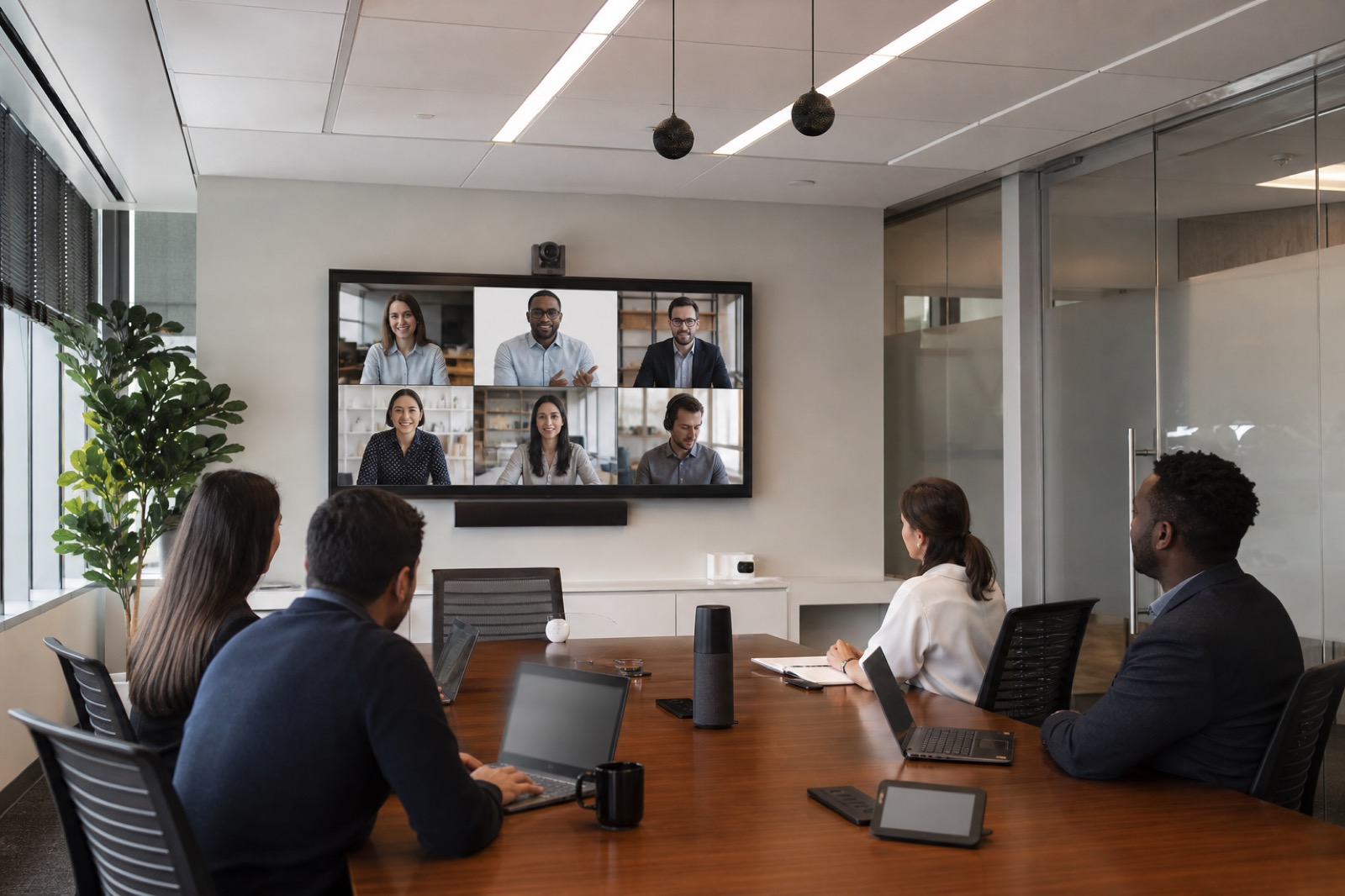
AI Cannot Fix Bad Room Inputs
AI meeting assistants are becoming normal in enterprise collaboration planning. Summaries, transcripts, action items, speaker intelligence, camera framing, room analytics, and workflow prompts are all moving into the meeting experience. The buying question is no longer whether AI will appear in rooms. It is whether the room is ready to give AI useful information.
That readiness starts with AV fundamentals. If the microphones miss half the table, a summary tool will miss half the conversation. If the camera only shows tiny people at the far end of the room, remote participants and visual intelligence features both suffer. If controls are inconsistent, users will bypass the room system or start late. AI readiness is a room, platform, governance, and support question.
Audio Is the First Readiness Requirement
Clean audio supports everything: human comprehension, transcription, captions, speaker attribution, action items, recordings, and remote equity. Enterprises should evaluate microphone strategy by room type. A small huddle room may work well with an integrated bar. A boardroom may need table or ceiling microphones. A training room may need instructor and audience pickup. A divisible space may need flexible zones.
Acoustics matter too. Glass walls, open ceilings, HVAC noise, hard floors, and long tables can all reduce intelligibility. AI noise suppression may help, but it is not a substitute for proper design, tuning, and testing. A practical readiness audit should include real speech tests from every expected seat.
Camera Strategy Should Match the Meeting
AI-enabled camera features can help remote participants follow the room, but only if the camera placement and lighting make sense. Speaker tracking, group framing, presenter tracking, whiteboard capture, and multi-camera composition all have different requirements. The right design depends on meeting behavior, furniture, room size, presentation habits, and privacy expectations.
Executives often ask for AI rooms as if every space needs the same standard. In practice, pilot rooms, standard rooms, executive rooms, training spaces, and boardrooms need different scoring. Each should define camera views, microphone coverage, display routing, lighting, one-touch join behavior, and support escalation.
Controls, Metadata, and Monitoring Matter
A room can have excellent devices and still fail because the user workflow is confusing. AI-ready rooms need simple join behavior, predictable source selection, room presets, display routing, booking panel alignment, and clear privacy states. Users should not need to know the technical architecture to start a meeting correctly.
Room metadata and monitoring also matter. If the platform knows which room is in use, what devices are healthy, how the meeting was joined, and whether peripherals are online, support teams can act before the room loses trust. Managed monitoring gives AI features a healthier operating environment.
Governance Is Part of the Requirement
AI meeting tools create transcripts, summaries, action items, occupancy signals, device telemetry, and sometimes sensitive inferences about who said what. Enterprises need decisions about consent, retention, guest access, executive meetings, regulated conversations, and who can see recaps. These are not afterthoughts.
VIcom helps organizations assess rooms, platforms, network readiness, support models, and governance handoffs together. AI-ready meeting rooms work when collaboration spaces have clean signals, clear controls, and an operating model people can trust.
What a Room Readiness Test Should Include
Run a short test before enabling meeting intelligence across a room fleet. Put four people in the room, two remote participants on the call, and one person presenting content. Record ten minutes. Then review the transcript, summary, speaker attribution, camera framing, content visibility, and support logs. If the transcript misses the person farthest from the microphone, the AI assistant will miss them too.
For larger rooms, test from the corners, not only the head of the table. For executive rooms, test confidential-mode behavior and whether recording or transcription indicators are obvious. For training rooms, test the instructor, audience questions, and whiteboard or demonstration areas. AI readiness should be scored by room type because one standard rarely fits every meeting pattern.
Requirements That Usually Get Missed
- Speaker identity: companion-mode habits, room account practices, and camera/mic behavior affect whether action items can be trusted.
- Lighting: auto-framing and intelligent composition perform poorly when faces are backlit or washed out.
- Whiteboard capture: a room can have excellent table audio and still fail if decisions happen on a board outside the camera view.
- Privacy states: users need to know when transcription, recording, or occupancy analytics are active.
- Support telemetry: IT needs to see whether the microphone, camera, codec, room PC, and platform are healthy before the room loses confidence.
The practical buyer question is not “Which AI feature is newest?” It is “Which room conditions have to be true for this feature to produce information we can trust?” That question keeps the project grounded.
The Executive Room Test
Executive rooms are a useful stress test because failures are visible and trust erodes quickly. Run a confidential strategy meeting scenario. Confirm that recording, transcription, and AI recap settings are obvious and controllable. Test whether the far end can hear side comments. Check whether the camera frames the actual decision-makers, not the empty middle of the table. Review whether the transcript attributes speakers correctly enough for follow-up.
Then run the same test in a standard conference room and a training room. The differences will show whether the organization needs one enterprise standard or several room archetypes. A training room may need instructor tracking and audience microphones. A boardroom may need stricter privacy controls and better lighting. A project room may need whiteboard capture more than speaker tracking.
This approach helps buyers avoid feature-first decisions. If the room cannot pass the scenario, buying more AI licenses will not solve the root cause. The room standard, platform settings, and support process have to mature together.
If meeting assistants are on your roadmap, test the rooms before you scale the feature. VIcom can help score pilot rooms, standardize the right AV inputs, and align governance with the collaboration platform; connect with VIcom by filling out the form below.