
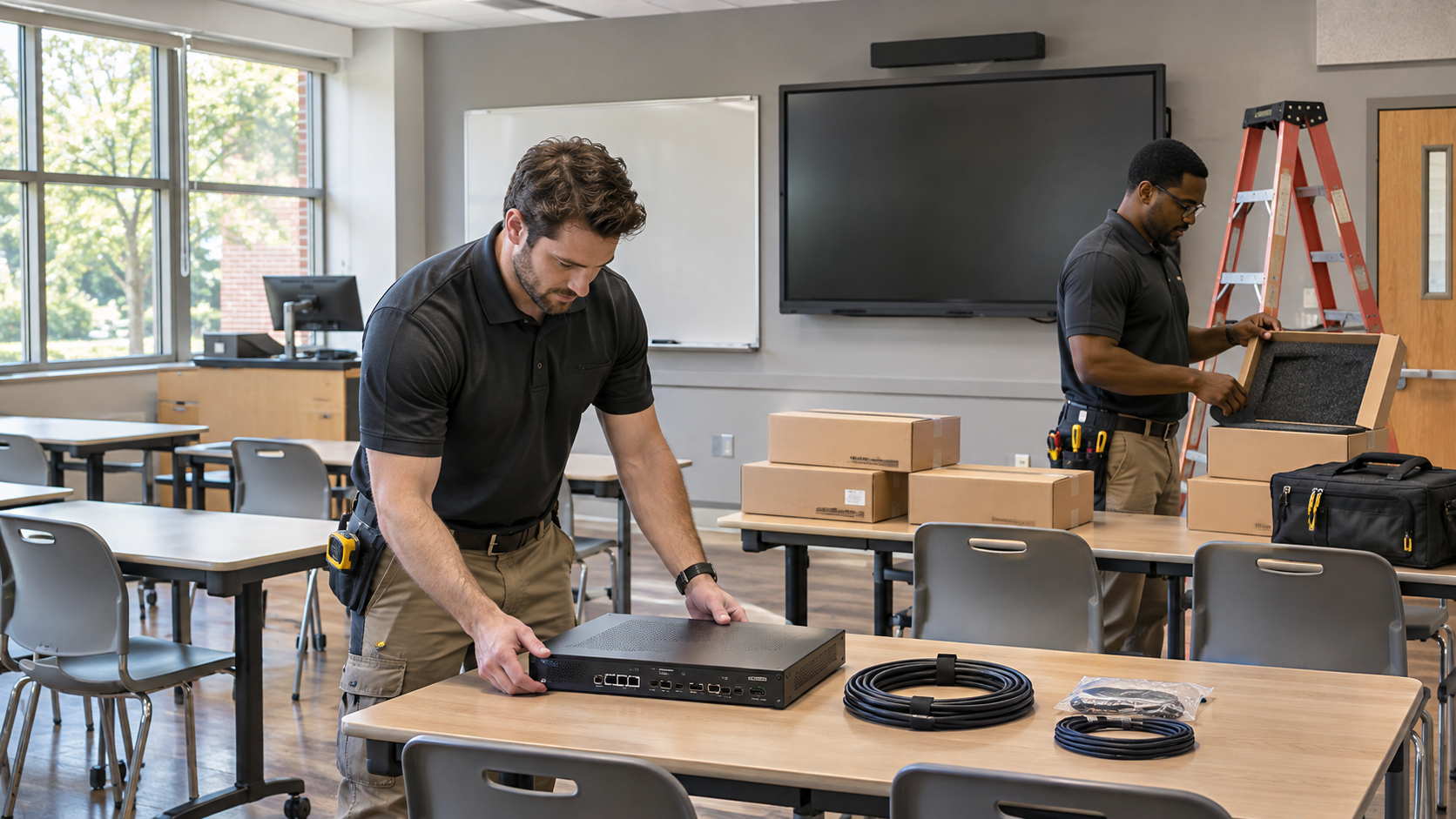
Winter break looks like an open installation window on a calendar. In practice, it contains locked buildings, reduced staffing, deliveries that arrive late, and a firm deadline: teaching resumes whether the project is finished or not.
The best time to resolve those constraints is before equipment reaches the classroom. A useful upgrade plan explains how each room will return to service, including what happens when one part of the work slips.
Scope the teaching tasks first
Begin with what instructors need to do on the first day back. That might mean connecting a district laptop, displaying a document camera, playing a video with clear audio, and ending class without leaving the system in an unfamiliar state.
Use those tasks to define the work. Replacing a projector, changing the control interface, and introducing a new wireless presentation method create different testing and training needs. Separate equipment that must change now from improvements that can wait without preventing teaching.
Extron’s classroom guidance shows how teaching sources, displays, audio, and controls work together. Treat the room as that complete system when scoping an upgrade. A working replacement display does not prove that every classroom input still works.
Make dependencies visible
Build a room-by-room list with a named owner for each prerequisite: delivered equipment, mounting conditions, electrical work, network configuration, account access, programming, and building access. Include any required coordination with facilities and the people who will accept the finished room.
Do not schedule a room as ready for installation merely because a purchase order exists. Confirm that the required parts are on hand and that someone has checked them against the design. An adapter or mounting component can stop an otherwise complete installation.
Prove a representative room before scaling up
Choose a pilot that reflects the actual classroom conditions. Stage what can be configured and tested ahead of the break, then verify the complete system in that room. Use the instructor laptop, network restrictions, and teaching sources the school normally supports.
Record the accepted configuration and any room-specific differences. A pilot in a new wing may not expose the cabling or mounting issues in an older building. Group rooms by meaningful differences instead of assuming that matching equipment lists make them identical.
Define what “finished today” means
A daily completion target should include installation, configuration, testing, labeling, and documentation. Counting mounted displays alone can hide a growing backlog of rooms that still cannot teach.
- Confirm every required source displays correctly and its audio reaches the room.
- Check the instructor’s normal start, switch, mute, and shutdown tasks.
- Test recovery after a planned restart using the approved procedure.
- Record the room’s configuration, support contact, and unresolved exceptions.
- Have the assigned owner accept the room or document why it remains unavailable.
Set a recovery cutoff before the reopening date. At that point, decide whether unfinished rooms can return to a known working configuration or need an agreed temporary teaching arrangement. Keep suitable spares and the required staff available for that decision.
Let an unfamiliar instructor try it
The installation team knows every button. The person covering a class may not. Ask an instructor who was not involved in the project to complete the essential tasks using the instructions you intend to leave in the room. Watch where they hesitate and revise the instructions or interface accordingly.
Our first-month classroom support review can help identify which problems deserve attention. Our AV acceptance testing guide can help turn the upgrade into a verifiable handover. VIcom can help scope a winter-break plan around your actual access dates, equipment availability, and reopening requirements.
Connect with VIcom by filling out the form below.