
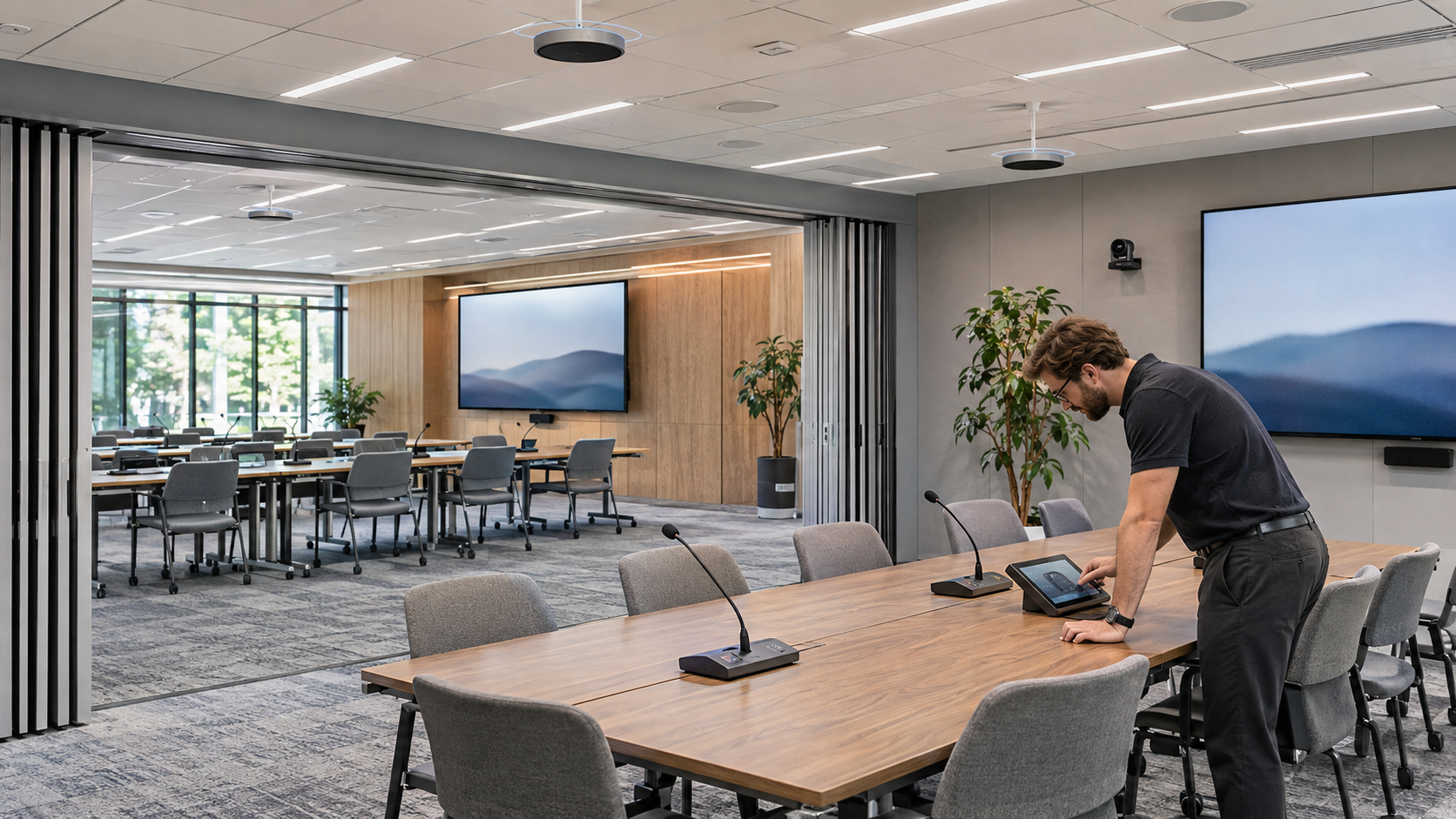
Room A sounds fine. Room B sounds fine. Open the partition, combine the systems, and the remote presenter hears their own voice coming back.
A divisible meeting room echo problem can be hidden during local testing because the person who hears it is somewhere else. Start with a remote listener and compare the working and failing room states before replacing microphones or changing every audio setting.
Find out who hears what
Ask whether the echo is heard by people in the room, the remote participant, or both. Note whether it happens continuously, only during certain sources, or only after the room changes mode. Include the conferencing platform and the devices connected to the meeting.
A second laptop in the room with its microphone and speakers enabled can introduce another audio path. Account for those devices before diagnosing the installed system. Have participants use the room’s intended connection method during the baseline test.
Trace the remote voice through the room
The remote participant’s voice arrives through the conferencing connection and plays from the room loudspeakers. The microphones can pick it up again. Acoustic echo cancellation uses a reference signal to help remove that returned audio while preserving the people speaking locally.
Q-SYS’s AEC documentation explains the relationship between microphone channels, loudspeaker audio, and the reference. When rooms combine, a designer needs to verify that the relevant routing and reference behavior still match the physical space.
This does not mean every echo is an AEC configuration fault. The comparison should also consider unintended conferencing connections, gain changes, playback paths, and the room’s acoustics.
Compare separate and combined operation
Document Room A alone, Room B alone, and the approved combined configuration. For each state, identify the microphones, loudspeakers, conferencing connection, and control selection in use. Then check what actually changes when the partition state changes.
The Q-SYS Room Combiner documentation explains room and wall configuration. The exact design still depends on the installed system. A visible “Combined” label on a touch panel does not establish that every audio route changed correctly.
Use a short, repeatable test
- Have the remote participant speak while the room stays quiet.
- Have someone in the room answer from each intended seating area.
- Test conversation with natural interruptions from both ends.
- Repeat using the normal program sources and playback level.
- Repeat after switching between separate and combined states.
Record the state, source, seating position, symptom, and any approved configuration change. Change one relevant variable at a time. If a recording is needed for diagnosis, obtain the appropriate permission and use test speech rather than a real confidential meeting.
Do not confuse echo with sound through the partition
Audio from the adjacent room leaking through a wall is a different problem from a remote caller hearing themselves. VIcom’s sound-leakage guide addresses that distinction. Both problems may exist in the same suite and need separate evidence.
Once the echo is corrected, repeat the test after the normal changeover and restart process. Add it to the room changeover checklist so future adjustments do not quietly reintroduce the fault.
VIcom can help review the signal path with your support team and a remote test participant. Bring the room-state description, current configuration, and the conditions that reliably reproduce the problem.
Connect with VIcom by filling out the form below.