
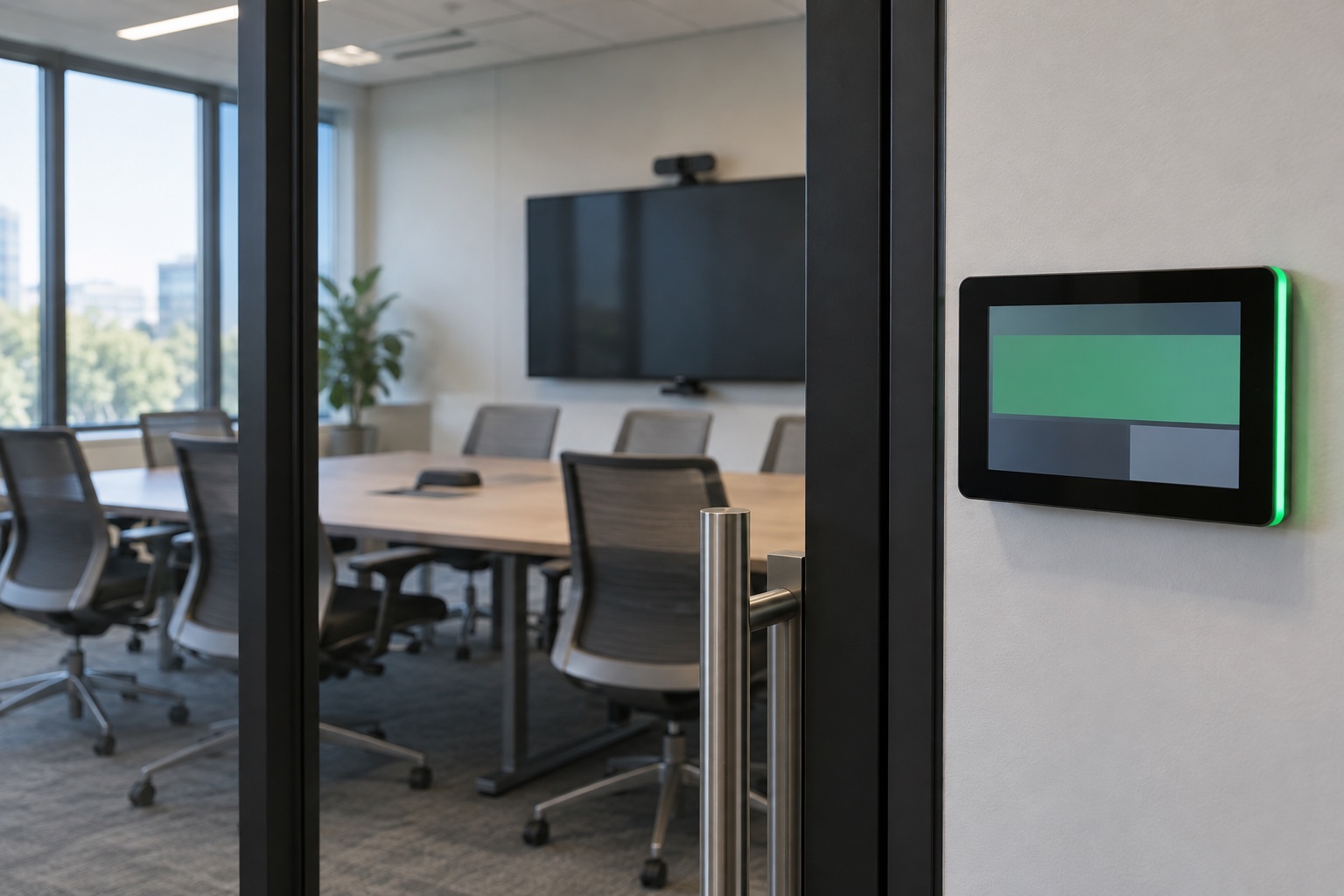
A meeting room can still join calls while its calendar integration is approaching a failure. The display, camera and microphones may be working normally; the scheduling service behind the room may still depend on Exchange Web Services, or EWS.
To prepare meeting rooms for EWS retirement, identify every application that reads or changes room calendars, confirm its supported migration to Microsoft Graph, and test the complete booking workflow. Updating a room device does not establish that a separate scheduling platform or custom integration has migrated.
The October transition is already underway
As of October 19, 2026, Microsoft’s EWS disablement process for Exchange Online has begun. Its deprecation guidance lists October 2026 as the start and April 2027 for full disablement. Treat this as an active migration, not a distant project.
The Exchange team’s October notice, updated October 15, says the multi-tenant worldwide cloud now requires an EWSAllowedAppIDs list when EWSEnabled is set to True. It gives different next steps based on the tenant’s current settings and says sovereign-cloud timing will be detailed separately. Read that current notice and your Message Center messages before deciding what action applies.
Temporary EWS access arrangements are continuity measures. They do not complete a migration to Microsoft Graph. Any temporary exception should have a documented application, owner, business reason and exit plan under your organization’s change and security processes.
Look behind the room panel
Start with the room mailbox and list every system that uses it. That can include the conferencing system, a scheduling panel, a room-booking platform, a facilities dashboard, a visitor workflow or an internal script. A separate service may be making calendar requests on behalf of the visible device.
Ask the Microsoft 365 administrator to review EWS usage reporting, then reconcile the applications with the AV and facilities inventories. Microsoft provides EWS Usage Reports and migration tools in its deprecation guidance. A product name in a purchase record may differ from the application name or ID in the tenant, so involve the vendor when the relationship is unclear.
Include low-frequency tasks. A process that runs only for a monthly event or a room-renaming project may not appear during a short observation window. Check scheduled jobs, support documentation and the people who administer the booking system.
For hybrid environments, have the Exchange owner review the relevant hybrid coexistence guidance. The retirement discussed here concerns Exchange Online; a room’s dependency may cross the boundary between on-premises and cloud services.
| Record | What to establish |
|---|---|
| Application and owner | Product, application ID, vendor contact and internal service owner |
| Rooms and functions | Which calendars it accesses and whether it reads, books, changes or cancels meetings |
| Current connection | Confirmed API, authentication method and supporting service or middleware |
| Supported replacement | Required version, configuration, permissions and any remaining feature gaps |
| Migration evidence | Pilot results, observed traffic and approval to expand |
| Temporary arrangement | Scope, expiry or review date, owner and removal condition |
Ask the vendor for a migration procedure
“We support Microsoft 365” is too broad an answer. Ask which version supports the replacement API for your deployment, what changes an administrator must make, and which calendar functions have been tested. Request the current installation or migration instructions.
Confirm whether an update changes the integration automatically or only makes a new option available. Some deployments may require a new application registration, consent, a connection setting or a separate service update. The vendor should identify the exact work for your architecture.
Check the permissions with your Microsoft 365 and security teams. Limit access to the resources and operations the application needs using the supported controls. Do not copy a broad permission set from an unrelated deployment simply to make the first room work.
Authentication and API choice are separate facts. A service using modern authentication may still call EWS. Ask for evidence of the API in use after the change, rather than treating an OAuth sign-in screen as proof of a Graph migration.
Microsoft continues to document capability gaps and migration alternatives. Where a vendor identifies a missing function, ask for its supported plan and business impact. Avoid assuming that every EWS operation has an identical Graph replacement.
Test a busy calendar, not an empty one
Select a representative room and follow the vendor’s supported migration procedure in a controlled pilot. Keep the affected room owner and help desk informed. Use test appointments with no confidential subject matter.
Create a new meeting, change its time, cancel it and confirm the results on every relevant surface. Try a recurring series and a change to one occurrence. Include an external invitation if that is a normal use of the room. Check time zones and daylight-saving behavior where the workflow crosses regions or date changes.
For scheduling panels, verify both the displayed availability and any supported booking or release actions. A panel showing an existing appointment may be using cached information. Create a fresh change and measure whether it reaches the panel within the system’s expected update interval.
For conferencing rooms, confirm that the meeting remains joinable after the calendar change. For connected facilities processes, check whether their event or service request still arrives. Record the result by workflow so a successful room display does not hide a broken downstream process.
Confirm the old dependency has stopped
Have the Microsoft 365 owner observe the relevant application’s activity after the migration and allow for the reporting system’s documented delay. Reconcile any remaining EWS use with the vendor. There may be another component, an old service instance or a task the pilot did not exercise.
Do not remove access based solely on a screenshot of a working calendar. Follow the approved change plan, verify the migration evidence and test the intended restriction in a controlled scope using current Microsoft and vendor guidance. Define how the team will respond if a missed dependency appears.
Plan expansion by application and room type. A group of identical panels using one service may be a sensible batch. Rooms that use another scheduling product or tenant need their own validation.
Leave the help desk a clear support record
Update the calendar integration’s owner, application details, approved permissions, support contacts and renewal obligations. Remove obsolete instructions when they no longer apply. Record the test date and the product versions that passed.
Give staff a short way to distinguish a calendar issue from a meeting join problem. “The room is missing the new appointment on every surface” points to a different investigation from “the appointment appears, but the call will not connect.” That distinction reduces unnecessary room hardware changes.
If you are also reconsidering room panels, our room-scheduling panel guide helps define the user problem they should solve. Keep that experience in the acceptance test as the underlying integration changes.
VIcom can help map the meeting-room technology that depends on your calendars and coordinate room-level testing with your Microsoft 365 team. Bring the application inventory and vendor migration instructions so the plan covers the systems behind the screen.
Connect with VIcom by filling out the form below.