
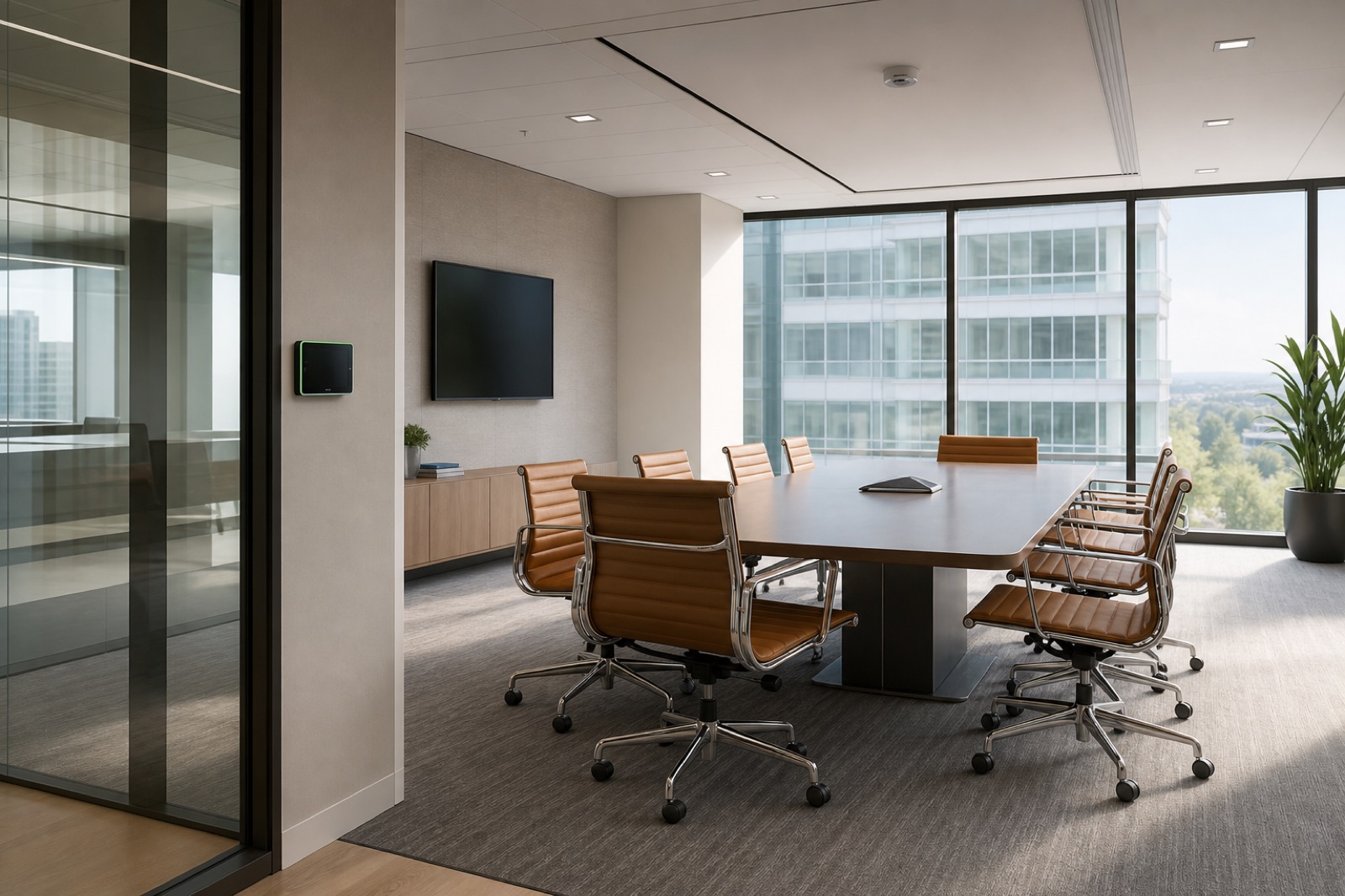
Connected Rooms Are Enterprise Endpoints
Modern AV rooms are not isolated islands. Cameras, microphones, codecs, touch panels, DSPs, displays, encoders, control processors, scheduling panels, and management platforms all connect to networks, cloud services, or both. That makes them part of the enterprise technology estate and part of the security conversation.
Secure-by-design AV builds security into endpoint inventory, network architecture, identity, vendor access, firmware governance, monitoring, and support from the beginning. The room should be easy for approved users and manageable for IT.
Inventory Comes Before Risk Decisions
Teams cannot secure devices they cannot see. Every connected AV project should produce a clear inventory: device type, manufacturer, model, firmware, IP address, management interface, credentials owner, cloud connection, support contact, warranty, and lifecycle status. This documentation should be handed to the operational team, not buried in a closeout binder.
Inventory also supports procurement. Buyers should ask how devices handle updates, authentication, logging, encryption, vulnerability disclosure, remote management, and end-of-support notices. These answers matter before a standard is approved across dozens or hundreds of rooms.
Segmentation and Access Should Match the Use Case
A public meeting room, executive boardroom, training center, command center, classroom, and clinical collaboration space may all have different security requirements. Some systems need access to enterprise collaboration platforms. Others need controlled guest presentation. Some require strict separation from sensitive networks.
Network segmentation, VLANs, firewall rules, admin access, service accounts, and remote support paths should be designed with IT security early. Vendor access should be approved, time-bound where possible, and documented. Shared default passwords and unmanaged remote tools should have no place in a mature AV environment.
Firmware Governance Is an Operating Model
AV devices increasingly depend on software updates. Updates can fix security issues, add features, or change behavior. A secure-by-design program needs a process for reviewing release notes, testing updates, scheduling maintenance windows, rolling back when needed, and documenting device status.
This is where AV and IT support models often collide. AV teams may worry about breaking rooms. Security teams may worry about exposure. The answer is not to ignore updates. The answer is a governed process that protects both uptime and security.
Security Should Preserve User Trust
Rooms with cameras, microphones, occupancy sensors, analytics, and AI features also raise privacy questions. Users should understand when capture is active, how recordings or transcripts are handled, and which data is retained. Security and privacy controls should be reflected in room design and platform policy.
VIcom can help organizations bring AV, UC, network, security, facilities, and support teams into the same design process. Secure-by-design AV reduces surprises, protects users, and gives connected rooms a support model that can keep up with the rest of enterprise IT.
Security Questions to Add to the AV Standard
Every connected room standard should answer a few security questions before devices are approved. Are default credentials changed and stored properly? Does the device support unique admin accounts or centralized authentication? How are firmware updates reviewed and scheduled? What cloud services does the device contact? Can logs be exported or reviewed? Who approves vendor remote access?
These questions are especially important for cameras, microphones, scheduling panels, and room systems that may sit in executive or regulated spaces. The risk is rarely one dramatic attack scenario. More often, it is unmanaged endpoints, unknown firmware, shared passwords, or a remote support path nobody can explain during an audit.
A Practical Closeout Package for Security
Ask integrators and internal project teams to leave behind a closeout package that security can use: endpoint inventory, IP addresses, firmware versions, management URLs, admin ownership, warranty dates, cloud dependencies, update process, and support escalation. Include the room name and business owner, not just the device model.
That closeout package turns AV from a mystery category into a manageable part of IT. It also helps future projects avoid re-discovering the same security questions during every refresh.
Watch Vendor Access and Room Privacy Together
Two areas deserve special attention: vendor access and room privacy. Vendor access is often created during deployment and then forgotten. A secure standard should define when remote access is allowed, how it is approved, whether it is logged, and who disables it when the work is done. Permanent back doors created for convenience are hard to defend later.
Room privacy is the other side of the same trust equation. Cameras, microphones, occupancy sensors, and AI features should make their state visible. Users should know when a room is listening, recording, transcribing, or reporting utilization. If people feel watched by systems they do not understand, they will avoid the rooms or work around them.
Security and usability should reinforce each other. A room with clear privacy indicators, documented endpoints, managed updates, and approved support paths feels more trustworthy to both users and IT. That is the standard worth scaling.
Procurement should reflect that standard. Require security documentation with the bid, not after award. Ask whether the manufacturer publishes vulnerability notices, supports current encryption, allows credential rotation, and gives administrators a realistic update path. Those questions prevent connected rooms from becoming unmanaged exceptions inside an otherwise mature security program.
For high-trust spaces, add a privacy walk-through to commissioning. Show users where cameras are, what indicators mean, how recording is controlled, and who can support the room. Clear explanation reduces suspicion and helps adoption. It also gives security teams a repeatable user-facing script instead of leaving each room owner to explain the controls differently.
If your rooms now include cameras, microphones, cloud management, and analytics, AV belongs in the cybersecurity review. VIcom can help design connected spaces that are usable, documented, and supportable; connect with VIcom by filling out the form below.