
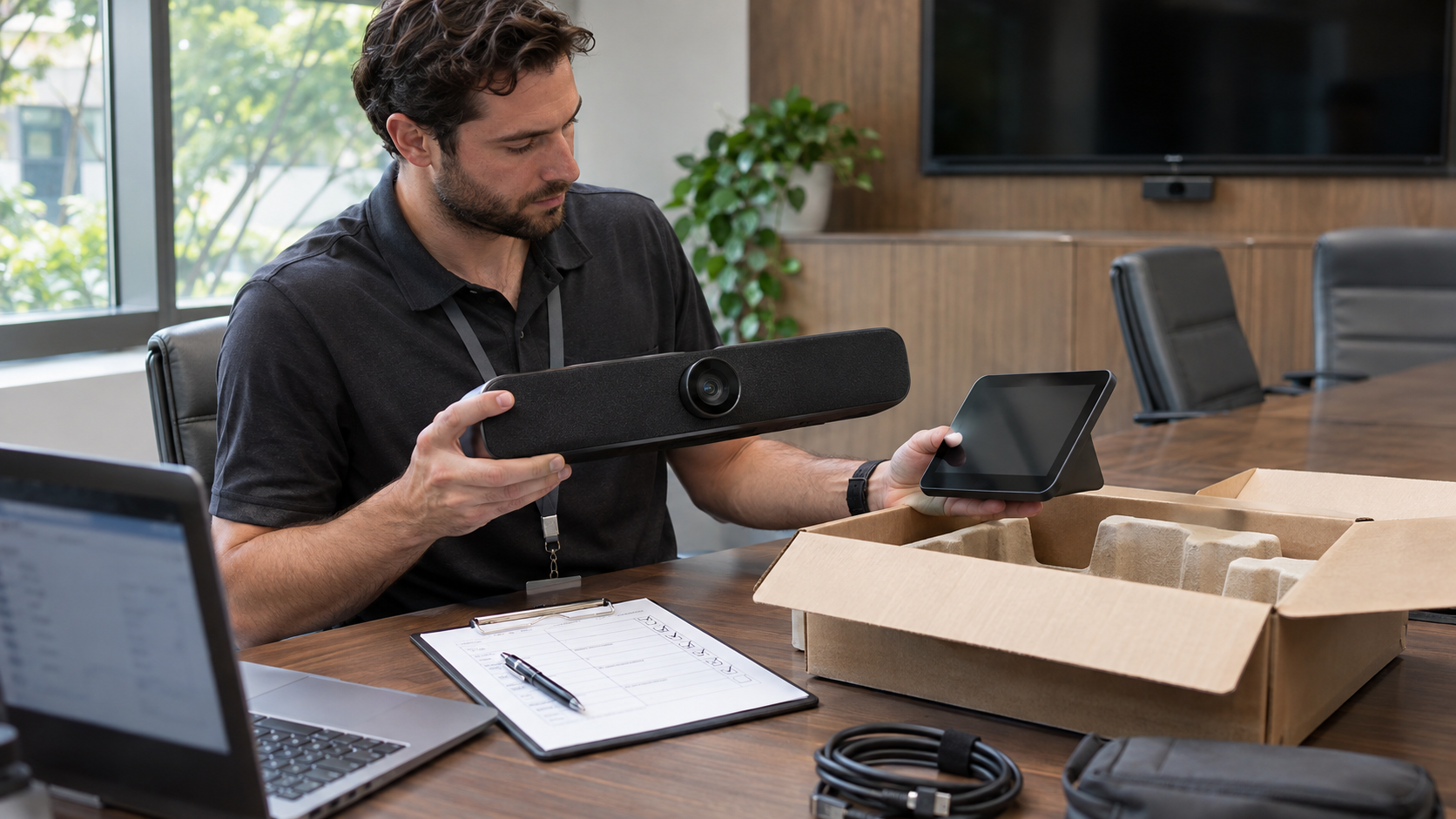
The replacement video bar is working. The old one is in a box, ready for a warranty return. Someone has pressed Factory Reset, so the job looks finished.
Before that box leaves, check the management side. A reset, removal from cloud inventory, and removal of the device’s access are different actions. Poly video system decommissioning needs an owner for each one, particularly when the hardware is moving to another organization.
Start with the device that’s actually leaving
Match the serial number on the equipment to the asset record and the management inventory. Record its model, software version, room, tenant or account, and destination. Include controllers and accessories that have their own management relationships. A room name alone is a poor identifier after several generations of equipment have occupied the same space.
HP’s current video-device documentation starts by asking administrators to confirm the correct tenant before selecting a device. That simple check matters when a support provider manages more than one customer or a company has several environments.
Decide what to preserve before clearing anything
Ask the responsible owner whether configuration, logs, or other material must be retained. A replacement installer may need an approved configuration; an investigation may require certain logs. Those decisions belong before reset, not after the device has restarted.
Put approved material in the organization’s designated storage location and verify that an authorized colleague can open it. Avoid treating a technician’s downloads folder as the retirement archive. Record the approver and the reason for keeping the information.
Keep three separate completion checks
Poly Lens documentation lists Factory Reset and Delete Device separately. It also describes disabling provisioning on the device to finalize deletion. The exact navigation depends on the interface and device involved; the newer HP documentation uses different navigation from the older Lens guide.
- Device reset: What local settings or information does the supported reset procedure remove on this model?
- Management removal: Has the correct device been removed from the intended inventory?
- Provisioning and access: Could the device reconnect, obtain configuration, or continue using a related account?
Do not assume a successful result in one column proves the other two. Inventory deletion does not demonstrate that local storage was cleared. A factory reset is not automatically a certified sanitization method for every storage medium or organizational requirement.
Review the accounts around the hardware
The room may use a conferencing resource account, certificates, monitoring tools, or a service-provider connection. Identify which relationships belong exclusively to the retired device and which the replacement still needs. Removing the room’s shared account without checking can break the new installation.
Have the appropriate administrator revoke or change access that should end. Where an account remains in use, document how the old equipment’s access was removed without disrupting the replacement. Review licenses and support coverage separately so a physical asset transfer does not leave an unexpected recurring charge.
Leave evidence the next person can use
A retirement record can be short. It should let someone who was not in the room understand what left and what was checked.
| Record | Evidence to retain |
|---|---|
| Equipment | Model, serial number, room, and destination. |
| Preservation | Owner’s decision and approved storage location, if applicable. |
| Removal | Model-specific procedure, date, technician, and result for each management and access relationship. |
| Verification | Remaining exceptions, reviewer, and release approval. |
Verify the expected disconnected state using an approved test. If an offline device cannot receive a remote action, mark that action unresolved and arrange a supported local procedure. A queued command is not proof that it ran.
For the wider process, use VIcom’s AV equipment retirement guide. Bring the asset list and management relationships to a VIcom consultation before the refresh begins. It is easier to plan the handoff while the old equipment is still accessible.
Connect with VIcom by filling out the form below.