
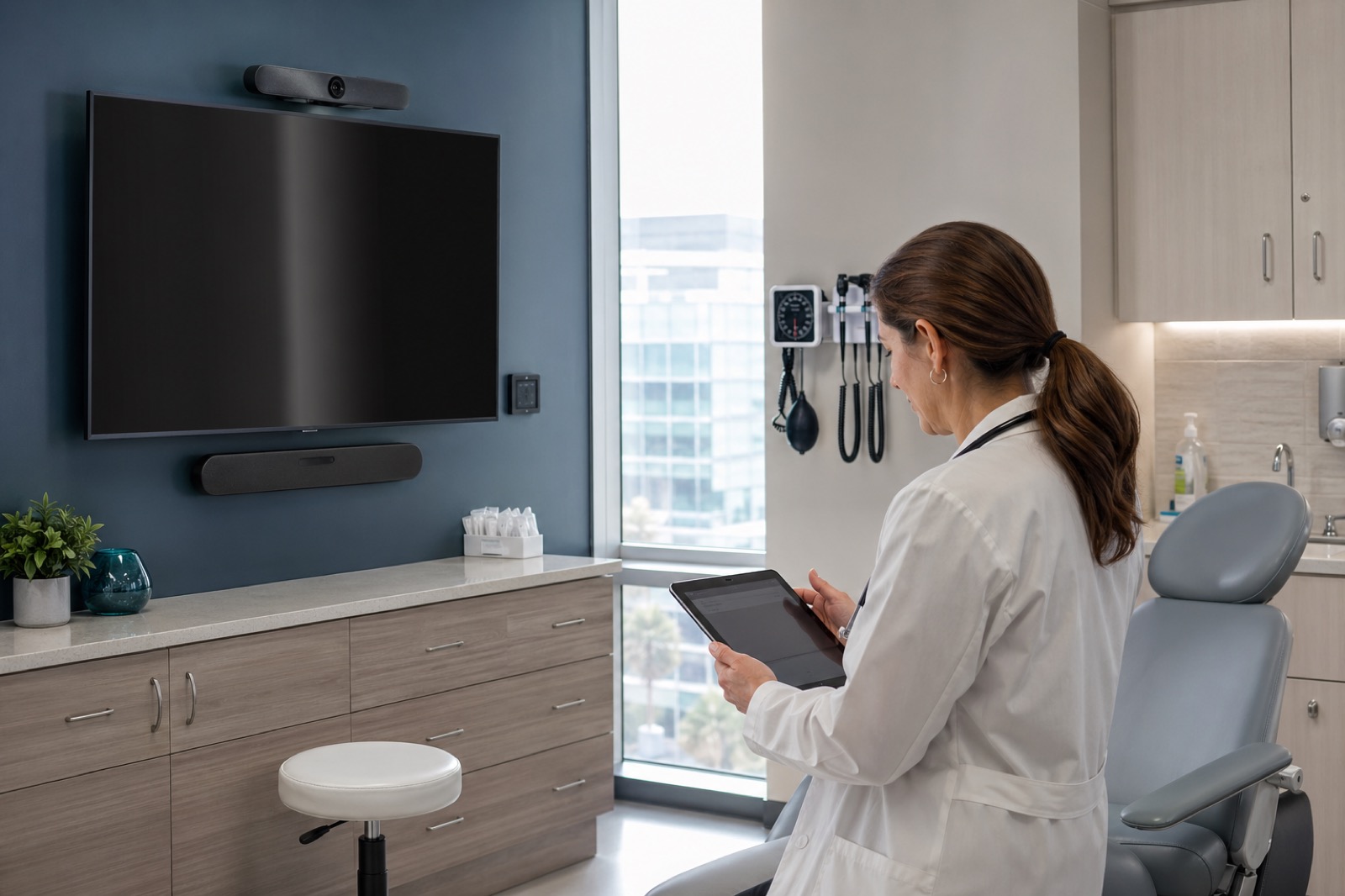
A telehealth visit starts long before anyone clicks “join.” It starts when a patient walks into a room and decides whether the space feels private, calm, and trustworthy. It starts when a clinician checks whether the camera angle is usable, whether the microphone will pick up soft speech, and whether the display lets them keep natural eye contact. It starts when staff decides whether launching the session will take thirty seconds or turn into a support ticket.
That is why telehealth room design deserves careful planning in 2026. The conversation has moved beyond emergency stopgaps. Hospitals, clinics, specialty practices, rural sites, and behavioral health programs now need rooms that can support virtual care reliably as part of normal operations. A laptop on a cart may be enough for a pilot. It is rarely enough for a durable program.
Healthcare organizations should work with compliance, privacy, and legal teams on applicable requirements, vendor agreements, and internal policy. From there, AV and UC design has a practical mission: make virtual care easy to deliver well.
Begin with the care model, not the equipment list
The right telehealth room depends on what happens in it. A behavioral health consult room has different needs than a specialty exam room. A rural clinic serving multiple disciplines may need a flexible setup and strong remote support. A provider office may need a polished, always-ready experience for follow-up visits. An inpatient consult room may need to accommodate a patient, a nurse, a family member, and a remote specialist in the same interaction.
That is why the first design decision is not camera brand or display size. It is use case definition. Who will be in the room? Is the patient present locally, remote, or both? Will clinicians need to show wounds, mobility, devices, documents, or diagnostic peripherals? Is the visit scheduled, urgent, repeated throughout the day, or handled by rotating staff? Answering those questions shapes everything that follows.
Audio quality carries more weight than most teams expect
Patients will forgive slightly imperfect video faster than they will forgive a conversation they cannot hear. Telehealth rooms need audio that feels natural, steady, and private. If the room echoes, clips speech, or picks up hallway noise, trust drops immediately.
A practical audio plan looks at microphone placement, speaker placement, room size, ceiling height, surface materials, HVAC noise, and whether multiple people may be talking from different positions. It also accounts for realistic scenarios: a clinician at a workstation, a patient seated farther back, an interpreter joining, or a family member asking questions from the side of the room.
Acoustic privacy matters just as much as speech intelligibility. A patient should not feel that sensitive conversation can be overheard outside the room. Simple room treatment and thoughtful layout decisions often do as much for telehealth quality as the electronics themselves.
Camera placement should support trust and clinical usefulness
A poorly placed camera makes even a well-run visit feel awkward. If the lens sits too high, too low, or too far off to the side, the clinician can appear distracted or disconnected. In contrast, a camera placed near the display at a natural eye line can make the interaction feel far more direct.
Some use cases also need more than one visual option. A room used for specialty consultations may benefit from alternate framing for the clinician, the patient, or a document or device view. That does not mean every room needs a complex multi-camera design. It means the room should have a deliberate plan for what remote participants need to see.
The best telehealth rooms are visually calm. Backgrounds are uncluttered. The frame feels professional without looking staged. The technology serves the conversation instead of pulling attention toward itself.
Lighting is a clinical quality issue, not cosmetic polish
Lighting often gets overlooked because it seems secondary to devices. In practice, it shapes the whole visit. Harsh shadows, backlighting from windows, uneven color, or glare on displays can make it harder for patients and clinicians to read facial expressions or maintain comfort during longer sessions.
Good telehealth lighting is predictable and controllable. It supports clear faces without washing people out or making the room feel artificial. Display placement matters too. Clinicians should not have to constantly look down at a laptop or turn away from the patient just to maintain eye contact with the remote participant.
These are small details until you repeat them across hundreds of visits. Then they become operational quality.
Platform governance belongs in the room conversation
Room design and platform policy are closely connected. Telehealth teams need to think about waiting room settings, authentication, device management, recording defaults, retention behavior, administrative access, and vendor agreements alongside the physical environment.
It is risky to assume that a platform is appropriate for patient care simply because it works well for general meetings. Healthcare organizations need to consider how the tool is configured, who can launch or host visits, what data may be stored, and how support is provided when something goes wrong. Compliance depends on agreements, settings, policy, and workflow together.
That does not make telehealth room design harder. It just means the room cannot be planned in isolation from the communication platform behind it.
The first five minutes of the workflow determine adoption
Many telehealth rooms succeed or fail based on startup friction. How is the patient checked in? Who launches the visit? Can a nurse start the session and then bring in the clinician? What happens when a specialist joins from another site? What if the patient is ready but the clinician is delayed? If the connection drops, what is the backup?
When these steps are left vague, staff invent workarounds. When they are documented clearly, adoption improves quickly. A good telehealth room should feel predictable to the people who use it every day. Touchpoints should be labeled clearly. Inputs should be limited to the ones staff actually need. Any special peripherals should have an obvious place in the workflow.
Supportability is part of the design standard
Telehealth rooms need ongoing attention. Devices need updates. Carts need charging and cleaning. Cameras drift out of position. Batteries fail. Room PCs age. Rural sites may need remote support because local technical help is limited. None of this is unusual, but it does need to be planned.
A supportable design standard identifies which components are approved, how they are monitored, who owns incident response, what spare strategy is available, and how changes are rolled out. Standardization helps because it reduces training burden and shortens troubleshooting. At the same time, standards should leave room for a few room-type variations where clinical needs truly differ.
Rural and distributed care settings need extra attention to resilience
Telehealth room design matters everywhere, but rural care programs often expose weak assumptions fastest. Network constraints, smaller local support teams, multi-purpose rooms, and longer replacement timelines all increase the value of simple, durable standards. A rural clinic may need a design that tolerates lower bandwidth gracefully, supports remote troubleshooting, and avoids unnecessary complexity for staff who already juggle many responsibilities.
That does not mean rural sites should settle for inferior experiences. It means resilience should be designed in on purpose.
Pilot with intent, then scale from evidence
It is smart to pilot telehealth room types before broad rollout, but the pilot should answer real questions. Track visit completion rates, setup time, audio and video issues, user satisfaction, patient feedback, room utilization, and support tickets. Learn which room elements improve the experience and which ones staff avoid.
From there, build a repeatable standard. The strongest programs usually define a core telehealth backbone and then tailor details by room type instead of reinventing every location from scratch.
A better telehealth room is usually a calmer room
When telehealth spaces are planned well, the result does not feel flashy. It feels calm. The room starts reliably. The clinician sounds clear. The patient can see and be seen. The workflow makes sense. Support knows what is installed. Privacy feels real. That calmness is what makes virtual care sustainable.
VIcom helps healthcare teams design telehealth spaces that connect room technology, workflow, privacy, and long-term support so virtual visits are easier to deliver consistently across hospitals, clinics, and rural care environments.