
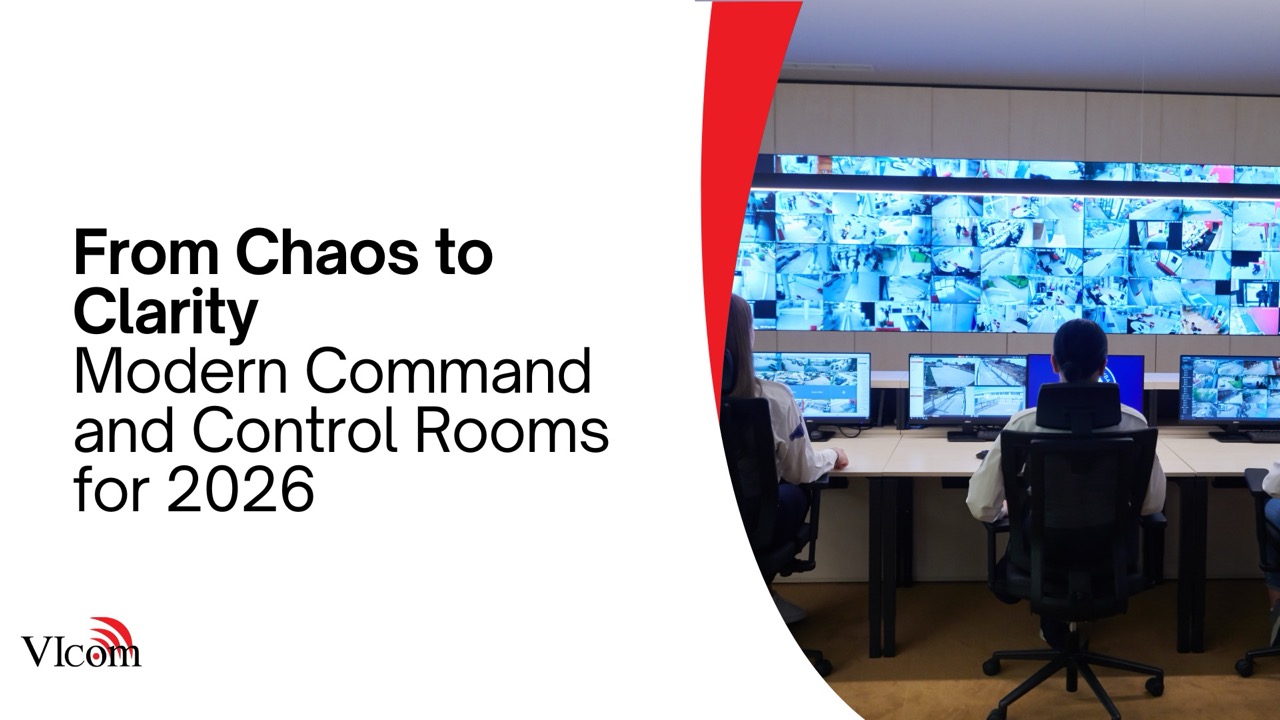
Command and control environments carry a different weight than typical meeting rooms. When something critical happens, these spaces cannot be confusing, cluttered, or unreliable.
Yet many network operations centers, security operations rooms, and emergency command spaces were built years ago around legacy tools, ad hoc layouts, and screens that multiplied every time a new system was added.
The result can be visual noise instead of clear situational awareness.
This article looks at how modern command and control rooms are evolving for 2026 and what organizations can do to move from chaos to clarity.
The Real Work Happening In Command And Control Rooms
Across enterprise, healthcare, and public sector organizations, these spaces support:
- Monitoring networks, applications, and infrastructure for incidents.
- Coordinating responses to physical security or safety events.
- Managing emergency operations during storms, outages, or community crises.
- Tracking transportation, logistics, or production in real time.
In every case, the same needs show up:
- Quick understanding of what is happening.
- Clear escalation paths and collaboration.
- Reliable access to the right mix of data, video, and communications.
What Makes Older Rooms Feel Chaotic
1. Too Many Screens, Not Enough Design
It is easy to add more displays over time as new tools appear. Without a plan, the wall becomes a collage of:
- Dashboards from different systems with inconsistent color schemes.
- Camera feeds with no clear relationship to current events.
- Legacy applications that no one uses but no one wants to remove.
Operators end up scanning constantly without a clear focal point.
2. No Shared Visual Story
When each team brings their own laptop or small monitor to the table, it becomes hard to form one shared picture of the situation.
- Different groups look at different data and talk past each other.
- Leaders struggle to see the big picture at a glance.
- Hand offs and briefings take longer than they should.
3. Complex, Fragile Workflows
In some rooms, changing what is shown on a video wall requires a series of manual steps:
- Switching inputs across multiple devices.
- Rearranging windows by hand every time.
- Remembering specific sequences that only a few staff know.
Under pressure, complexity turns into mistakes and delays.
4. Inconsistent Audio And Communications
Operators often need to listen to and speak with multiple groups at once. If audio systems were not designed with this in mind:
- Critical alarms may be missed in a noisy environment.
- Conversations with the field compete with background audio.
- Recording and logging may not capture key interactions.
Principles Of Modern Command And Control Design
Moving from chaos to clarity does not always require a complete rebuild. It does require a shift in mindset.
- Start with workflows, not hardware. Understand who needs to see what, when, and how they interact during an event.
- Design a focal visual hierarchy. The main wall and operator stations should reinforce a shared understanding, not compete for attention.
- Use presets and layouts. Common scenarios should be one button away, with preconfigured wall layouts and sources.
- Make collaboration easy. Remote stakeholders should be able to join quickly with clear audio and video.
- Plan for resilience. Redundancy for critical systems, power, and connectivity is essential.
Video Walls And Visualization For 2026
Video walls remain central to many command and control rooms, but expectations have evolved.
- Right sizing matters. Walls should match the viewing distance and number of operators, not just fill the wall.
- Pixel pitch should fit the content. Fine text and detailed maps require different specs than video focused layouts.
- Content management should be flexible. Operators need to create, save, and recall layouts quickly without learning a programming language.
- Source integration should be broad. IP video, dashboards, applications, and external feeds should all be compatible.
Operator Centric Design
At the operator level, the room should make demanding work easier, not harder.
- Workstations with ergonomic viewing angles to the wall and local monitors.
- Lighting, acoustics, and sightlines tuned for long shifts.
- Headsets, intercom, and audio routing tailored to specific roles.
- Clear lines of communication between tiers of support and leadership.
When operators are comfortable and supported, they can focus on the mission.
How VIcom Helps Organizations Modernize Command Spaces
VIcom works with public safety, state and local government, healthcare, and enterprise clients to design and upgrade command and control environments that support real work, not just impressive photos.
Our teams help by:
- Conducting workflow and space assessments with operators and stakeholders.
- Designing video walls, visualization systems, and audio that fit each mission.
- Integrating key platforms, dashboards, and camera systems into one cohesive view.
- Planning phased upgrades that keep critical operations running while work is done.
- Providing ongoing support and lifecycle planning for these high stakes rooms.
From Room Full Of Screens To Room Full Of Insight
A room full of screens is not the same as a command and control center. The difference is whether the space helps people see what matters, coordinate effectively, and respond with confidence.
If your current room feels more chaotic than clear, it may be time to rethink how it is designed and used.
Reach out to VIcom to explore how a modern command and control design can help your teams move from visual noise to meaningful situational awareness by 2026.