
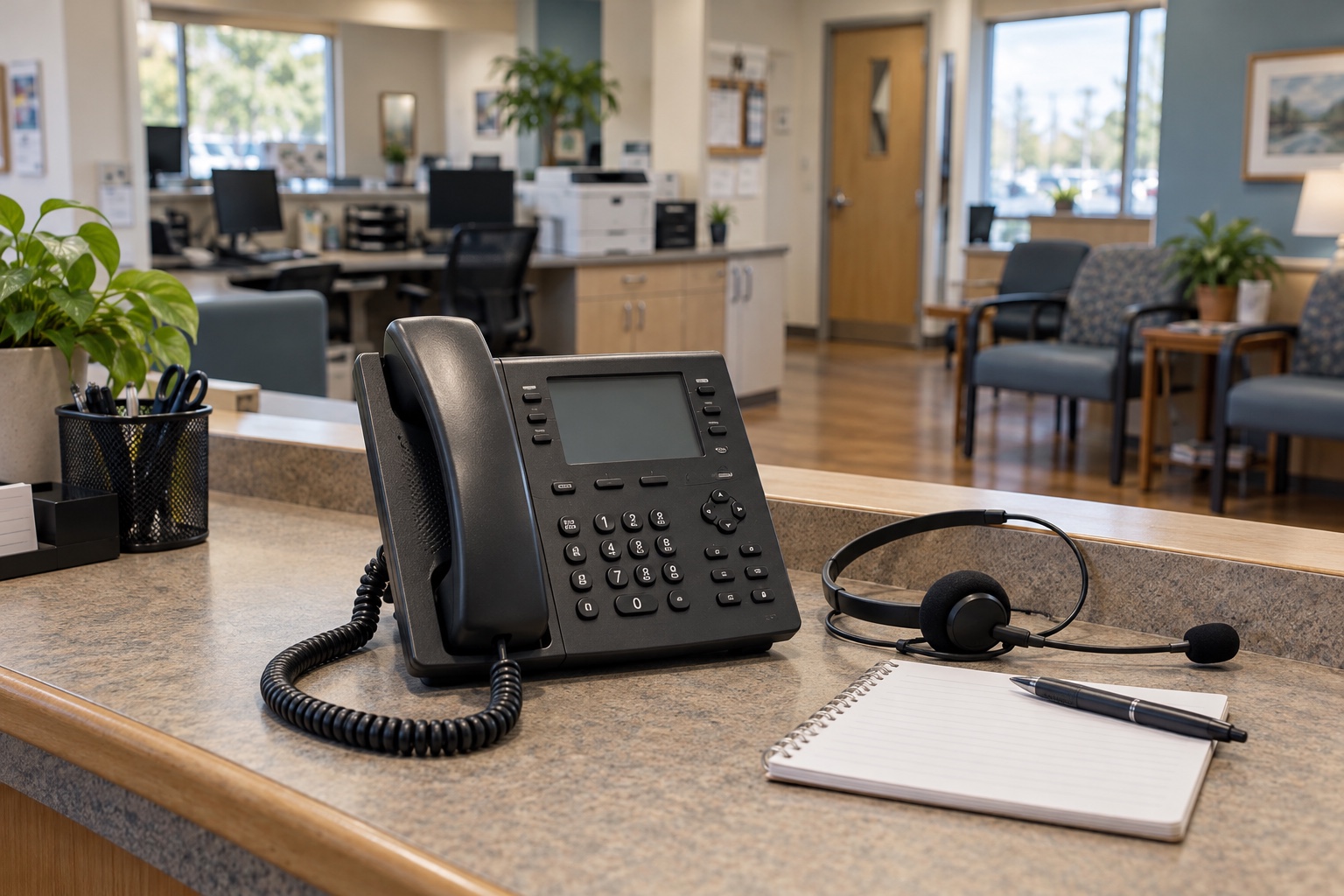
Suppose a patient asks why the clinic never called. The scheduling team has two unanswered attempts in its call log. On the patient’s phone, both appeared as “Spam Risk.”
If your clinic’s calls are marked as spam, start by separating three problems: an inaccurate caller name, a spam warning and a call that never reaches the recipient. Each needs different evidence and may require a different correction. Changing a name in the phone system will not necessarily remove a carrier’s warning.
The most useful first step is a small, controlled test of the numbers your clinic actually uses. That gives your phone provider something specific to investigate and helps you avoid changing a working call flow while chasing the wrong cause.
Identify what the recipient sees
Ask for the exact wording and, with permission, a screenshot that excludes unrelated messages or personal information. Record whether the phone rang, sent the call to voicemail or showed no notification. “The call was blocked” sometimes means the recipient chose not to answer a warning. Sometimes it means the network or handset prevented the call from ringing.
A saved contact can also change the display. Test with the clinic’s number absent from the receiving phone’s contacts, then document any carrier filtering or caller-identification app in use. Do not ask patients to disable their protections as the clinic’s solution.
| Observed result | What to check | Who to involve |
|---|---|---|
| Correct number, wrong business name | Outbound caller-name records and the receiving device’s identification source | Phone provider and the caller-ID service involved |
| “Spam,” “Scam Likely” or similar warning | Number reputation, registration and the service applying the label | Phone provider and relevant analytics provider |
| No ring or failed connection | Call-detail records, routing result and any available rejection reason | Originating provider, with receiving-carrier escalation where needed |
| Only one patient reports a problem | Device settings, saved contacts, filtering apps and carrier-specific behavior | Clinic telecom administrator using controlled test phones |
This table is a starting point for diagnosis. A single symptom can have more than one cause.
Find every number leaving the clinic
The number on your website may be different from the one used by a reminder platform, nurse callback queue or outsourced scheduling team. Walk through each calling workflow and record the number the recipient receives. Include individual extensions, central queues, after-hours services and recently acquired locations.
For each number, record its business purpose, service provider, outbound platform, callback destination and internal owner. Confirm that the clinic is authorized to present that number. If another company places calls on your behalf, establish who maintains the registration and who opens a carrier ticket.
Call each displayed number back. A patient who returns a missed call should reach an appropriate clinic greeting or routing path. A disconnected number or an unfamiliar organization’s greeting creates a separate trust problem, even after a spam label is corrected.
Recent changes deserve attention: a number port, a new reminder vendor, a merged practice or a change in outbound caller ID. Keep the timeline. It can help the provider narrow the investigation without assuming that the latest change caused it.
Build a test record the provider can use
Use staff-approved test phones on more than one mobile network. Where your patient population uses landlines, include that path too. Make a modest number of planned calls through the real clinic workflow. A call from a technician’s mobile phone does not test the reminder platform.
Record the date, time zone, originating number, receiving carrier, device, exact displayed name or warning, ring result and callback result. Keep receiving numbers in the clinic’s approved support system. Public review notes should contain no patient identifiers, appointment details or recordings of actual patient conversations.
Repeat enough conditions to identify a pattern: one outbound number across several networks, several clinic numbers on one network, and the same number through different calling platforms if your architecture permits it. This is a comparison exercise, not a reason to generate a burst of repeated calls.
A useful ticket might say: “The scheduling queue presents our main callback number. On two test phones using one carrier it displays Spam Risk; on a third carrier it displays the correct name. All three calls ring. Attached are the timestamps and redacted screenshots.” That is much easier to act on than “our phones are being blocked.”
Work through registration and correction
Ask your provider to verify the outbound number configuration, caller-name submission and call authentication for the affected path. STIR/SHAKEN concerns authentication of calling identity. It is separate from the analytics that label calls. Twilio’s troubleshooting guidance, for example, distinguishes spam-label remediation from caller-name updates and STIR/SHAKEN authentication.
For U.S. business numbers, Free Caller Registry submits business and number information to First Orion, Hiya and Transaction Network Services. Registration supplies identity information; it is not a guarantee against future labels or blocking. Use an authorized business representative and consistent business details.
If the problem remains, use the relevant provider’s correction process and retain its case number. Hiya’s support page separates mislabeled calls from incorrect caller ID, which reinforces why the initial diagnosis matters. Follow the current process for the service implicated by your evidence.
Paid branded calling may be useful in some deployments, but ask exactly which networks, devices and calling paths it covers. A branded display, a registered number and a corrected reputation are related purchasing considerations with different functions. Evaluate them against the observed problem.
Review how the clinic places calls
A technical correction will be harder to sustain if the calling workflow frustrates recipients. Review retry spacing, abandoned calls, silent connections, outdated contact information and whether people expect the callback. Check that reminders identify the practice appropriately without exposing sensitive information.
Coordinate those decisions with patient-access and privacy staff. An appointment reminder, a clinical callback and a marketing campaign may have different consent and communication requirements. The telecom team should not quietly change those practices to improve an answer-rate metric.
Do not make rotating through fresh numbers your default remedy. It can interrupt callbacks and make it harder for patients to recognize the clinic. Resolve the documented issue with the provider, and plan any necessary number change as a communication change with an owner.
During the investigation, use your established patient-contact alternatives where appropriate. Tell patients how they can verify a caller through the clinic’s independently published number. Caller ID alone should not be treated as proof that a person is a clinic employee.
Retest before closing the issue
After the provider confirms a correction, repeat the same test matrix. A successful registration email is evidence that information was submitted, not evidence of what a patient’s phone now displays. Record any remaining carrier-specific differences and the date of the next check.
Track useful outcomes such as successful callbacks and repeat patient reports alongside answer rates. Keep the denominator and time period consistent. A change in patient mix, calling hours or reminder volume can affect the numbers, so avoid claiming that a label correction alone caused every improvement.
Keep the number inventory with your clinic communications plan. Revisit it after a port, platform change or new location. Assign one person to coordinate provider cases so scheduling staff do not have to start the investigation again.
Bring the calling path into the review
VIcom can help review the business phone system behind your clinic’s calling workflows. Bring the outbound-number list, example timestamps and provider case numbers. That gives the discussion a clear starting point: which calls are affected, what the recipient sees and who can correct it.
Connect with VIcom by filling out the form below.