
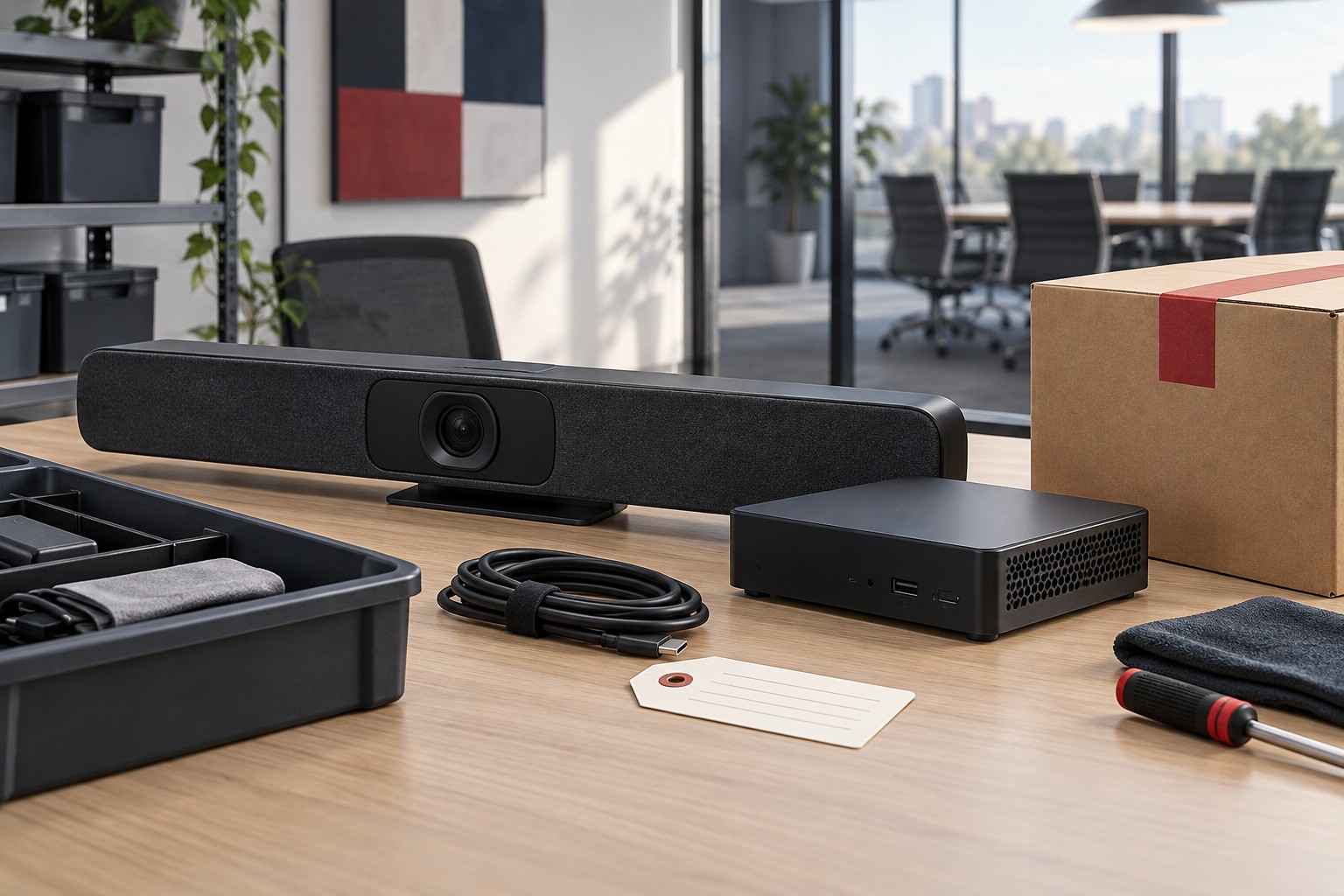
The replacement room is working, and the old conferencing appliance is sitting on a cart. Facilities has arranged a pickup. IT still needs its serial number, the room administrator has not checked the cloud console, and nobody has recorded whether the device contains stored meeting material.
Before the cart leaves, someone needs to check what is stored on the appliance, remove its access to company systems and record where it is going. Those jobs get harder once the carrier has the equipment.
Put those tasks in the replacement schedule. A retirement record for each device should show what needs to be kept, how the remaining data will be removed, who will close its accounts and where the equipment will go.
Key Takeaways
- Identify data, storage and account connections for each device being retired.
- Resolve preservation requirements before removing information.
- Use an approved, device-appropriate sanitization process and retain evidence of the result.
- Track access removal and physical custody as separate tasks.
Identify What Is Actually Leaving
Start with the asset list and walk the room. Match labels and serial numbers to the devices being removed, including equipment above ceilings, in furniture or in a nearby rack. Record removable storage and accessories that can hold information, where present.
AV equipment varies widely. A display may have little organizational information; a conferencing appliance, recording system or control processor may have accounts, configuration files, logs or stored media that need review. Avoid assuming every device contains the same information or supports the same removal method.
For each asset, identify its role and the people who administer it. Check whether it is enrolled in a management platform, linked to a room account, monitored by a service provider or covered by an active license. Record those relationships while the equipment is still accessible and identifiable.
Include leased, loaned and warranty-return devices. Equipment does not need to be headed for recycling to require an approved data and access review.
Resolve Preservation Before Removal
Ask the appropriate data owner whether anything must be retained. That may include an approved configuration needed for the replacement system, a recording subject to a retention schedule or logs required for an investigation. Apply the organization’s records policies and any holds before authorizing removal.
Record the decision, approver and approved destination for retained information. A technician should not have to decide whether an unfamiliar file has business or legal value while clearing a room.
Have an authorized staff member retrieve and open the material from its approved storage location before clearing the original device. A file copied to an untracked drive creates another asset to manage and may not meet the intended requirement.
Be careful with shared accounts and services. A room calendar, integration or service account may support more than the retiring device. Identify dependencies and arrange any transition before disabling access that other rooms still require.
Choose a Method for the Device and Its Destination
A factory reset can be part of a manufacturer’s procedure, but the label alone does not establish what information has been removed or whether the result meets the organization’s requirements. Obtain the relevant documentation for the exact device and storage involved.
NIST SP 800-88 Revision 2 provides a framework for media sanitization. The appropriate approach depends on the information, media, intended disposition and organizational requirements. Use it with current manufacturer guidance and the standards adopted by the organization, rather than treating one reset sequence as suitable for every AV device.
Have the responsible security or IT owner approve the process. Document who performs it, how the outcome is checked and what evidence is retained. If the process fails or the team cannot verify the result, hold the device securely until the responsible IT or security contact decides what to do next.
The destination matters. Internal reuse, return to a provider and disposal can create different obligations. Establish those obligations before transport, including how removable media and devices that will not power on are handled. Do not let a failed power supply turn an unreviewed device into ordinary scrap.
Remove Access Beyond the Hardware
After clearing the device, check its accounts and services too. Use the inventory to identify access that must be removed, transferred to the replacement or kept because another system still needs it.
The review may include room-platform enrollment, remote support tools, vendor monitoring, certificates, tokens and network permissions. The actual list depends on the device and architecture. Assign each item to the team that controls it and ask for completion evidence.
Keep license removal separate from cancellation decisions. A license may be reassigned to replacement equipment or covered by a broader agreement. Check whether the license should move to the replacement device or be canceled before changing it.
After the change, check the management consoles for old device entries and connections that should have been removed. If a record must remain for history, label its retired status clearly. Support staff should not confuse an old endpoint with the replacement when responding to the next incident.
Use One Retirement Record
Use one record that IT, facilities and the service provider can check before releasing the device. Start with these fields and add anything your organization requires for approval or recordkeeping.
| Record Field | What to Capture |
|---|---|
| Asset identity | Asset label, serial number, model, location and responsible owner |
| Data and storage review | Storage or removable media present, data categories considered and reviewer |
| Preservation decision | Required material, approval, retained location and any holds |
| Sanitization result | Approved method reference, operator, date, result, verification evidence and exceptions |
| Account and access work | Relevant services, assigned owners, completed removals or transfers, and outstanding items |
| Destination and custody | Approved recipient or reuse location, transfer dates, receipt and responsible custodian |
| Final acceptance | Reviewer, completion date and location of supporting records |
Avoid recording passwords, tokens or sensitive content in this worksheet. It should point to controlled records and show completion, not become a new repository of credentials or personal information.
Match any third-party sanitization certificate or pickup receipt to the devices that left the site. A generic document that cannot be connected to a serial number may leave the team unable to show what happened to a particular device.
Plan the Handoff Before the Upgrade
Add retirement tasks to the replacement project schedule. Give preservation, sanitization and access removal enough time, and identify a controlled holding area for equipment awaiting clearance. Mark assets so cleared devices cannot be confused with those still under review.
Agree on who can authorize release to the carrier, service provider or reuse location. The person loading the cart needs an unambiguous list of approved items. Retain custody records through the final destination required by the organization’s process.
Close the project by reconciling the room inventory, management systems, support coverage and retirement records. The result should explain both what was installed and what happened to the equipment it replaced.
Related Reading
Government Networked AV: Who Owns the Endpoints?
Meeting Room License Audit for 2026
Where VIcom Fits
VIcom can help include retirement planning in an AV refresh, coordinating the equipment inventory and replacement work with the organization’s IT, security and records owners. Discuss who will preserve data, clear devices, remove access and approve pickup during a consultation so those tasks are included before removal day.
Connect with VIcom by filling out the form below.