
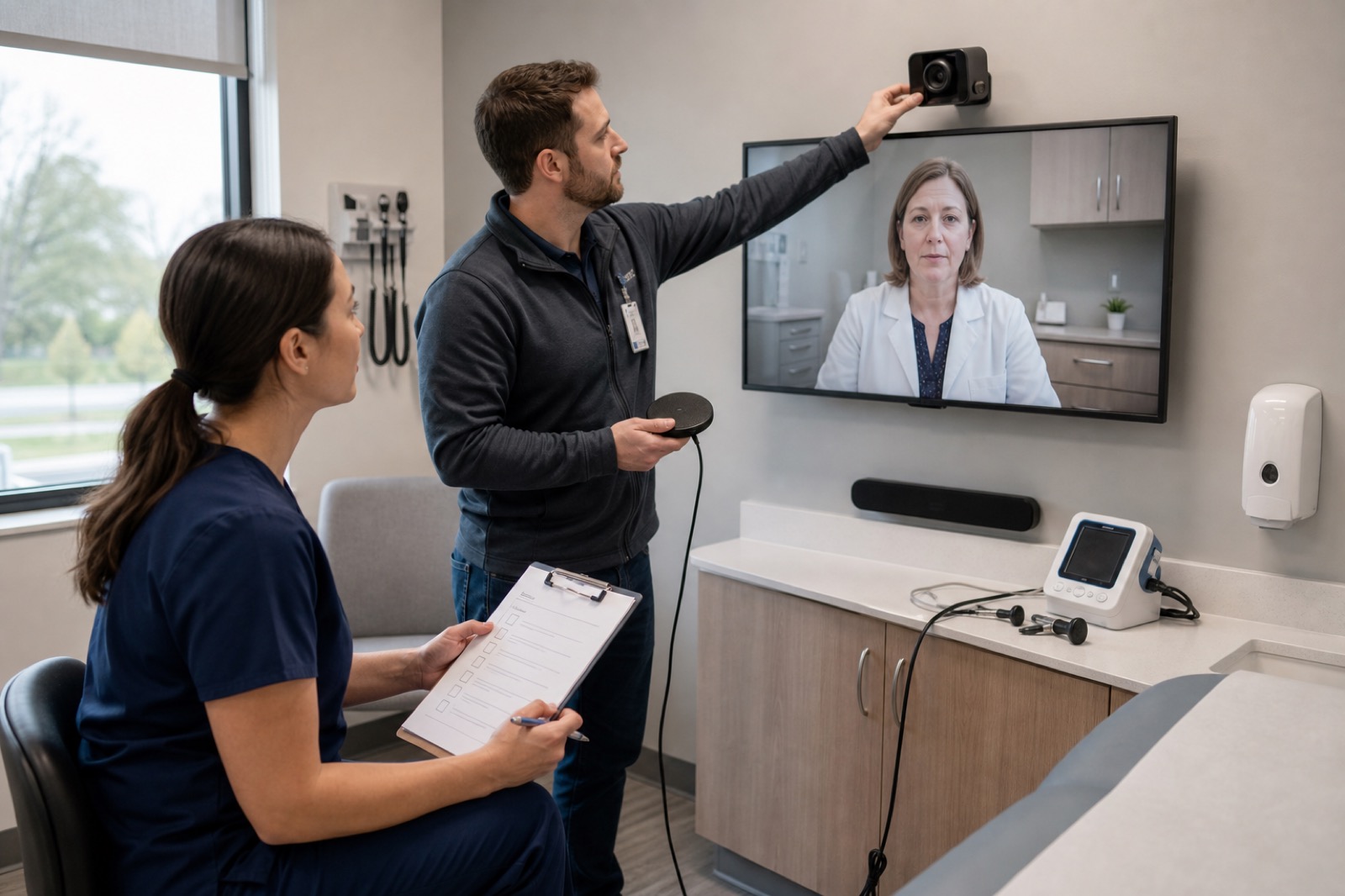
Reliable telehealth depends on far more than a successful test call. A room can pass every technical check and still fail when a real patient arrives. Missed consent, poor audio, unavailable exam devices, privacy issues, or unclear support ownership can interrupt care even when the platform itself works.
A telehealth room audit should test the full care process, from scheduling to room reset after the visit.
HHS’s telehealth workflow guidance treats scheduling, check-in, triage, consent, documentation, staffing, technology, and follow-up as one connected workflow. HHS also requires covered providers and health plans to use telehealth vendors that meet HIPAA requirements and sign business associate agreements when required. Each organization should also seek guidance from its legal, privacy, security, and clinical teams.
Define the room’s clinical purpose
Start by listing the room’s intended use. Identify specialties, patient groups, visit types, clinicians, remote sites, interpreters, medical devices, and emergency needs. A behavioral health consult, specialty exam, inpatient cart, and school-based telehealth room all need different layouts, equipment, and privacy controls.
Next, define what a successful visit looks like. Walk through patient arrival, identity checks, consent, rooming, interpreter access, clinician join, examination, documentation, orders, escalation, checkout, and room reset.
Audit scheduling and readiness
Make sure the right room, clinician, patient, platform, and equipment appear on the schedule. Check invitations, time zones, reminders, portal access, interpreter needs, caregiver access, and reserved equipment.
Create a pre-visit checklist that covers device health, network status, cameras, microphones, displays, medical devices, battery levels, supplies, cleaning, privacy, and support contacts. Assign ownership for each step and define how staff report problems before the patient arrives.
Test identity, privacy, and security
Review room accounts, authentication, user permissions, automatic sign-in, screen locks, notifications, recording settings, local storage, camera indicators, and remote support tools. Confirm that no patient information from another appointment appears in the room.
Check sightlines, sound leakage, foot traffic, display placement, and what appears behind both the patient and clinician. Review business associate agreements and vendor risk documentation where required. HHS’s HIPAA telehealth technology guidance offers a good starting point, but each organization still needs its own privacy and security review.
Test audio first
Clear conversation drives every telehealth visit. Test speech from every seating position with normal HVAC and hallway noise. Include quiet voices, several participants, masks, interpreters, and shared program audio. Listen for echo, delay, feedback, mute problems, and conversations that can be heard outside the room.
If audio fails, staff should know the approved backup plan before the visit begins.
Validate image quality and lighting
Frame the camera for the actual visit, not a generic video call. Test seated discussions, mobility assessments, examinations, demonstrations, and caregiver participation. Make sure lighting shows faces and clinical detail without glare or deep shadows.
High resolution alone does not guarantee a useful clinical image. Clinical leaders should decide whether image quality, color accuracy, field of view, delay, and connected devices meet the needs of each specialty.
Test every peripheral
Create an inventory of exam cameras, digital stethoscopes, otoscopes, document cameras, speakers, microphones, carts, chargers, and adapters. Check drivers, platform settings, cleaning procedures, calibration where needed, secure storage, and backup equipment.
Then confirm each device works inside the telehealth platform. A device that appears in the operating system but not in the clinical application is not ready for patient care.
Practice failure and recovery
Briefly disconnect the network, restart the room, change the scheduled clinician, allow a battery to fail, and simulate a platform outage. Measure how quickly staff recognize the issue, escalate it, apply a workaround, and restore service.
The downtime plan should explain when staff move to another room, switch to another visit method, reschedule, use another device, or end the visit. Clinical leaders define those decisions. Support teams make them work.
Review documentation and follow-up
Verify how staff record consent, interpreter participation, visit participants, connection method, technical issues, and follow-up. Test the EHR and telehealth platform together without using real patient data during commissioning.
After each test visit, confirm secure logout, removal of local data, recording handling, room reset, device cleaning, charging, and incident reporting. The next patient should find the room ready to use.
Measure performance
Track time to room readiness, successful joins, audio quality, video quality, medical device success, privacy findings, support response time, recovery time, abandoned visits, and staff confidence. Break results down by room, site, specialty, platform, and failure type.
Assign clear owners across clinical operations, telehealth leadership, IT, security, privacy, clinical engineering, facilities, environmental services, and the AV integrator. Review results after changes to the platform, network, room, or workflow.
VIcom helps healthcare teams evaluate room AV systems, network dependencies, staging, medical device integration, monitoring, and support workflows while working within each organization’s clinical, privacy, and security policies. The goal is dependable care every time a patient connects.
Confirm the fixes
After resolving issues, repeat the audit with representative test visits from scheduling through checkout. Use trained staff and test data rather than real patient information. Include a standard visit, an interpreter session, a medical device exam, a late clinician, a network interruption, and a privacy concern. Verify that each problem reaches the right operational and technical team.
Record the known good configuration, including room settings, platform version, account policies, network path, device firmware, camera views, audio settings, cleaning procedures, and test results. That record makes future troubleshooting much faster.
Review findings with clinical and operational leaders as well as IT. The same five minute delay may have very different effects in behavioral health, urgent specialty care, or a routine follow-up. Rank fixes by clinical impact, frequency, available workarounds, and recovery time.
Schedule the next audit after major changes and at regular intervals based on risk. Share lessons across every site so one room’s failure helps prevent the next one.
Connect with VIcom by filling out the form below.