
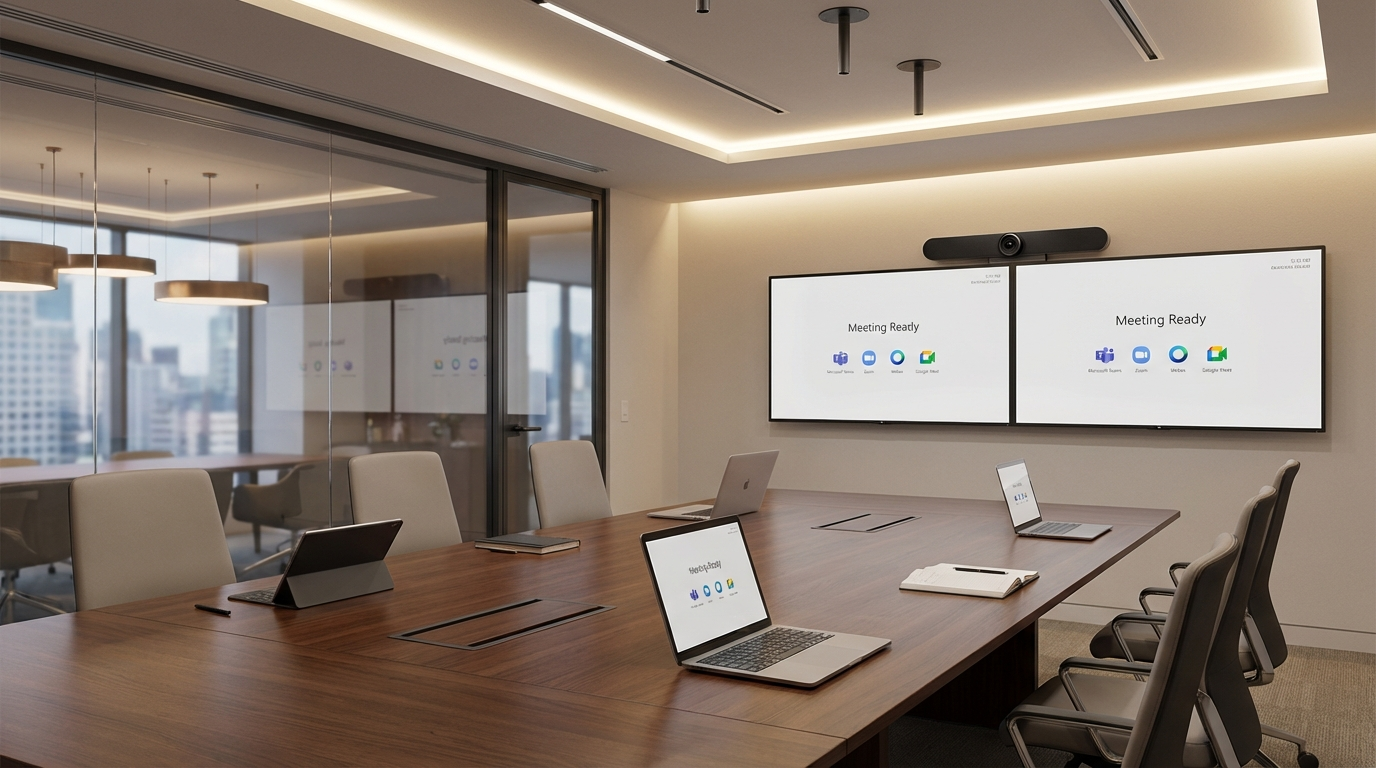
For a long time, the honest answer was simple.
No. Not well.
If your organization lived in Microsoft Teams, your clients preferred Zoom, your partners kept showing up in Webex, and somebody important inevitably sent a Google Meet invite at the last minute, the room experience usually fell apart in exactly the same predictable way. Someone dragged in a laptop. Someone started hunting for the right cable. Someone asked if the room could join directly. Someone muttered, “Just share my screen.” And the meeting started late.
We all got used to that little ritual of dysfunction. Too used to it.
But that old assumption is starting to fade.
Because today, a well-designed multi-platform meeting room can handle Teams, Zoom, Webex, and Google Meet better than a lot of IT and AV teams still realize. Not perfectly. Not universally. Not like magic. But better. Materially better.
And that matters.
Still, here is where buyers get themselves in trouble. The room does not become some flawless, platform-neutral collaboration utopia just because it can technically join multiple services.
That is the trap.
The question is no longer, Can the room join? In many cases, yes, it can. The better question, the accurate question, is this: Which cross-platform experience works well enough for the meetings that matter, and what limitations are we actually willing to live with?
That is the decision point.
Because interoperability is now good enough to solve real friction in the right rooms. It is not good enough to pretend every meeting space across the estate should behave like a flawless universal endpoint. Those are not the same thing. Not operationally. Not technically. Not politically when the executive meeting starts three minutes late and everybody stares at the room.
What “one room for all meetings” really means now
The market is clearly moving in this direction.
Microsoft now documents third-party join workflows for Teams Rooms across major platforms. RingCentral is openly pushing the “one room for all meetings” story. Logitech continues to frame room systems around flexible deployment paths that can adapt as meeting habits change. So this is not some fringe thought experiment anymore. The industry sees where the pressure is coming from.
And frankly, it makes sense.
A single room can now be configured to support meetings that originate on different platforms. In plain English, that means a room built around one primary ecosystem can still join an external Zoom, Webex, or Google Meet session without defaulting to a BYOD scramble every single time.
That is a real improvement. It reduces meeting-start friction. It lowers dependence on random adapters and personal laptops. It makes high-value spaces more useful for external collaboration. It makes the room feel less fragile.
But do not oversell it to yourself.
Supports multiple platforms is not the same thing as everything works exactly like native.
That is where expectations meet disappointment.
The two paths that shape the experience
For Microsoft Teams Rooms in particular, cross-platform access is not one single feature. It is not one neat little checkbox labeled interoperability and then everybody goes home happy. Microsoft documents two distinct paths:
- Direct Guest Join, or DGJ
- Cross-platform join via SIP
That distinction matters more than many buyers realize.
Why? Because the user experience is different. The feature support is different. The technical requirements are different. The limits are different. And if you gloss over those differences during planning, your users will discover them live, in the room, during an actual meeting. Which is the worst possible time to learn anything.
Direct Guest Join
Direct Guest Join is the web-based path. It is often the simpler way to think about third-party access because the room connects directly to the other platform’s meeting service rather than trying to behave like a native endpoint for everything.
That makes DGJ appealing. For many organizations, it creates a practical one-touch path into supported third-party meetings without forcing the room to become all things to all people. That can be enough. In some rooms, it is more than enough.
But simpler does not mean equal.
Microsoft’s own documentation makes it clear that DGJ comes with important limitations. So if you choose this path, choose it with your eyes open.
SIP-based cross-platform join
SIP-based join is a different animal.
In Microsoft’s documentation, it can support a broader range of meeting services and preserve more of the room-style experience in certain scenarios. That can make it more compelling for organizations that care deeply about audio, video, content handling, and a more polished in-room experience.
But again, there is no free lunch.
This path carries its own prerequisites, including licensing and dialing requirements. So no, buyers should not evaluate “interoperability” as if it were one clean feature. They need to decide which join path actually fits their workflows, their support model, and their tolerance for complexity.
Be specific. Or pay for the vagueness later.
What actually works well today
There is a reason this conversation is back on the table. The experience is meaningfully better than it used to be.
Not perfect. Better.
And in the right deployment, better is enough to matter.
One-touch join is real
For supported third-party invites, the room can now present a usable join button instead of forcing people into last-minute laptop gymnastics. That sounds small until you remember how much friction normally piles up in the first two minutes of a meeting. In executive rooms, client briefing rooms, and other externally facing spaces, that time matters. That confidence matters.
A room that joins cleanly feels competent. A room that makes people improvise feels cheap, even when it was expensive.
Join by ID adds flexibility
In some scenarios, users can join by ID rather than relying entirely on a calendar invite. That matters more than people expect. Meetings get forwarded late. External hosts schedule things outside normal workflows. People copy details manually. Calendars break. Real life refuses to stay tidy.
Join by ID gives the room another path when the polished workflow does not show up.
External meetings become less disruptive
If your teams regularly work with clients, partners, outside counsel, guest speakers, vendors, boards, or public stakeholders, cross-platform room access solves a real operational problem. Instead of asking the outside party to change platforms, or forcing your own team into workaround mode, the room can meet them where they are.
That is not just convenience. That is professionalism.
Good enough can still be a big win
This is the point too many teams miss because they are chasing parity instead of solving friction.
Interoperability does not need to be perfect to be valuable. If it allows your most important shared spaces to handle external meetings more predictably, that is already a meaningful win. You do not need a universal endpoint fantasy. You need fewer failed starts, fewer awkward workarounds, and fewer rooms that become liabilities the second someone sends the “wrong” meeting invite.
Solve the real problem.
What still breaks, degrades, or disappoints
Now for the part that gets glossed over in optimistic rollout decks.
A room that can join a third-party meeting is not the same as a room that delivers native parity across platforms. Microsoft’s documentation is clear enough on that point, and buyers should be too. If the room joins but behaves noticeably worse, users will feel that immediately, whether or not the project team wants to call it a success.
Feature gaps are still real
Depending on the join path, organizations can run into limitations like no transcript viewing, no content annotations, limited or unavailable content sharing in some third-party scenarios, one-display limitations in DGJ scenarios, and inconsistent support for things like lobby controls, authentication behavior, reactions, whiteboards, layout behavior, and breakout experiences.
That matters because end users do not judge interoperability based on whether a connection technically happened. They judge it based on whether the meeting behaved the way they expected. Could they share content? Could they use the room displays properly? Did the controls make sense? Did the room feel predictable?
That is the real standard.
A room that joins but strips out key collaboration behavior may still be useful. It just should not be marketed internally as if it works exactly like native. That kind of overpromising is how trust evaporates.
Content sharing is still one of the biggest dividing lines
This deserves special attention because it is where a lot of “good enough” interoperability turns into “not acceptable” the moment a real presentation starts.
Microsoft documents that SIP-based cross-platform join supports HDMI and content-camera sharing where Direct Guest Join does not. That is not some minor footnote for architects and engineers to quietly nod at. That is a practical difference that can make or break the room experience in training sessions, design reviews, instruction, executive presentations, and any meeting where visual content is doing real work.
If content sharing matters, treat it like a core workflow. Because it is.
Display behavior can feel like a downgrade
Microsoft also documents that DGJ scenarios are limited to one front-of-room display, while SIP-based scenarios can support two. On paper, that may sound manageable. In practice, if your organization invested in dual-display rooms because layout clarity matters, that limitation can feel like the room suddenly got worse, even when the meeting technically connected.
That is the kind of detail users remember. Not because they care about the architecture, but because the room suddenly feels less capable than it did five minutes ago.
Technical success is not always user success.
The hidden problems that quietly wreck interoperability
This is where a lot of projects fail without understanding why.
Not because the hardware is bad. Not because the room is underpowered. Not because the idea is wrong.
They fail because organizations treat third-party join like a front-end feature and ignore the back-end conditions that make it work.
That is where the sabotage happens. Quietly. Predictably. Repeatedly.
Invite processing matters more than most people think
Microsoft notes that Teams Rooms often rely on hidden invite properties for native Teams meetings, but third-party joins depend on readable details inside the meeting invite body. If room mailbox settings strip comments, sanitize content, or otherwise mishandle external meeting details, the room may never present a usable join button.
So no, calendar processing is not some little side detail for the messaging team to sort out later. It is part of the solution design. Treat it that way.
URL rewriting can quietly break one-touch join
This one catches teams off guard because it feels like the sort of thing that should not matter until it absolutely does.
Microsoft explicitly warns that URL rewriting by third-party security products can make meeting links unreadable to the room system. In plain English, the security policy you put in place to protect users can quietly break the join experience you thought you had already enabled.
This is one of the biggest reasons lab success does not automatically become production success.
The room is only as interoperable as the environment around it allows.
Firewall and web filtering behavior can ruin the room
Direct Guest Join requires the room device to connect directly to third-party services. If your firewalls, web filters, proxy behavior, or authentication requirements interfere with that traffic, the room may look perfectly configured on paper and still fail when it matters.
That is why interoperability testing cannot stop at “we turned the feature on.” It has to include realistic network conditions, real invites, real external meetings, real policies, and real failure paths.
Test the room you actually have. Not the room you wish you had.
Where mixed-platform rooms make the most sense
Not every room deserves this complexity. Some absolutely do.
Interoperability is most valuable where external meeting friction carries real business cost.
Client-facing enterprise rooms
If your sales, consulting, customer success, or executive teams host outside organizations every week, a multi-platform meeting room can remove avoidable friction from important conversations. Those are exactly the spaces where “just bring a laptop” stops sounding flexible and starts sounding sloppy.
Higher ed spaces with outside participants
Guest lecturers, external committees, remote experts, and hybrid academic programs regularly cross platform lines. In those settings, a room that can handle outside invites cleanly is often more valuable than one optimized only for internal standardization.
Public-sector hearing and council spaces
Government and public-service environments frequently interact with outside agencies, stakeholders, community members, and public participants. Platform flexibility can reduce operational pain fast, especially in high-visibility rooms where delays are not just annoying, they are public.
Executive and flagship collaboration spaces
If you are going to solve this problem, solve it where the stakes are highest first. A flagship room that supports outside meetings well will generate more value than a broad but inconsistent rollout across every small room in the building.
Start where failure is expensive.
Where you should not force it everywhere
This is the discipline most organizations lack.
Not every room benefits from cross-platform complexity. In fact, some rooms become worse support burdens when you force flexibility into spaces that mostly serve one simple internal workflow.
If a room is used almost entirely for internal meetings on one platform, then standardization and simplicity may matter far more than occasional flexibility. And if your security posture makes third-party access difficult to support consistently, then pushing interoperability broadly may create more support burden than business value.
A universal-room strategy only makes sense if the room’s actual meeting patterns justify it.
Otherwise, you are adding complexity to solve a theoretical problem. And theoretical problems have a nasty habit of becoming very real operational headaches once you scale them.
Why a pilot-first approach is the smart move
The best rollout model is not, “Turn every room into a cross-platform room and hope for the best.”
That is not strategy. That is impatience.
The better model is simpler, slower, and much smarter: prove the experience in the spaces where it matters most.
A practical pilot usually looks like this:
- Choose one flagship room with frequent external meetings.
- Define which third-party platforms and join methods you will officially support.
- Test real scenarios, including forwarded invites, join by ID, content sharing, and security-policy edge cases.
- Document what the room does well and where the user experience changes.
- Train internal stakeholders so expectations stay realistic.
This is where a lot of organizations need help, because the hard part is usually not turning on a vendor feature. The hard part is designing a room experience that matches real workflows, then making sure end users, admins, and support teams all understand what “supported” actually means.
A good pilot prevents two very expensive mistakes. First, assuming interoperability is impossible when it is actually viable. Second, assuming it is seamless when it absolutely is not.
Both mistakes cost money. Only one sounds exciting in a meeting.
The bottom line
Yes, one meeting room really can handle Teams, Zoom, Webex, and Google Meet better than it could a few years ago.
That is real. That progress matters.
But the success case is not “every platform works exactly the same.” The success case is this: the room reliably supports the external meeting scenarios we care about most, and everyone understands the tradeoffs.
That is a much more useful target. A much more honest target. And honestly, a much more scalable one too.
If external meetings are a real part of how your organization works, interoperability deserves serious consideration. Just do not confuse can join with fully native. Choose the right rooms. Test the experience honestly. Pilot before you scale. And make sure the people using the room understand where the experience is strong and where it is still compromised.
That is how you avoid chaos.
If you want help deciding where a multi-platform room makes sense and how to pilot it without creating unrealistic expectations, fill out the form below to connect with VIcom.