
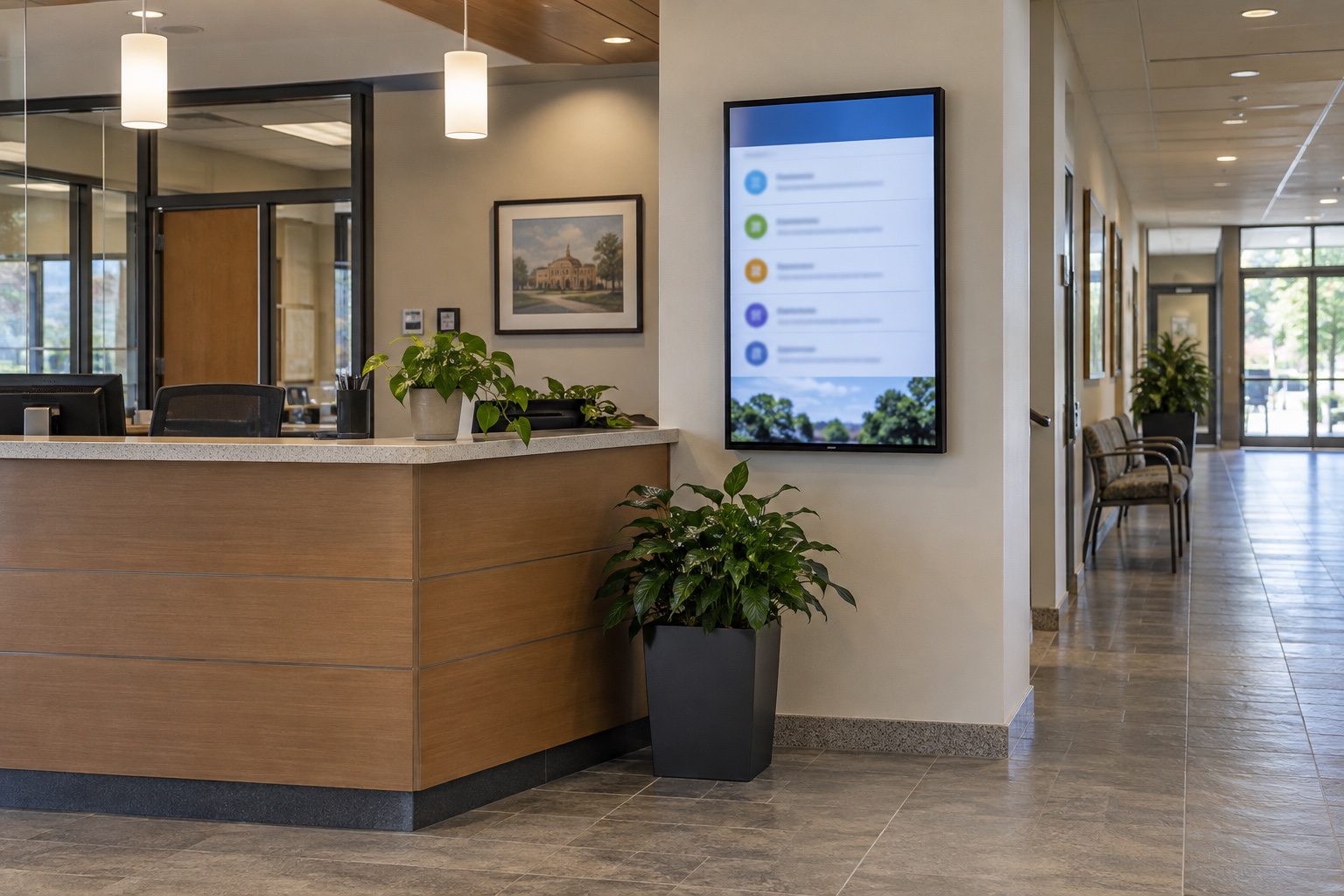
A lobby display can be bright and online while it shows yesterday’s room assignments.
Digital signage content freshness needs its own checks. Player uptime tells you that equipment is responding; it does not establish that the displayed information is current, correct or appropriate for that location. Before adding more screens, decide how old each type of information may become and what should appear when that limit is reached.
This matters in hospitals, campuses and public buildings because visitors often act on what a screen tells them. Stale information can send someone to the wrong entrance, an unavailable service or a meeting that has moved.
Define “current” for each kind of content
A department directory may remain accurate for months. A daily event schedule can become wrong within an hour. Construction directions may need an immediate change when an entrance closes. Give those content types different rules instead of applying one refresh interval to the whole network.
For each item or feed, record its authoritative source, content owner, review frequency, expiration condition and fallback. Where information affects access or safety, involve the responsible operational team in approving those rules. An AV installer should not be deciding which hospital entrance instructions remain safe after a feed fails.
Separate an item’s review date from a screen’s refresh time. Reloading an old event list every minute does not make the event list new. A clock that keeps ticking on the display proves even less about the freshness of the information beside it.
| Content | Freshness question | Possible fallback |
|---|---|---|
| Daily room assignments | Does the feed reflect the current date and recent approved changes? | Remove the stale list and direct visitors to an available staffed information point |
| Construction wayfinding | Has facilities confirmed that the route remains open? | Use an approved alternate message or remove directions that cannot be verified |
| General announcements | Has the campaign or event ended? | Replace expired items with approved evergreen content |
| Live operational status | How long can the value remain unchanged before it becomes suspect? | Show a clear unavailable state approved by the process owner |
These are planning examples. Set the actual limits and wording for the service, location and audience. A fallback that sends visitors to a desk that closes at 5 p.m. needs its own after-hours version.
Trace the information from its source to the screen
Map the path in plain terms: the source system produces data, an integration retrieves it, a template formats it, a player renders it and the display shows it. Identify who supports each step.
A feed can fail even when the player has internet access. Credentials may expire, a source field may change, or an integration may return an old cached response. A successful network request is not sufficient evidence that the business information is valid.
Where the source supports it, track both when the information was last updated and when it was successfully retrieved. Then confirm when the intended version reached the player. If the source has no useful timestamp or version, agree on another way for the content owner to verify freshness.
Keep a simple list of dependencies, including service accounts and the people authorized to renew or replace their credentials. Put secrets in the approved credential system rather than in the signage content calendar.
Design the offline behavior deliberately
Local playback can keep a screen useful when connectivity drops. BrightSign’s development guidance distinguishes locally stored content from remote web and streaming content that depends on a persistent connection. The important design decision is which content may safely remain visible when updates stop.
A locally stored welcome message may be a good fallback. A cached queue status or room assignment may become misleading. Ask the signage platform provider how expiration, cached data and feed errors are handled in your specific configuration. Do not assume the player will remove stale information automatically.
Specify the failure state in the content design. It may be a short message that information is temporarily unavailable, a verified general directory or a simpler approved layout. Avoid raw error codes, empty widgets and tiny warning text that visitors cannot use.
Emergency communication requires its own approved design, authority and operating procedures. A general signage freshness policy should not be treated as proof that the system meets emergency-notification needs.
Monitor what the visitor can actually see
Use player health information, feed checks and content review together. For supported systems, remote screenshots can help confirm which layout and information the player is rendering. BrightSign documents screenshot functions in its Diagnostic Web Server guidance.
A screenshot still has limits. It may show the player’s output while the physical display is off, on the wrong input or obscured. It also cannot tell whether a published room assignment is correct unless someone compares it with the source. Include occasional checks in the actual location.
For a large network, prioritize screens by consequence. A decorative brand display and a hospital entrance directory should not receive the same response simply because they use the same hardware. Decide which failures require an immediate call, which create a routine ticket and who receives them.
Keep alerts actionable. “Feed stale beyond its approved limit at the east entrance” gives staff a place, a condition and a reason to respond. Hundreds of identical offline emails can obscure the incident that matters.
Test failure before expanding the network
Use a test player or a planned maintenance window to interrupt the data path. Disconnect connectivity, simulate an unavailable feed, and provide a response that arrives successfully but contains an old timestamp. Those conditions exercise different parts of the design.
Check whether the expected fallback appears at the agreed time. Restart the player while the source remains unavailable and observe what it displays. Restore the source and confirm that current content returns without leaving an old message stuck on screen.
Include an expired announcement, a wrong device clock or time zone, and an after-hours fallback in the review where relevant. Record the result with the content owner present. A technician may see a technically correct layout while a receptionist immediately recognizes that its directions are unusable.
For renovation projects, keep this test with the temporary wayfinding plan. The content should change with the approved route, and obsolete directions should have a defined removal point.
Assign an owner for the information and an owner for delivery
The communications or operational team should own accuracy and approval. IT and AV support should own the relevant delivery components. Name the person who coordinates a failure spanning both, such as a valid-looking feed that stopped receiving updates.
Give the content owner a review schedule and a way to retire old items. Give support staff the feed dependencies, fallback rules and escalation contacts. Review those records when departments move, source systems change or new screens are installed.
VIcom can help plan digital signage systems around the information visitors need. Bring a few representative feeds and the decisions people make from them. That is the starting point for choosing sensible freshness limits, monitoring and fallback behavior.
Connect with VIcom by filling out the form below.